Putting into Operation
R&S
®
NRP2
18User Manual 1173.9157.02 ─ 03
1.8
Starting the R&S NRP2
1.8.1 Switching on
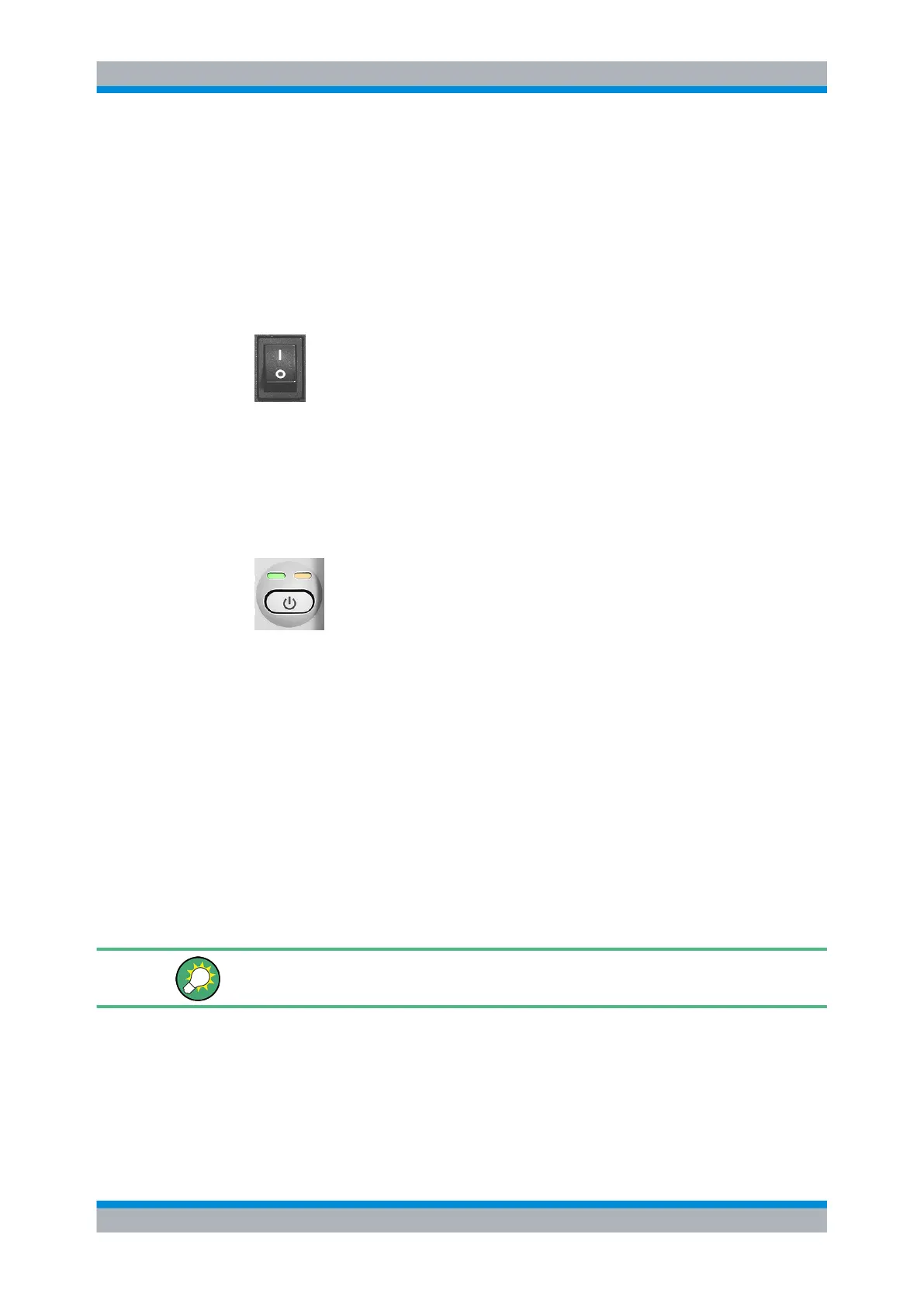
1. To turn the power on, press the main power switch at the rear to position I (On).
Fig. 1-6: Power switch
After power-up, the instrument is in standby or ready state, depending on the state
of the ON/STANDBY key at the front panel of the instrument when the instrument
was switched off for the last time.
2. Press the ON/STANDBY key to switch the instrument from the standby to ready state.
Fig. 1-7: ON / Standby key
green and yellow = ready for operation
yellow = standby, AC supply is connected and power supply is operating correctly
off = off and disconnected from the AC supply
1.8.2 Startup
► Press the ON/STANDBY key to switch to ready state.
The R&S NRP2 initiates its startup procedure, i.e. it boots the operating system,
automatically performs a selftest and starts the instrument firmware. If the previous
session was terminated regularly, the instrument uses the last setup with the relevant
instrument settings.
Use the (PRE)SET key to return the instrument to its definite reset/preset state, if the
current setup is no longer relevant.
To customize the start settings use the "File" dialog box, see chapter 4.6, "Management
of settings", on page 139.
Starting the R&S NRP2



 To Next Page