Putting into Operation
R&S
®
NRP2
19User Manual 1173.9157.02 ─ 03
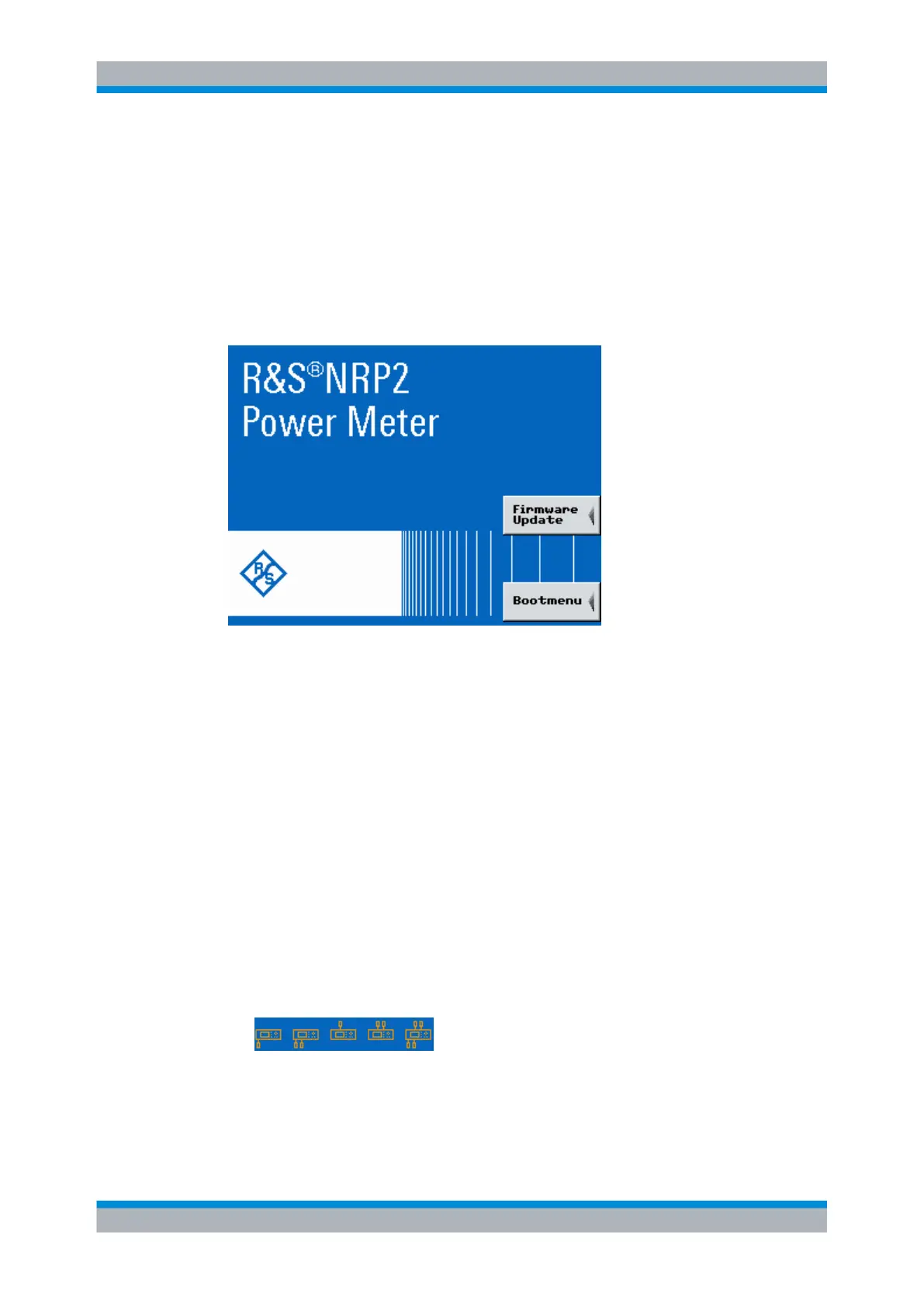
1.8.2.1 Start screen
Immediately after turning on the start screen appears, and the R&S NRP2 provides short-
term access to the boot menu and the firmware update menu.
The bootmenu provides service and system functions, e.g. resetting the internal memory,
see chapter 8.3, "Bootmenu", on page 342
For further information on the firmware update see firmware release notes on the R&S
website available for download: http://www.rohde-schwarz.com/product/NRP2.html.
Fig. 1-8: Start screen with access to Firmware Update and Bootmenu
1.8.2.2
Function check
After switch-on, the R&S NRP2 performs a function test. The contents of all non-volatile
memories, the RAM and the addressability of the interfaces are checked. Messages
indicate the options the instrument is equipped with.
The R&S NRP2 checks the following functions:
●
Function test on the RAM
●
Function test on the keyboard controller
●
Addressability check on the keypad
●
Addressability check on the test generator.
This test is performed if the instrument is equipped with option R&S NRP2-B1, sensor
check source.
●
Addressability check of the sensor channels
Depending on the number of installed sensors, the displayed icon varies:
Fig. 1-9: Connected sensors (symbols)
– One of the sensor boxes shown on the left bottom of the icon, represents a sensor
connected at channel A, i.e. the instrument is single channel.
Starting the R&S NRP2



 To Next Page