Instrument Functions
R&S
®
NRP2
143User Manual 1173.9157.02 ─ 03
4.6.6 Assigning names to windows
Each display window is automatically labeled with a number (1, 2, 3, 4). In addition, you
can enter a name for each window to indicate the type of measurement result. This is
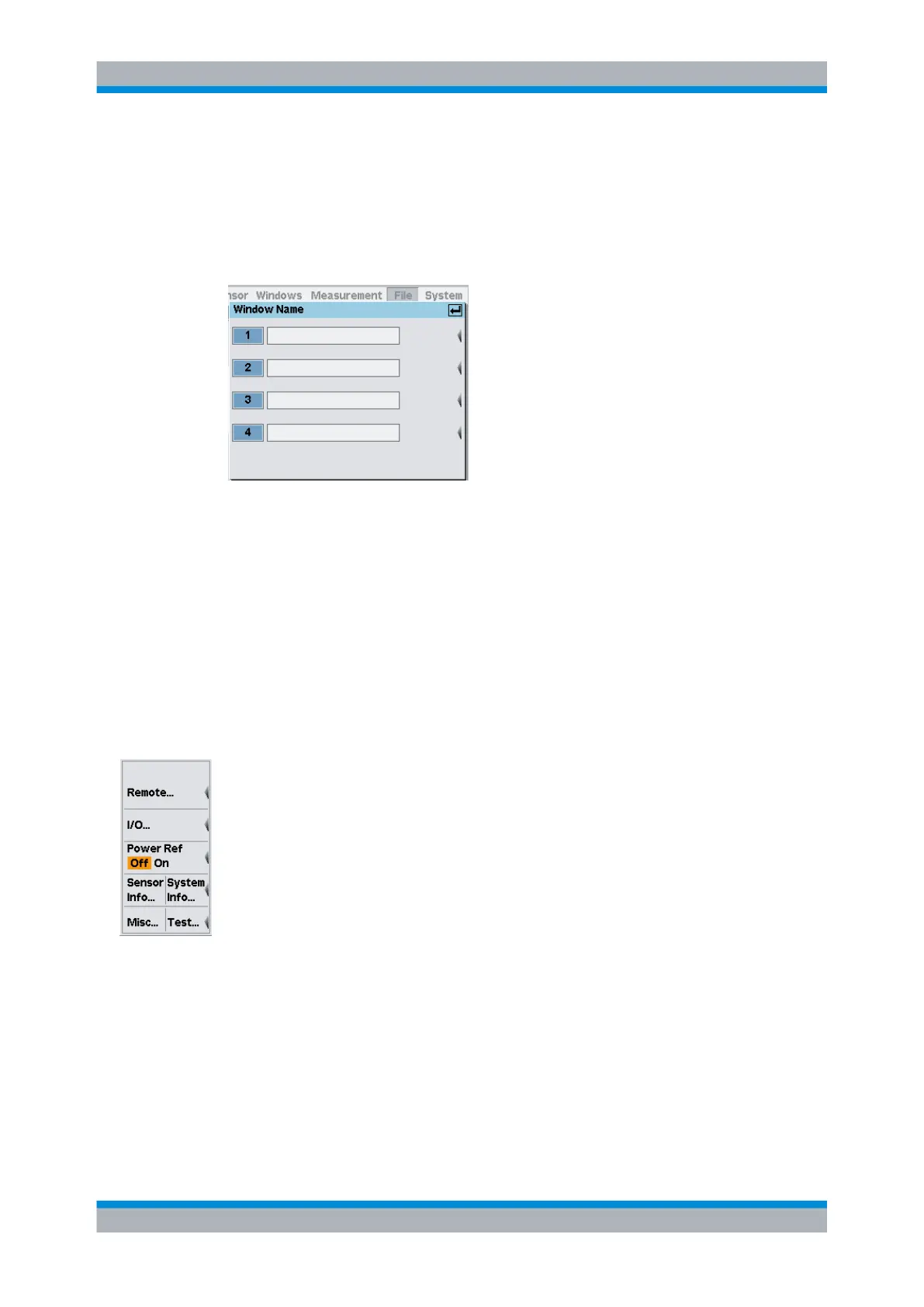
particularly recommended for settings to be stored in a setup memory. The "Window
Name" dialog box in the "File" menu is used to assign names to windows.
Fig. 4-71: Window Name dialog box
Window 1...4
Assigns an individual name to each window.
SCPI command:
DISPlay[:WINDow]<[1]..4>:NAME on page 243
4.7 System settings
System settings are configured in the "System" menu.
The menu provides access to the following settings:
● Configuring the remote control interfaces, on page 143
● Setting analog outputs, on page 149
● Power Reference, on page 156
● System information, on page 156
● Miscellaneous, on page 158
● Test measurement, on page 159
4.7.1 Configuring the remote control interfaces
The R&S NRP2 provides different interfaces for remote control. The settings are config-
ured in the "Remote Interfaces" dialog box.
In addition, the R&S NRP2 supports command sets of power meters from other manu-
facturers. Thus, it is possible for example, to conveniently replace a power meter by the
R&S NRP2.
System settings



 To Next Page