Instrument Functions
R&S
®
NRP2
61User Manual 1173.9157.02 ─ 03
4 Instrument Functions
Chapter "Instrument functions" explains the functions of the R&S NRP2 and its options.
The associated SCPI command is specified for each parameter (where applicable). The
description starts with general instrument settings accessed by the SETUP hardkeys.
The power meter functions are then described systematically, sorted by their occurrence
in the menus.
The instrument settings include various functions, such as:
● chapter 4.1, "Main Settings", on page 61
Setting a defined basic setup using the (PRE)SET key see chapter 4.1.1, "Preset
hardkey", on page 61
● chapter 4.2, "Data acquisition and parameters", on page 64
● chapter 4.3, "Displaying measurement results", on page 90
● chapter 4.4, "Configuring measurements", on page 96
● chapter 4.5, "Displaying traces", on page 112
● chapter 4.6, "Management of settings", on page 139
● chapter 4.7, "System settings", on page 143
● chapter 4.8, "Messages and alarms", on page 163
4.1 Main Settings
The main settings for the R&S NRP2 are accessed via hardkeys.
4.1.1 Preset hardkey
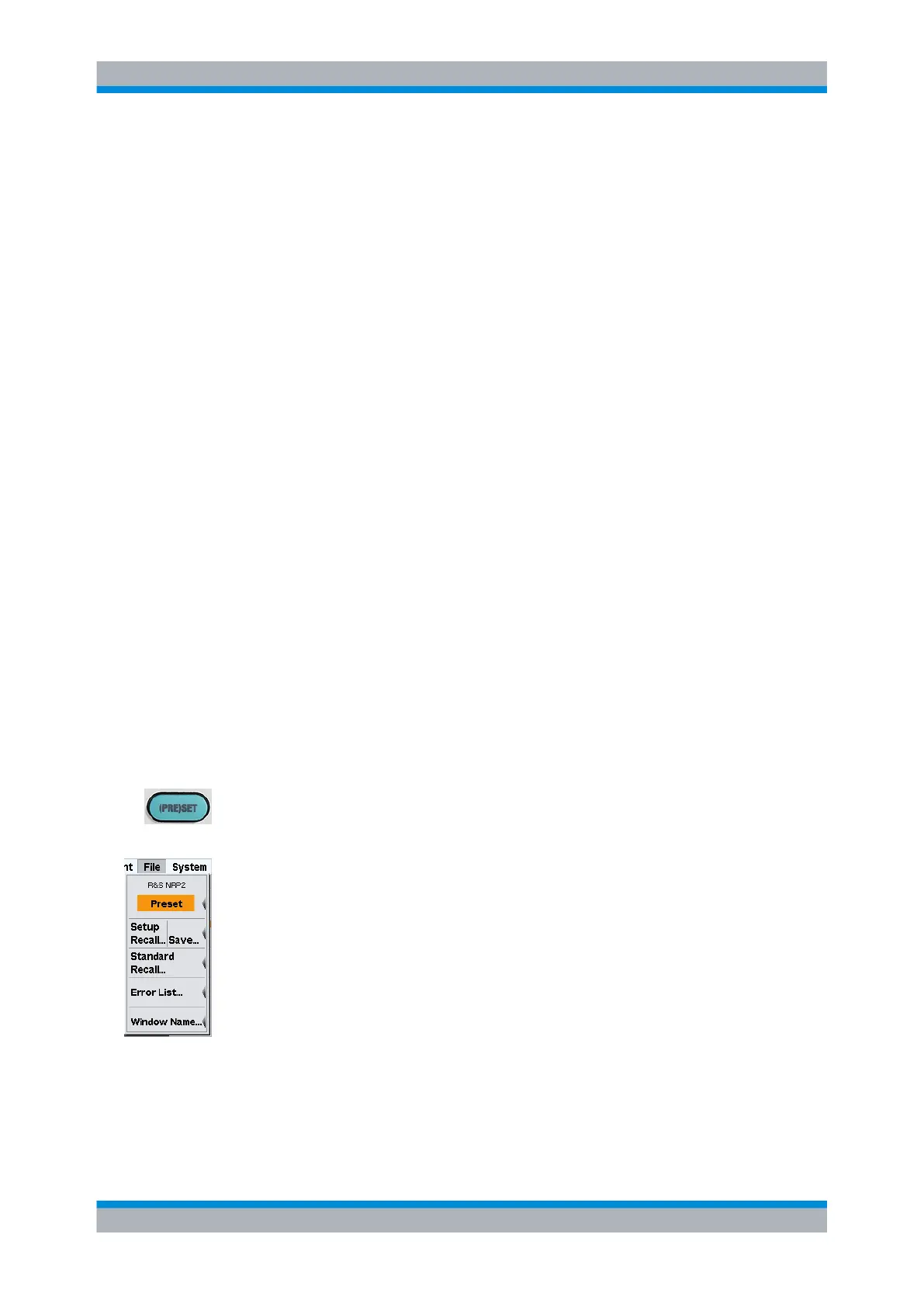
(PRE)SET changes the instrument to its default state (Preset), to a predefined state for
a mobile radio standard or to a user-defined (Setup) state. A maximum of 10 states are
possible.
The highlighted background of the text indicates that the function can also be started by
pressing the (PRE)SET hardkey if the "File" menu is open.
1.
Pressing this key once opens the "File" menu. Refer to chapter 4.6, "Management of
settings", on page 139 for description of the menu's topics.
2. Pressing the key a second time loads the preset settings.
When the preset state is selected, all default parameters are set - even those for operating
modes that have not been activated. The following list gives an overview of the preset
values for the most important meter settings. Further preset values can be found in the
remote command description (*RST on page 196). Various parameters including the
following will be reset:
●
all channels in the Cont Av mode (continuous average power)
Main Settings



 To Next Page