Instrument Functions
R&S
®
NRP2
139User Manual 1173.9157.02 ─ 03
In addition to, and independent of, the setting of the aperture time for the measurement
of an average power value (Av) (chapter 4.2.1.2, "Continuous average-power measure-
ments", on page 66 ), you can use this parameter to set the length of the unsynchronized
time interval for the statistical analysis of the signal.
SCPI command:
[SENSe<[1]..4>]:STATistics:TIME on page 281
Samples
Enters the required minimum number of samples.
If the acquired number of samples within a gate or a time interval defined by "Aperture"
is less than the required minimum number of samples, then this gate or time interval is
repeated until the minimum number of samples is attained.
SCPI command:
[SENSe<[1]..4>]:STATistics:SAMPles[:MINimum] on page 279
4.6 Management of settings
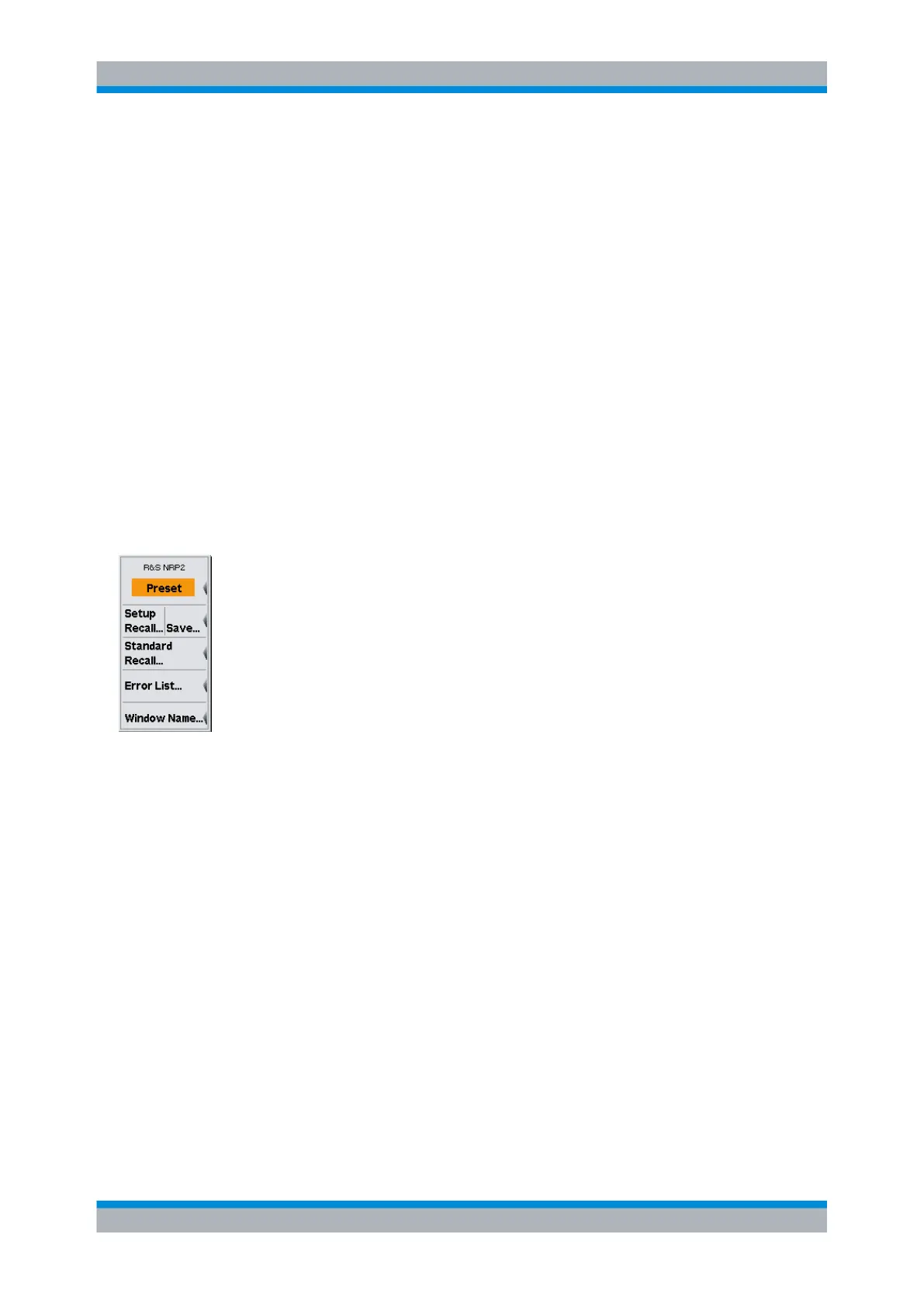
The general settings are performed in the File menu.
● Default settings, on page 139
● Loading user-defined settings, on page 140
● Saving user-defined settings, on page 139
● Loading settings for mobile radio standards, on page 141
● Programming aids, on page 142
● Assigning names to windows, on page 143
4.6.1 Default setting
The "Preset" softkey in the "File" menu and the (PRE)SET hardkey change the
R&S NRP2 to its default setting.
After "Preset", the sensors operate in "Cont Av" mode with sensor-specific aperture time.
4.6.2 Storing user-defined settings
The R&S NRP2 provides 19 memory spaces in which complete device settings can be
stored (Setup memory). Settings can be stored by using the "Save Setup" dialog box of
the "File" menu. The memory spaces can be labeled with a name for identification.
Management of settings



 To Next Page