Instrument Functions
R&S
®
NRP2
140User Manual 1173.9157.02 ─ 03
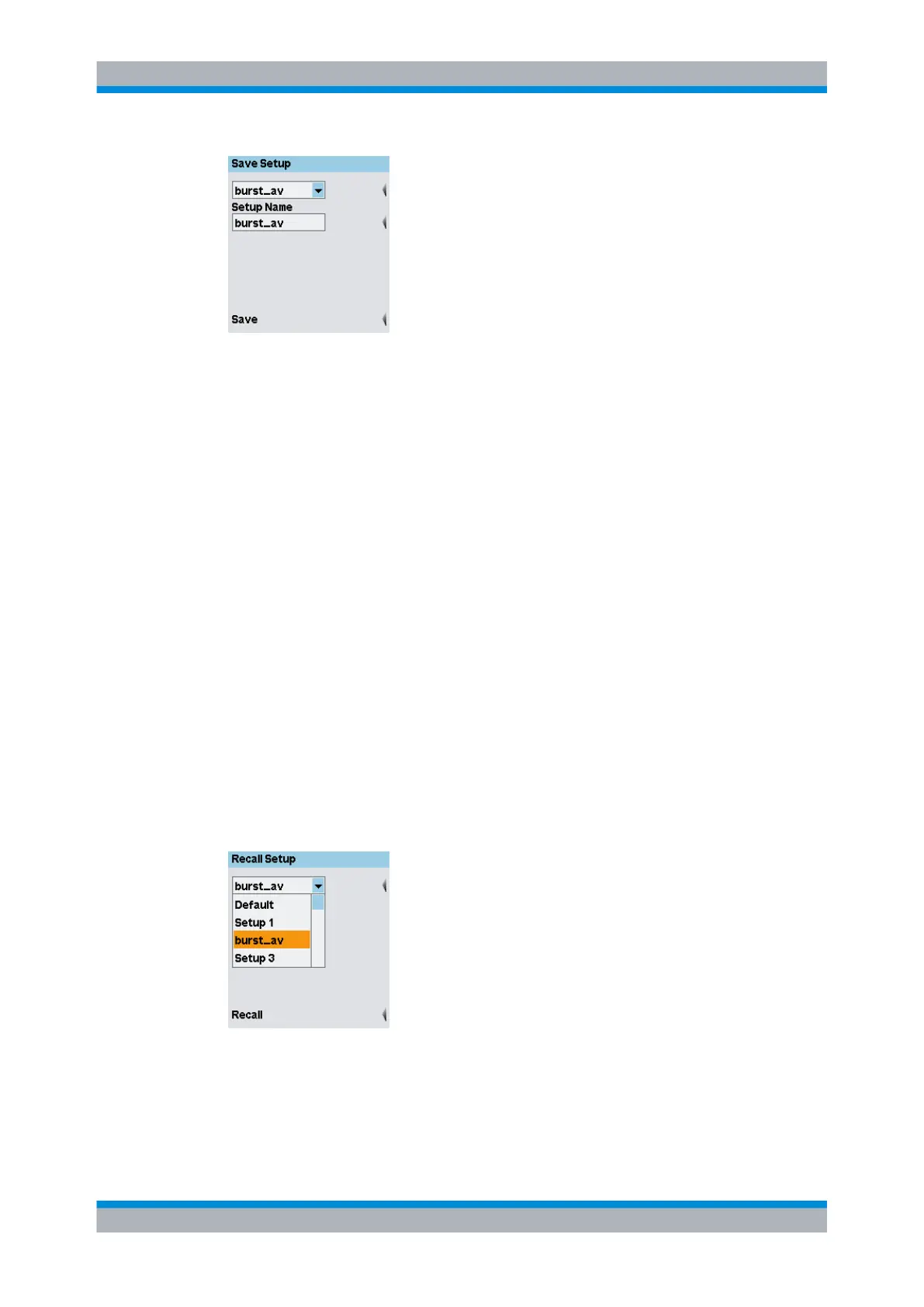
Fig. 4-67: Save Setup dialog box
Select setting
Selects a memory space.
Setup Name
Names or renames the selected memory space. A letter panel opens after pressing the
associated softkey.
SCPI command:
MEMory:STATe:MAP on page 250
Save
Saves the current settings under the selected name. After the settings are stored suc-
cessfully, the dialog box closes automatically.
Former settings saved in this memory space are overwritten.
Another way to save the settings and close the dialog box is to press the ↵MENU key.
SCPI command:
*SAV on page 202
4.6.3 Loading user-defined settings
The "Recall Setup" dialog box in the "File" menu is used to load stored settings.
Fig. 4-68: Recall Setup dialog box
Select setting
Selects a setting.
Management of settings



 To Next Page