Instrument Functions
R&S
®
NRP2
97User Manual 1173.9157.02 ─ 03
Configuring a measurement does not change the sensor operating modes that have been
set in the "Mode" menu.
In remote control mode, the instrument allows the configuration of a total of 8 measure-
ments. However, only measurement 1 to 4 can be assigned a result window. Measure-
ments number 5 to 8 can only be evaluated via remote control.
4.4.1 The Measurement menu
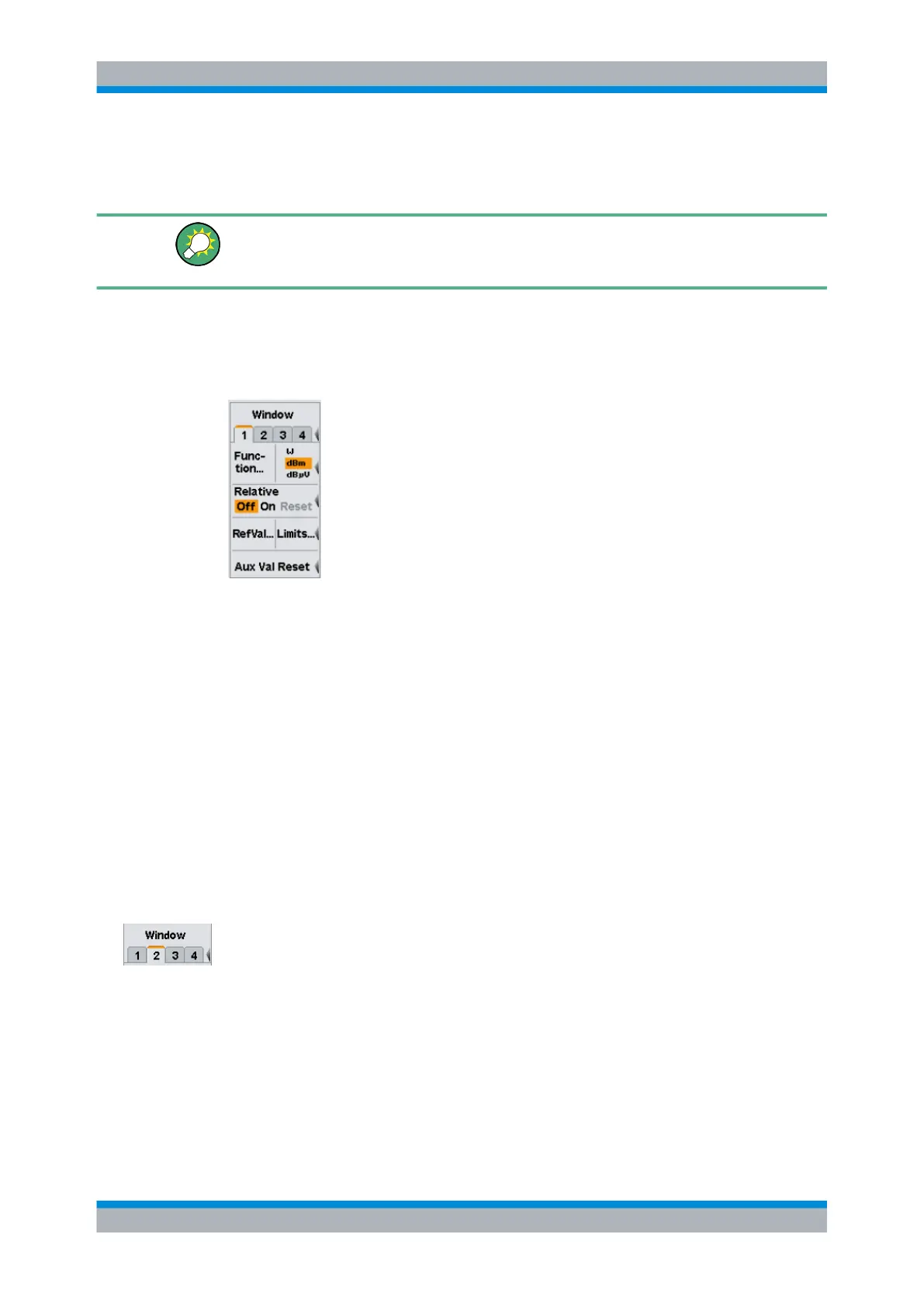
The "Measurement" menu contains the functions required to configure measurements.
Fig. 4-28: Measurement menu
● Selecting a window, on page 92
● Selecting a measurement function, on page 98
● Selecting a unit, on page 105
● Auxiliaries, on page 108
● Relative measurement, on page 109
● Limit monitoring, on page 110
● Resetting auxiliary information, on page 111
4.4.2 Selecting a window
The window to be configured is selected by the tab.
Window dialog box tabs
Each window is assigned a tab. All the parameters settings in the "Window" dialog box
act on the selected window.
SCPI command:
DISPlay[:WINDow]:SELect on page 244
With remote command there is a distinction between selecting the active window and
selecting the window to be configured. The active window is selected using command
DISPlay:WINDows:SELect. The window to be configured is selected with the suffix of
the WINDows keyword. For example DISPLay:WINDow3:NAME defines the label of win-
dow 3.
Configuring measurements



 To Next Page