Instrument Functions
R&S
®
NRP2
92User Manual 1173.9157.02 ─ 03
4.3.3.1 Selecting a window
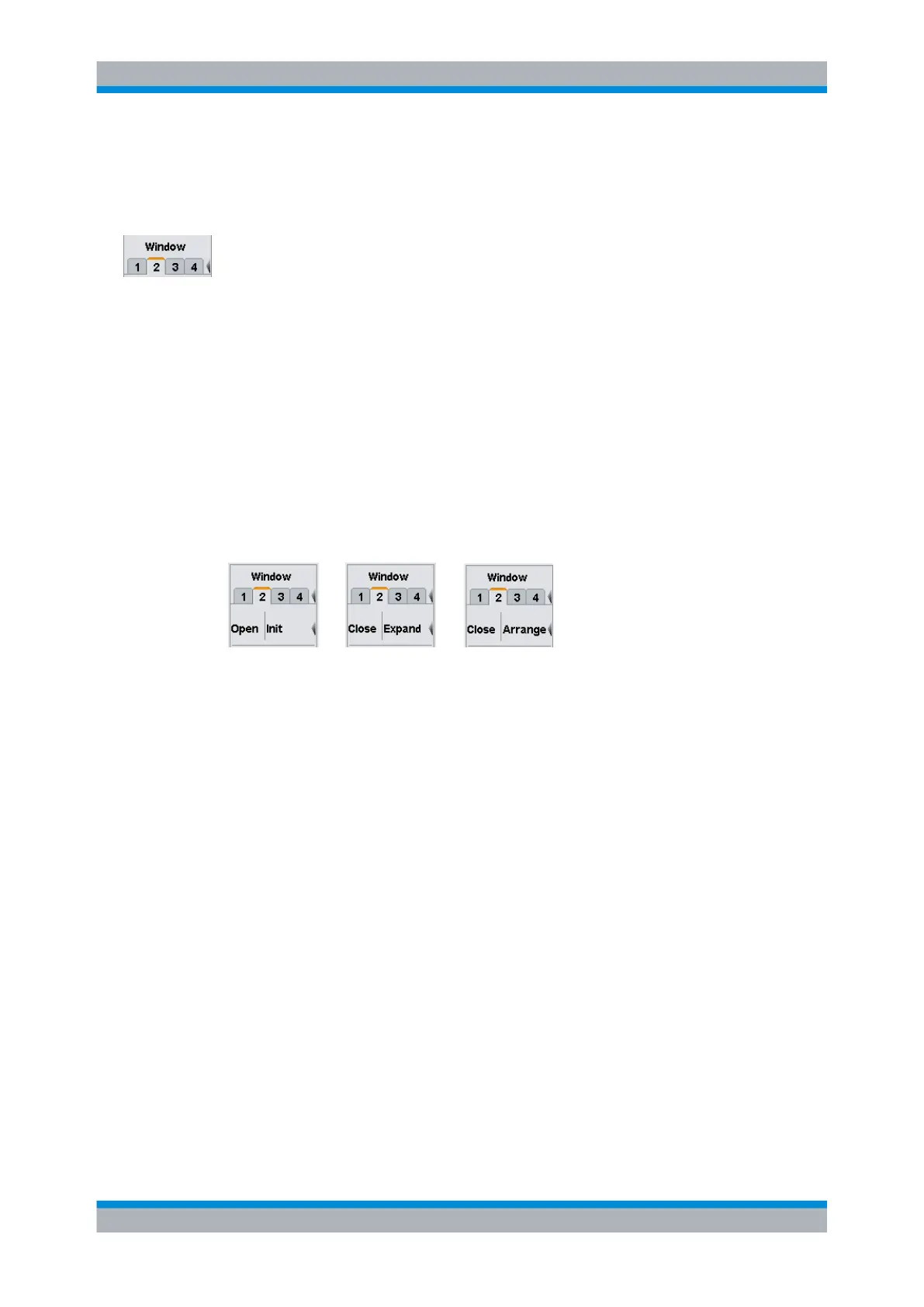
The window to be configured is selected by the tab.
Window dialog box tabs
Each window is assigned a tab. All the parameters settings in the "Window" dialog box
act on the selected window.
SCPI command:
DISPlay[:WINDow]:SELect on page 244
With remote command there is a distinction between selecting the active window and
selecting the window to be configured. The active window is selected using command
DISPlay:WINDows:SELect. The window to be configured is selected with the suffix of
the WINDows keyword. For example DISPLay:WINDow3:NAME defines the label of win-
dow 3.
4.3.3.2 Using and arranging windows
The labeling of the second softkey in the "Windows" menu is context-sensitive and
changes according to the status of the active window.
Fig. 4-25: Windows menu, softkeys for controlling the windows
Open
Opens the selected window with its previous settings, i.e. "Open" restores a measure-
ment that has been removed from the display.
SCPI command:
DISPlay[:WINDow]<[1]..4>[:STATe] on page 245
Init
Initializes the selected window, i.e. "Init" configures a completely new measurement with
preset values.
Close
Closes the selected window. The sizes of the remaining windows are adjusted accord-
ingly.
SCPI command:
DISPlay[:WINDow]<[1]..4>[:STATe] on page 245
Expand
Expands all open windows to the full display height. Only the selected window is displayed
while the other windows are masked by the selected window. However, the masked win-
dows are still open and can be selected in the sequence "1 2 3 4" in the windows menu
or by means of the up/down cursor keys.
Displaying measurement results



 To Next Page