Manual Operation
R&S
®
NRP2
49User Manual 1173.9157.02 ─ 03
3 Manual Operation
This chapter describes the controls, displays, etc, the screen layout and how to operate
the R&S NRP2.
3.1 Keys
Keys on the front panel of the meter are used to manually operate the instrument. There
are several groups of keys, each group having a different function.
For more information on keys...
According to their functionality, keys are described in several sections of the R&S NRP2
manual. See:
● Front panel - keys (hard-, soft- and cursor), page 12 for information on the keys
located at the front panel.
● Brief introduction to the operation - key handling, page 24, providing a brief introduc-
tion on how to operate.
● Instrument functions - Main settings FREQ, PRESET, ZERO, page 61 for informa-
tion on the setup keys FREQ, (PRE)SET and ZERO.
● Softkey - manual operation > Menu handling, page 53
● Dialog boxes and their control elements, page 53
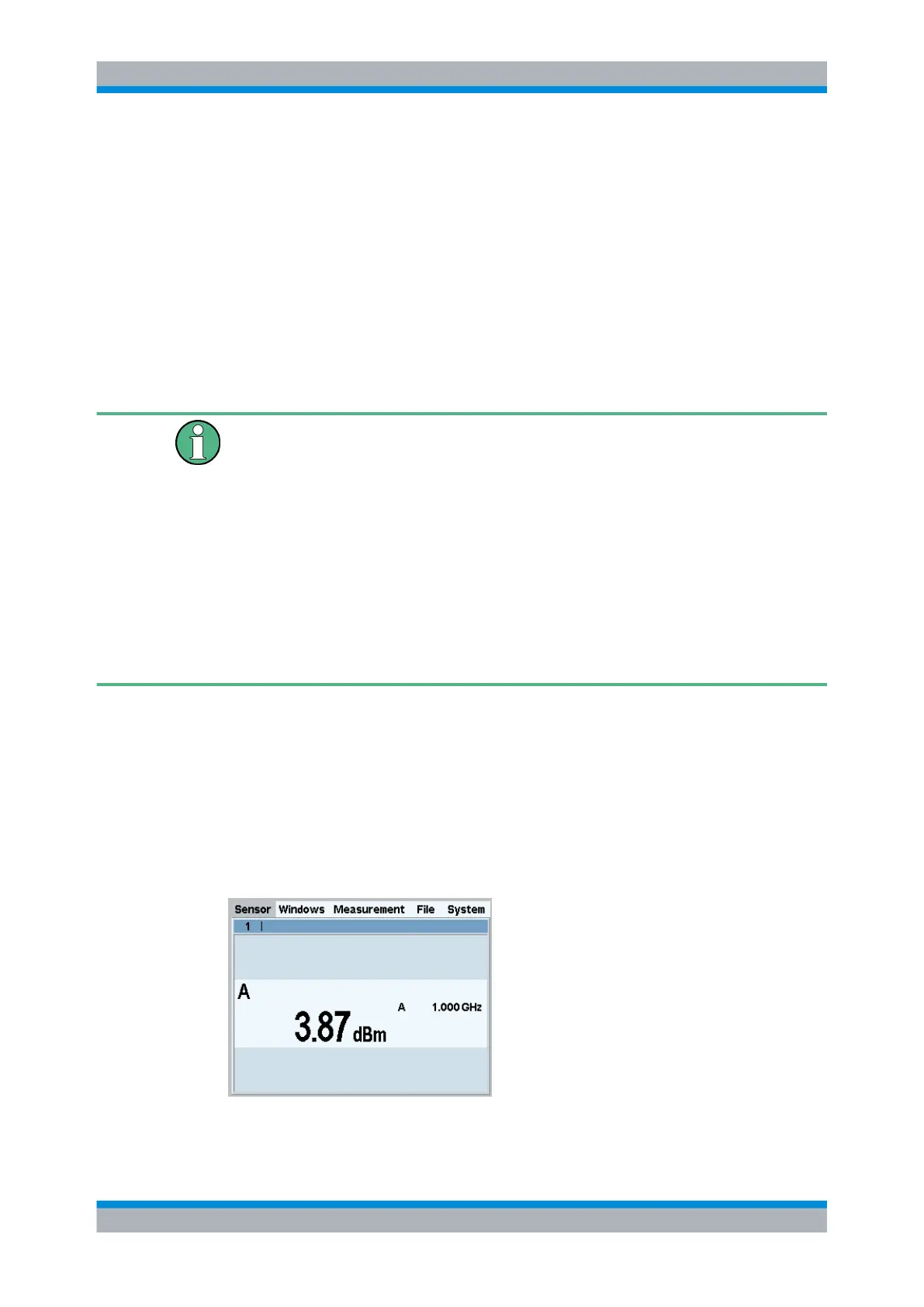
3.2 Screen layout
The R&S NRP2 screen displays the menu bar with the menu names and at least one or
more measurement result window. The folded-out menu and the setting dialog boxes
may overlay the result windows.
Result window
Fig. 3-1: Screen layout / result window
Keys



 To Next Page