Manual Operation
R&S
®
NRP2
50User Manual 1173.9157.02 ─ 03
The R&S NRP2 displays results in windows. A maximum of four windows can be dis-
played simultaneously on the screen. They are numbered 1 to 4. Windows have a title
bar which contains the number (fixed) and, optionally, the window name (user-definable).
Windows do not have any control elements.
Menu bar
Fig. 3-2: Screen layout / menu bar
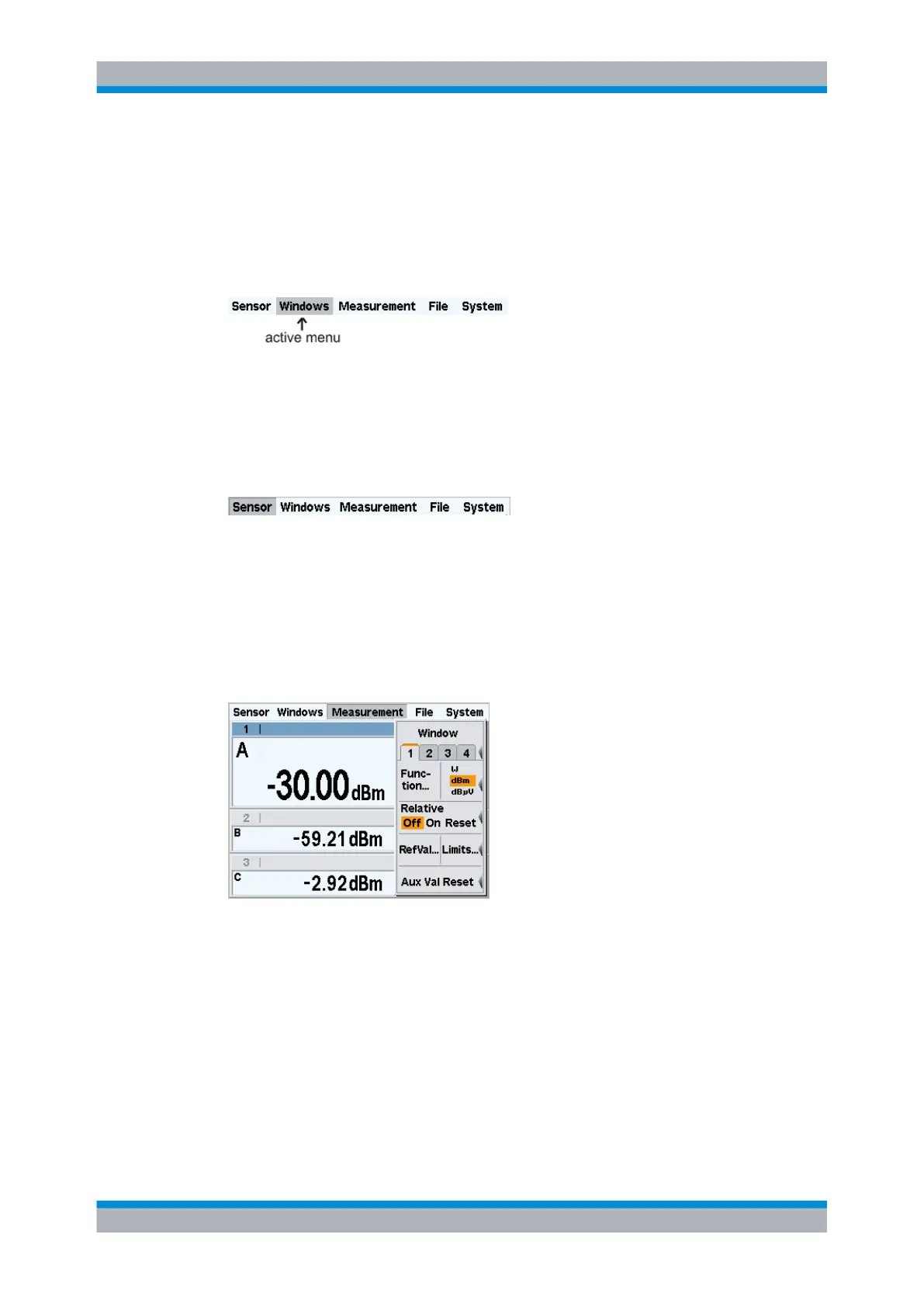
A menu bar is always displayed at the top of the screen. It contains the menu names.
The active menu is highlighted.
Selecting the active menu
Fig. 3-3: Screen layout / selecting the active menu
Select the active menu:
► Press the right or left side of the topmost softkey one or more times. Alternatively you
can also use the cursor keys ⇦ ⇨.
Folding menus out or in
Fig. 3-4: Screen layout / measurement menu folded out
Fold out/in the active menu:
1.
Press the ↵ MENU hardkey to fold the menu out.
2.
Press the ↵ MENU hardkey again to fold the menu in.
The menu also folds out automatically if another menu is selected.
Screen layout



 To Next Page