Getting Started
R&S
®
NRP2
24User Manual 1173.9157.02 ─ 03
Recommended first steps
Before you set up a new measurement, we recommend that you preset the R&S NRP2.
Thus, the instrument is in a defined initial state. This prevents any previous settings from
causing incorrect results. In addition, a zero calibration of the sensors is required. Follow
the steps in chapter 2.3, "Preset and zeroing", on page 27.
2.2 Brief introduction to the operation
The R&S NRP2 can be operated intuitively via the hardkeys and the interactive display
with the associated softkeys. All menus and dialog boxes are in the form of windows that
can be operated in the same way. The hardkeys and softkeys allow direct and therefore
convenient access to entries and settings.
The clear-cut display shows the power measurement results of up to 4 power measure-
ments simultaneously. Results can be displayed digitally or graphically, either by an ana-
log meter or, depending on the measurement mode, in a trace diagram.
This section briefly describes the concept of manual operation of the power meter in order
to perform the test examples with the instrument, described later on in this chapter.
For a detailed description on the controls, the screen layout and how to operate the
R&S NRP2, refer to chapter 3, "Manual Operation", on page 49.
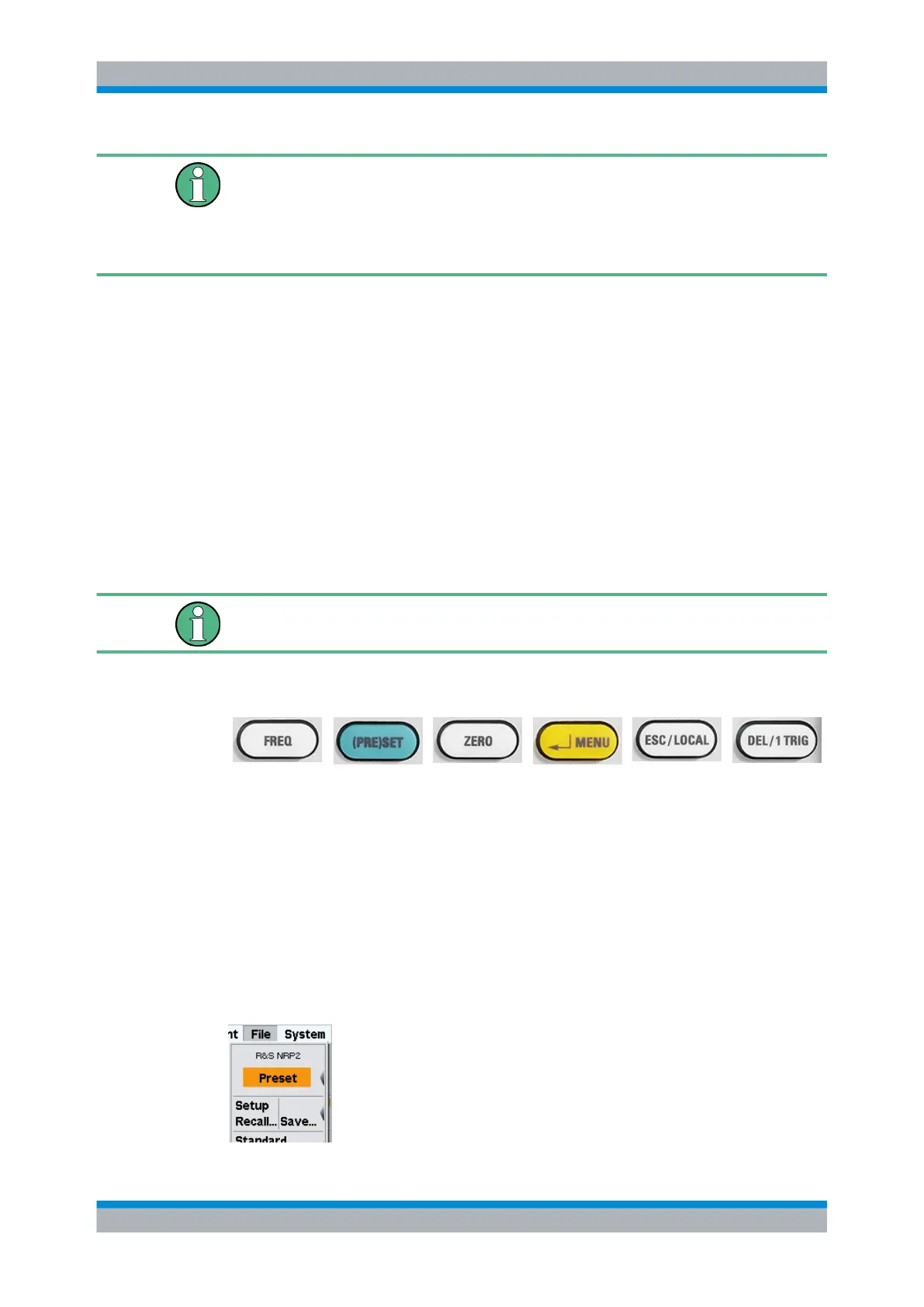
Using the hardkeys
●
hardkeys are always available for use.
●
according to its label, a hardkey directly activates a function.
● if two functions are provided in one hardkey, e.g. "↵ Menu", the context determines
the currently active function. The respective function is selected automatically by the
instrument.
See chapter 1.5.2.2, "Hardkeys", on page 12 for information concerning assignment
and the respective functional description of the hardkeys.
A highlighted menu item corresponding to one of the hardkeys, indicates that the function
can be started either by the softkey or the associated hardkey, as shown in the example
with "Preset".
Brief introduction to the operation



 To Next Page