Instrument Functions
R&S
®
NRP2
91User Manual 1173.9157.02 ─ 03
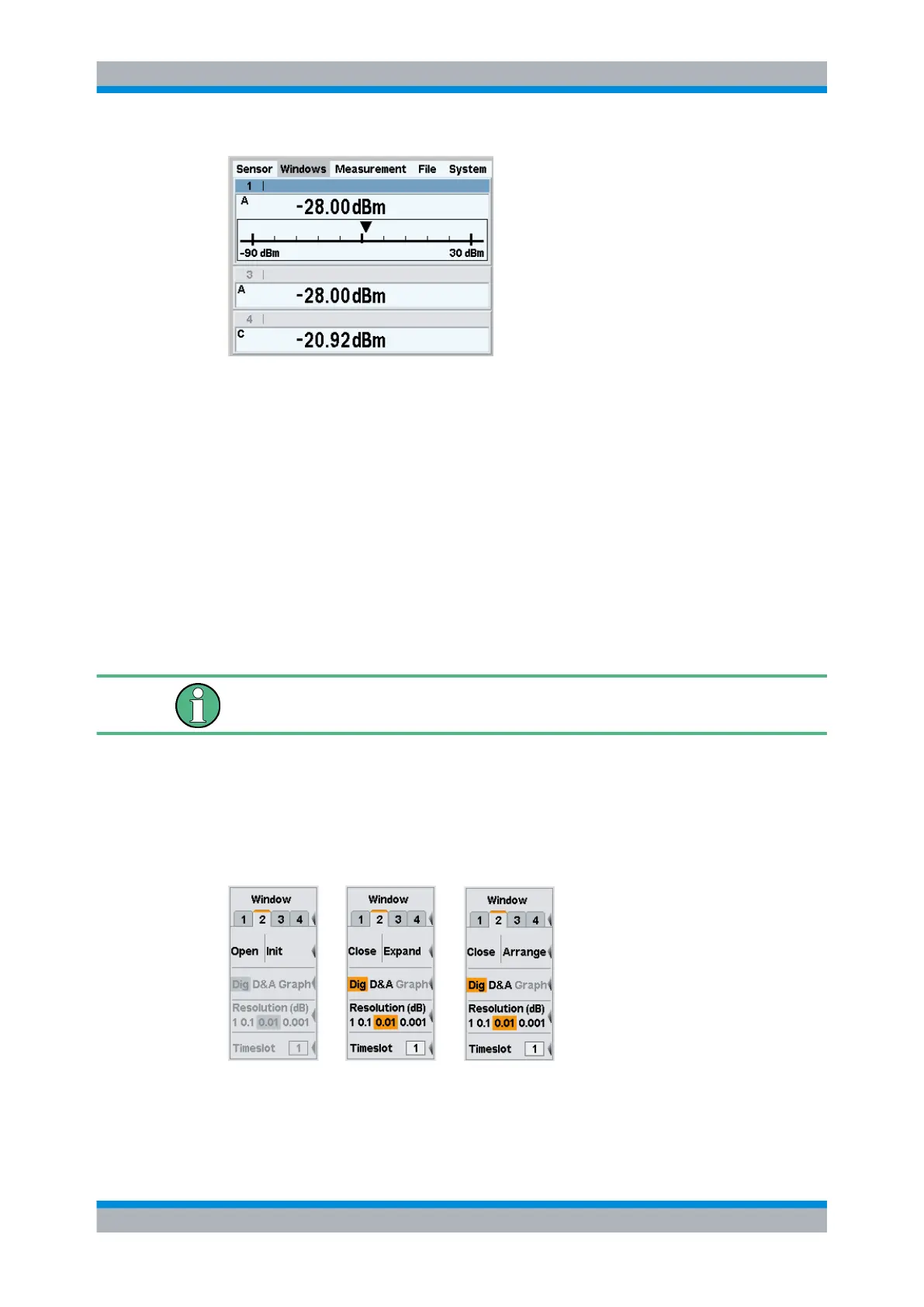
Fig. 4-23: Arranging windows
4.3.2 Labeling windows
The windows are numbered from 1 to 4 and are therefore clearly identifiable. By default,
they are labeled by the window’s number (1 to 4). The label is displayed in the top left of
the title bar.
Windows can also be assigned a name, see "Window Name" in the "File" menu. The
name is displayed in the window’s title bar . Assigning meaningful names to the windows
makes it much easier to recognize the associated measurement.. A name like "Amplifier
output" is more informative than "Channel A" or "Window 2".
The names of the windows are also stored in the setups.
With remote control, the window is selected with suffix <[1]..4> in the WINDow key-
word. For example, command SENSe:WINDow2:STAT ON activates window 2.
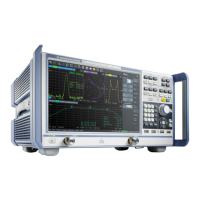
4.3.3 The Windows menu
The "Windows" menu is context-sensitive and displays only those menu items that are
relevant to the current measurement scenario. The menu includes all window functions
the instrument provides.
Fig. 4-24: Windows menu
Displaying measurement results


 To Next Page