Remote control interfaces
R&S
®
NRP2
363User Manual 1173.9157.02 ─ 03
// Winsock-Cleanup
//----------------
WSACleanup();
return(0);
} // Ende main()
A.4 USB interface
If the R&S NRP2 is connected to a controller via a USB 1.1 interface, it logs on as a USB
test and measurement class (USBTMC) device, provided that USB is selected as a
remote interface in the System(Remote USB menu. The USBTMC standard describes
how IEEE 488.2-compatible communications can be implemented via USB.
As with remote control via VXI11, the use of VISA distribution with a USBTMC driver is
recommended for remote control via USB. The VISA resource identifier used to identify
a USBTMC device has the following format:
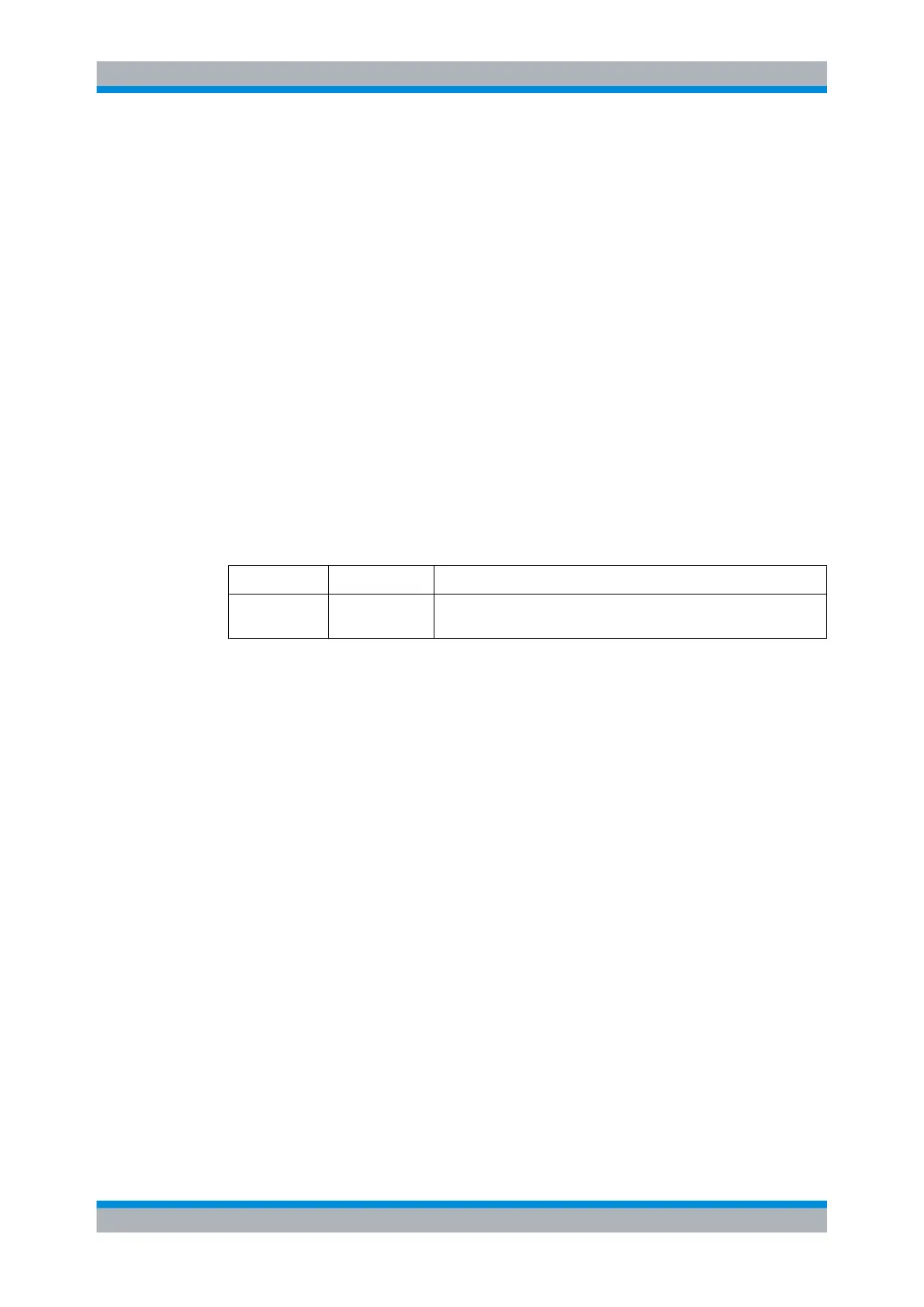
USB::<Vendor ID>::<Product ID>::<serial number>::<INSTR>
<Vendor ID> <Product ID> <Serial number>
0x0aad 0x001b The serial number is a string that can be taken from the System(System
Info menu, for example.
In addition, the VISA resource identifier appears on the R&S NRP2 display if the USB
remote interface is selected.
USB interface



 To Next Page