Getting Started
R&S
®
NRP2
33User Manual 1173.9157.02 ─ 03
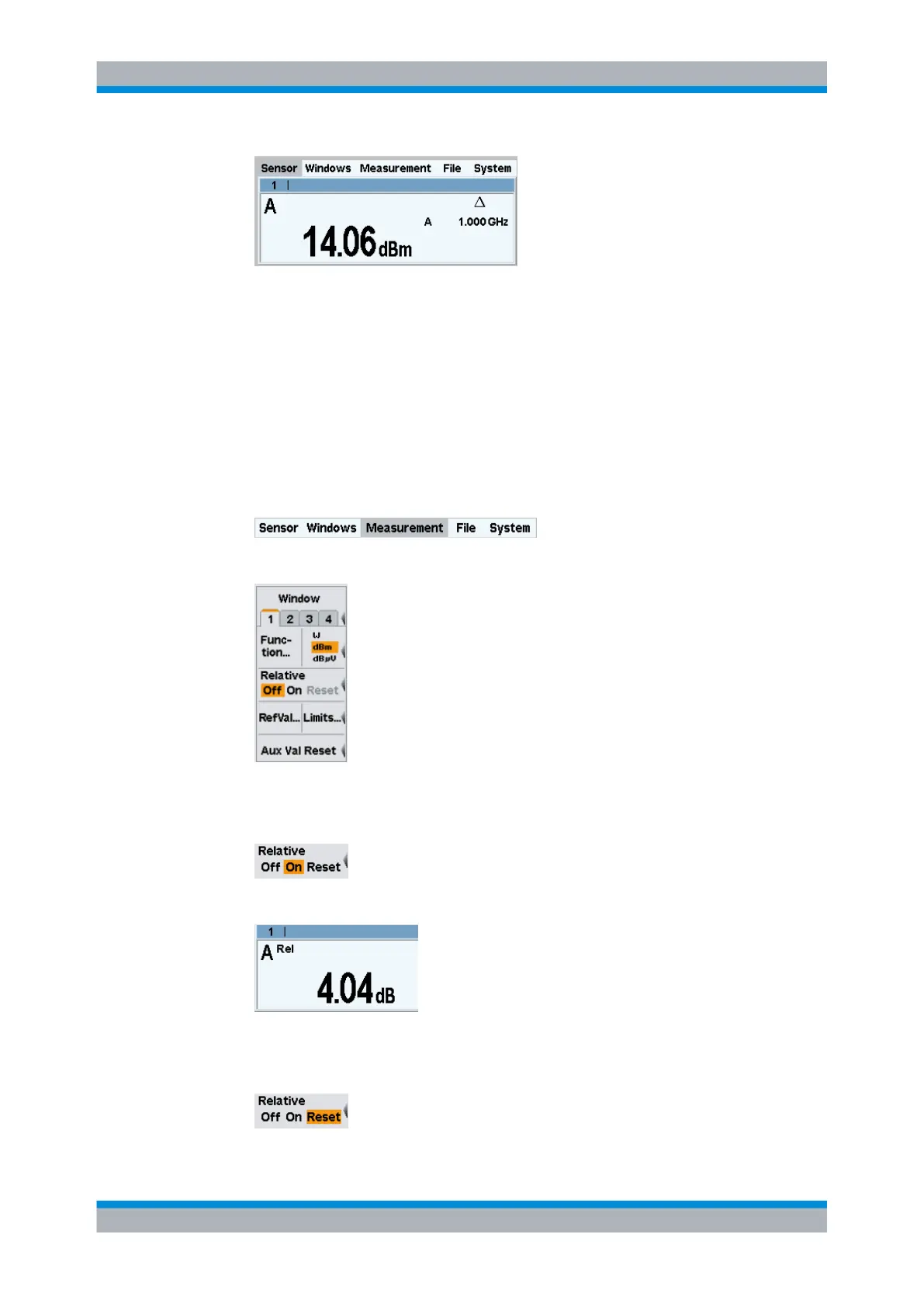
Fig. 2-10: Result window / Offset
In the note line of the result window, the Δ symbol indicates that global offset cor-
rection is active.
Performing relative power measurements
The R&S NRP2 calculates and displays also the relative difference between a measured
value and a reference value. The reference value can be a measured value that has been
saved or an arbitrary value that is entered.
1. Select the "Measurement" menu.
2.
Open the "Measurement" menu with ↵MENU.
Fig. 2-11: Measurement menu
3. To activate the relative mode, press the right side of the softkey next to "Relative".
As the default setup was loaded in step 1, the value relative to 0 dBm is displayed.
Fig. 2-12: Result window / Relative
4. Press the right side of the softkey next to "Relative" again.
Measuring average power (Cont Av mode)


 To Next Page