Getting Started
R&S
®
NRP2
32User Manual 1173.9157.02 ─ 03
All sensor-related settings are made in the "Sensor" menu. It determines type and
details of data acquisition.
2. Press the left side of the "Offset…" softkey.
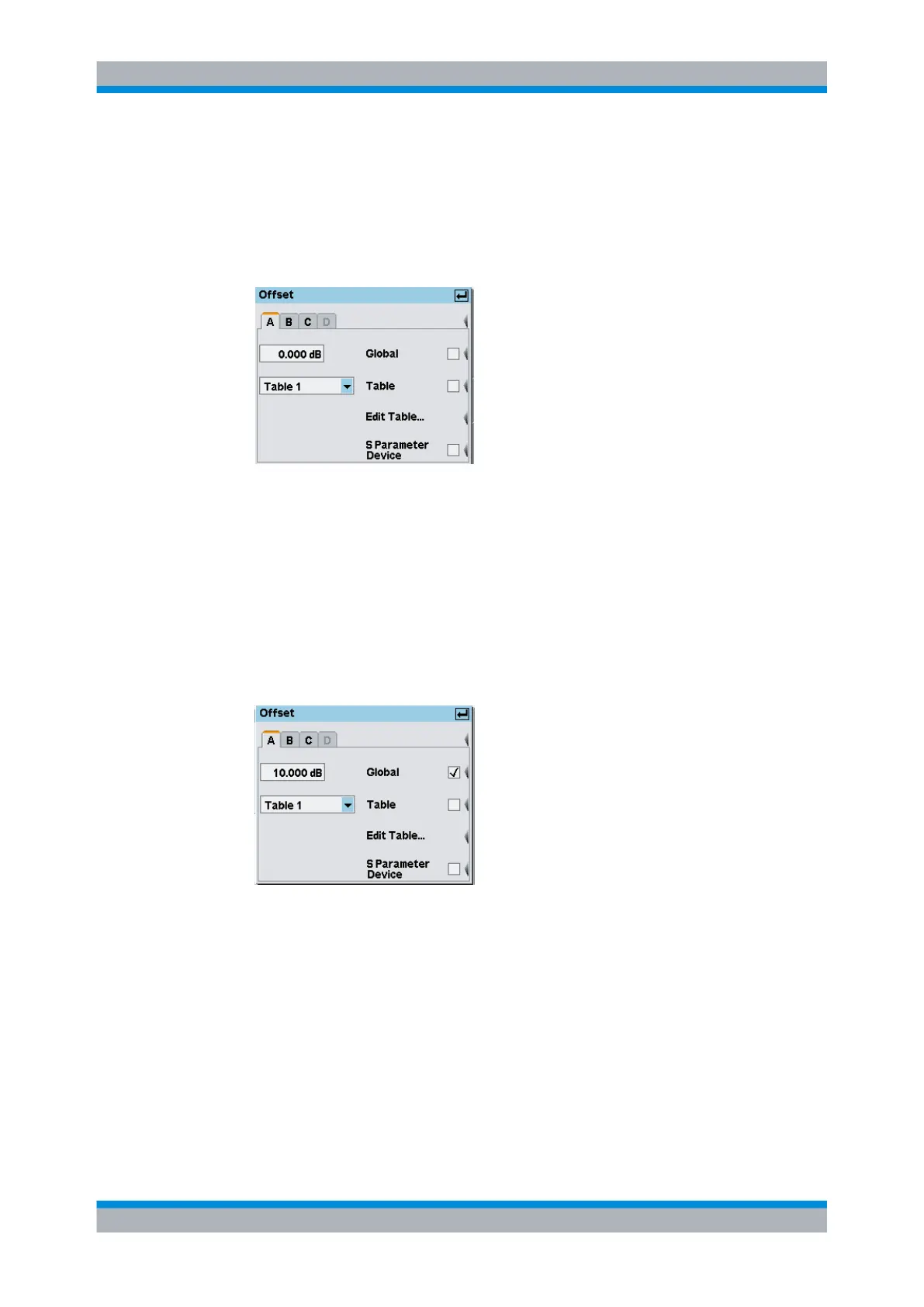
The "Offset" dialog box opens. Offsets in dB for compensating external signal losses
or gains, for example by attenuator or amplifiers, can be set in this dialog box.
Fig. 2-8: Offset dialog box
3. Activate the entry for the global offset.
Positive values are for correcting losses and negative values for gains.
4. If you have an attenuator at hand, enter its value and connect the attenuator between
the sensor and the signal source, otherwise just enter 10 dB.
5.
Confirm the entry with ↵MENU.
6. Activate the global offset correction by pressing the right side of the associated soft-
key.
Fig. 2-9: Offset dialog box / Global activated
Tip: Factors which are not, or only minimally, depending on frequency can be cor-
rected in this way.
7.
Press the ↵MENU hardkey twice to exit the dialog box and the menu.
If you have connected an attenuator and entered its attenuation, the R&S NRP2 will
display about the same value as before.
Measuring average power (Cont Av mode)



 To Next Page