Getting Started
R&S
®
NRP2
36User Manual 1173.9157.02 ─ 03
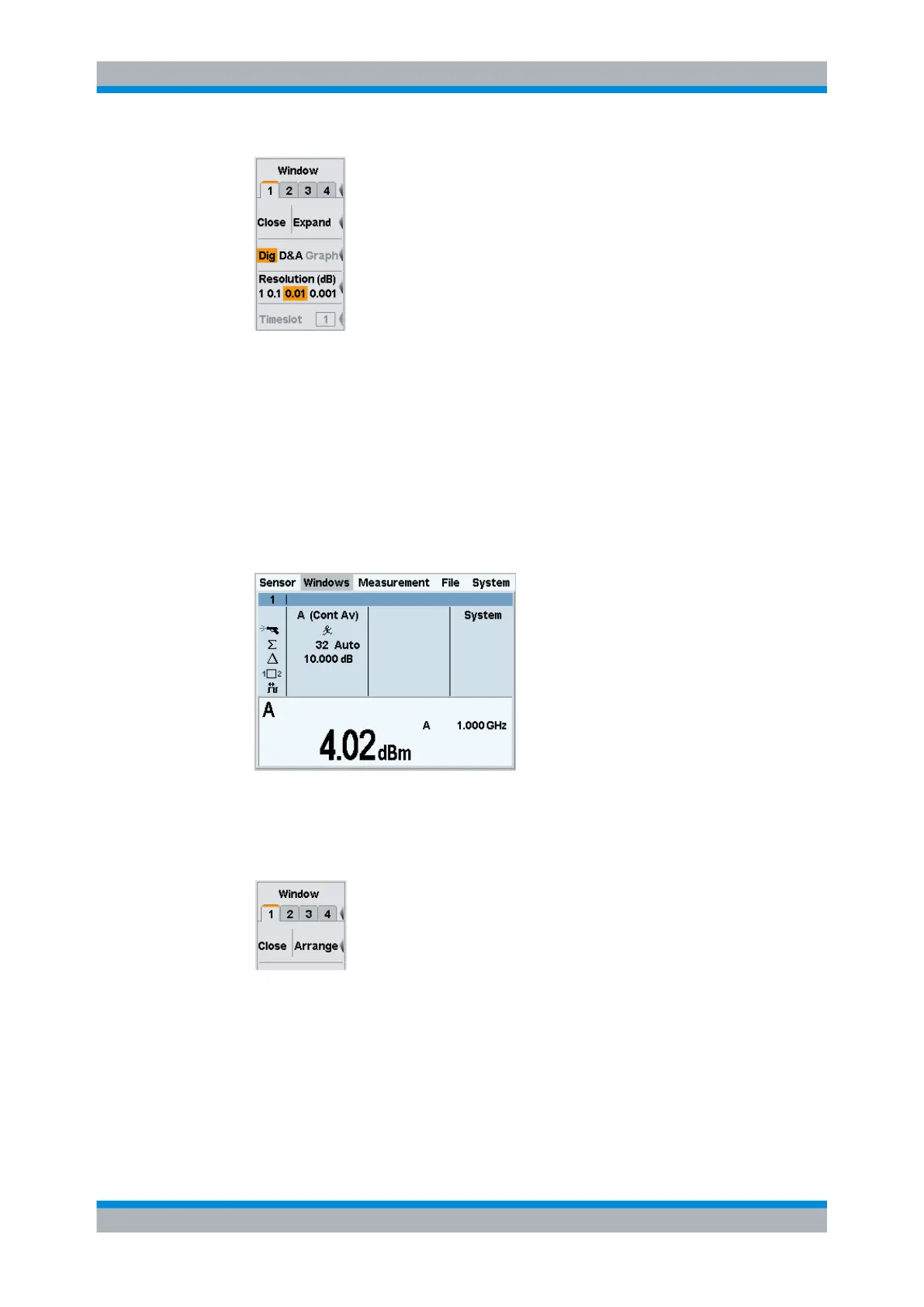
Fig. 2-17: Windows menu
The cursor keys can, in most cases, be used to select windows instead of the soft-
keys. This also applies to opened dialog boxes.
3. Select window 1.
The third softkey is now labeled "Close | Expand".
4. Press the right side of the softkey to expand the window.
The window expands to occupy the full display height and indicates all parameters
relevant to the measurement.
Fig. 2-18: Result window / Dig
5. Open the menu again.
"Arrange" now replaces "Expand". This function arranges all opened windows.
6. Press the "Arrange" key.
Window 1 returns to its previous size.
The following steps show the difference between the "Open" and "Init" functions. You first
have to change two settings of window 1.
Window handling



 To Next Page