Getting Started
R&S
®
NRP2
37User Manual 1173.9157.02 ─ 03
Opening, creating and closing windows.
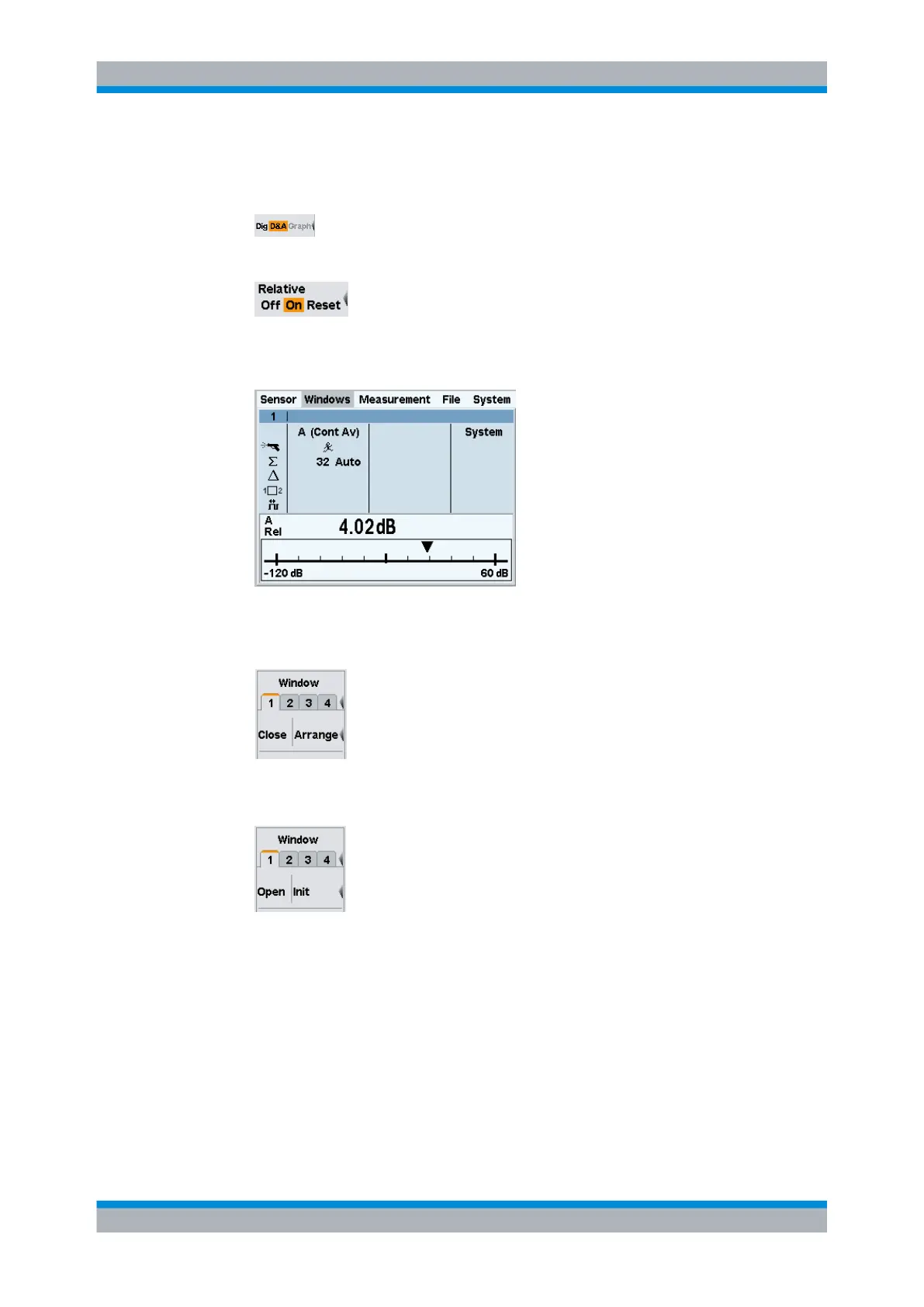
1. Activate the analog display of results "D&A".
2. Switch to the "Measurement" menu and select "Relative On".
3. Return to the "Windows" menu.
Window 1 now displays the "A Rel" function on an analog scale.
Fig. 2-19: Result window / D&A / full height
4.
Now, close window 1 with the "Close" softkey.
The "Window" menu shows that window "1" is still selected.
The labeling next to the third softkey is now "Open | Init".
5. Press the "Open" softkey.
The appearance of the window has not changed, and all window-specific settings
have been maintained.
6. Close window "1" again with "Close".
7. Open it this time with "Init"
The window again displays the measurement function A in digital format.
In contrast to "Open", where the settings remain unchanged, "Init" sets all the param-
eters to their default values. "Init" only resets the window settings made in the "Win-
dows" and "Measurement" menus, but it does not affect the sensor settings!
Window handling



 To Next Page