Getting Started
R&S
®
NRP2
30User Manual 1173.9157.02 ─ 03
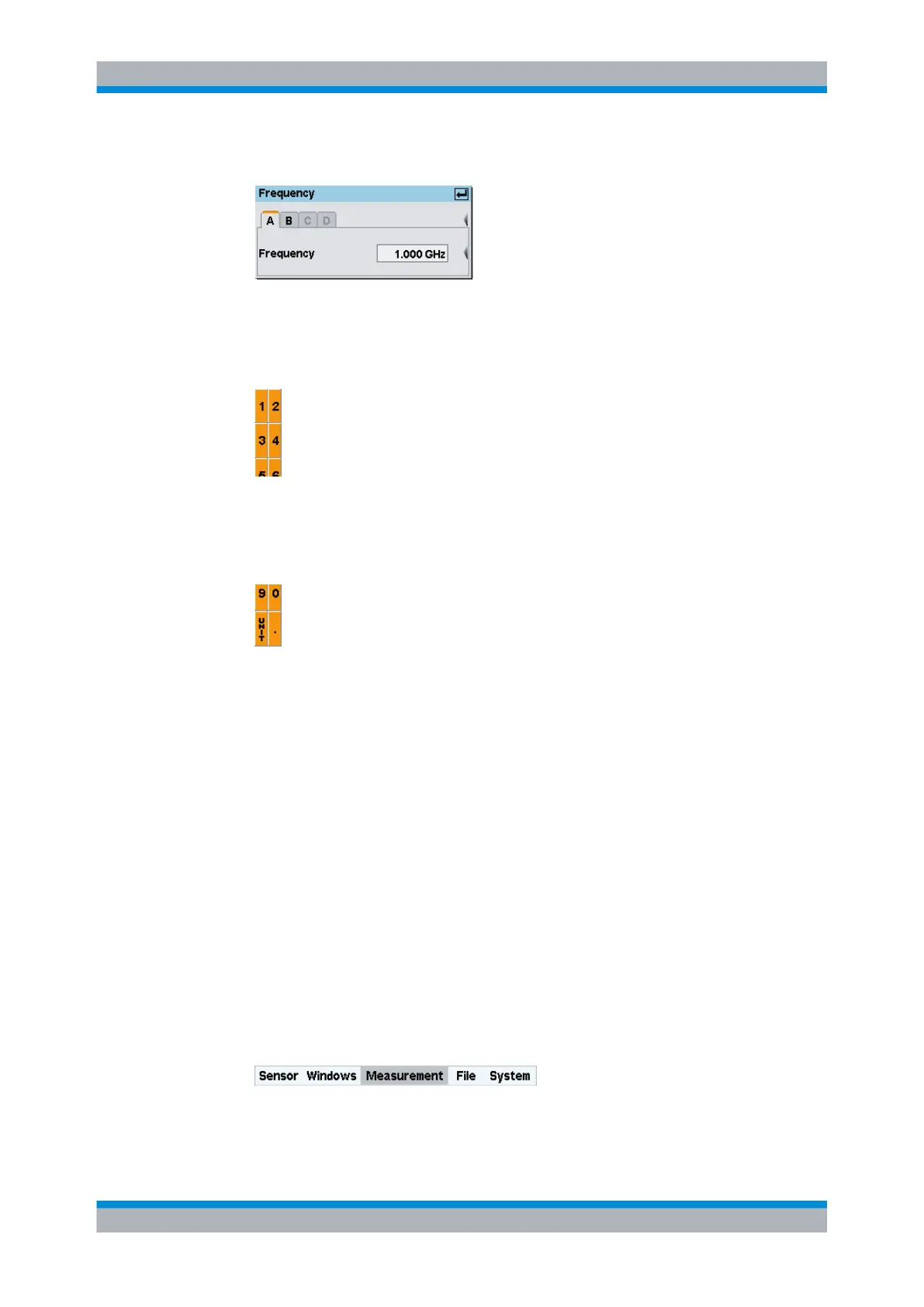
The dialog box for entering the frequency appears.
Fig. 2-4: Frequency dialog box
3. Press the associated softkey to activate the entry of the frequency value.
A digit panel is displayed to insert the frequency. The panel also includes unit letters.
4. Clear the field with the DEL/1TRIG hardkey.
5. Enter the signal frequency by pressing the associated softkeys.
6. Select the unit by using the "UNIT" softkey.
Tip: Alternatively you can use the cursor keys to set a value. To get familiar with the
editor, try the following steps. In this example the overwrite mode (default mode) is
active:
●
Use the LEFT/RIGHT ⇦ ⇨ cursor keys to move the block cursor and overwrite
the digits with new values.
●
Use the UP/DOWN ⇧ ⇩, cursor keys to increase/decrease the digit value at the
cursor position.
● Move the insertion mark to the right onto the units. Use the UP/DOWN cursor
keys to change the unit.
7.
Press the ↵MENU hardkey twice to confirm your entry and exit the "Frequency" dialog
box.
Setting the unit for the measurement result
The measurement result is indicated in the result window. The unit of the measurement
result can be changed.
To set the unit of the measurement result
1. Use the topmost softkey to select the "Measurement" menu.
The menu opens. Post-processing of the measurement menu can be set in the
"Measurement" menu.
Measuring average power (Cont Av mode)



 To Next Page