Getting Started
R&S
®
NRP2
43User Manual 1173.9157.02 ─ 03
3. Press the (PRE)SET hardkey twice.
A measurement window appears.
4. Change to the "Sensor" menu and select "Mode".
Fig. 2-31: Sensor menu
5. Switch to the "Trace & Statistics" mode.
Fig. 2-32: Trace & Statistics measurement mode
6. Close the "Mode" dialog box.
7. Close the "Sensor" menu.
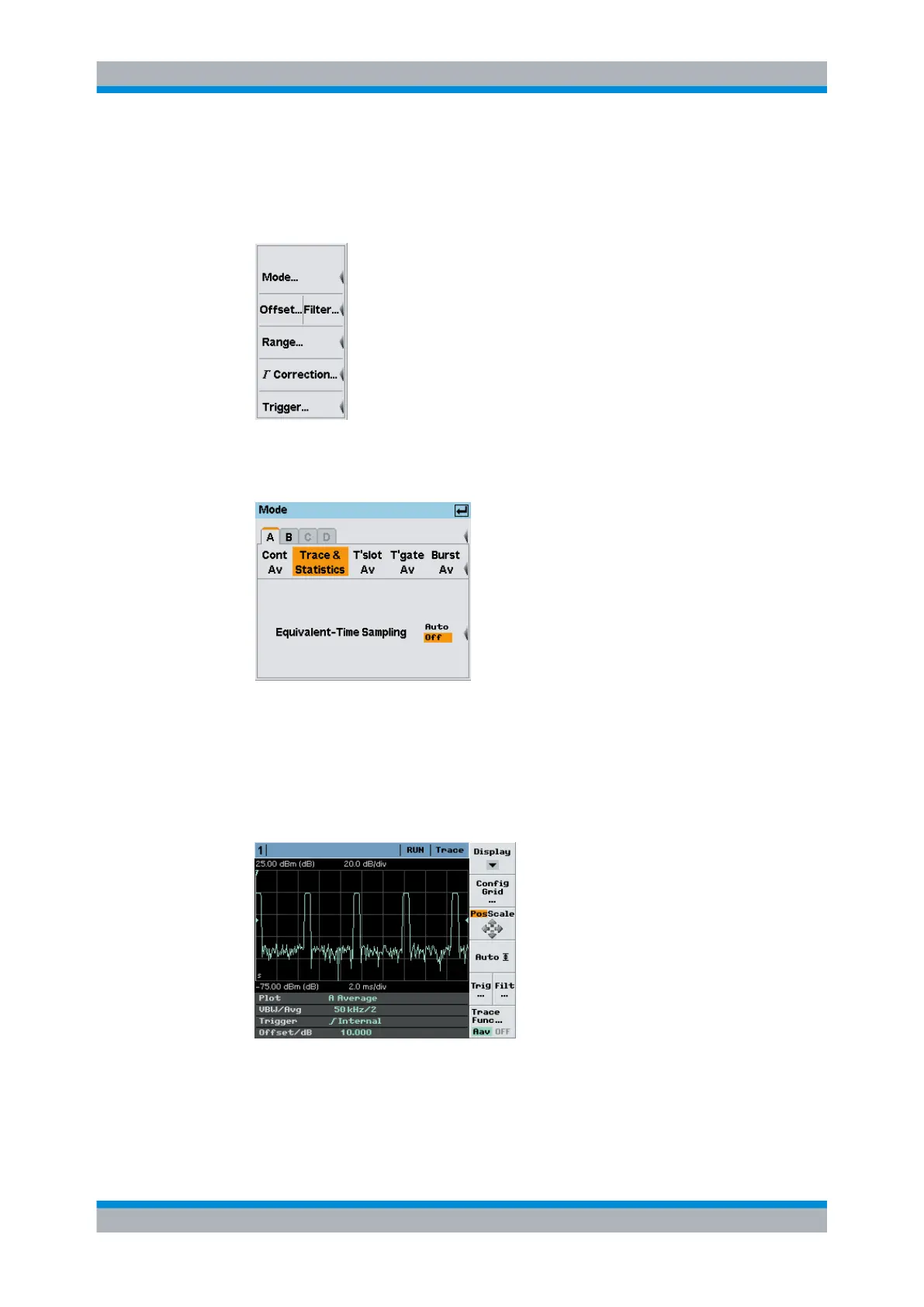
The window is now in the "Trace & Statistics" display mode and shows the "Trace"
page.
Fig. 2-33: Trace representation of a pulsed signal
The info panel at the bottom of the window shows all parameters relevant for the
display.
Graphically representing power versus time



 To Next Page