Manual Operation
R&S
®
NRP2
52User Manual 1173.9157.02 ─ 03
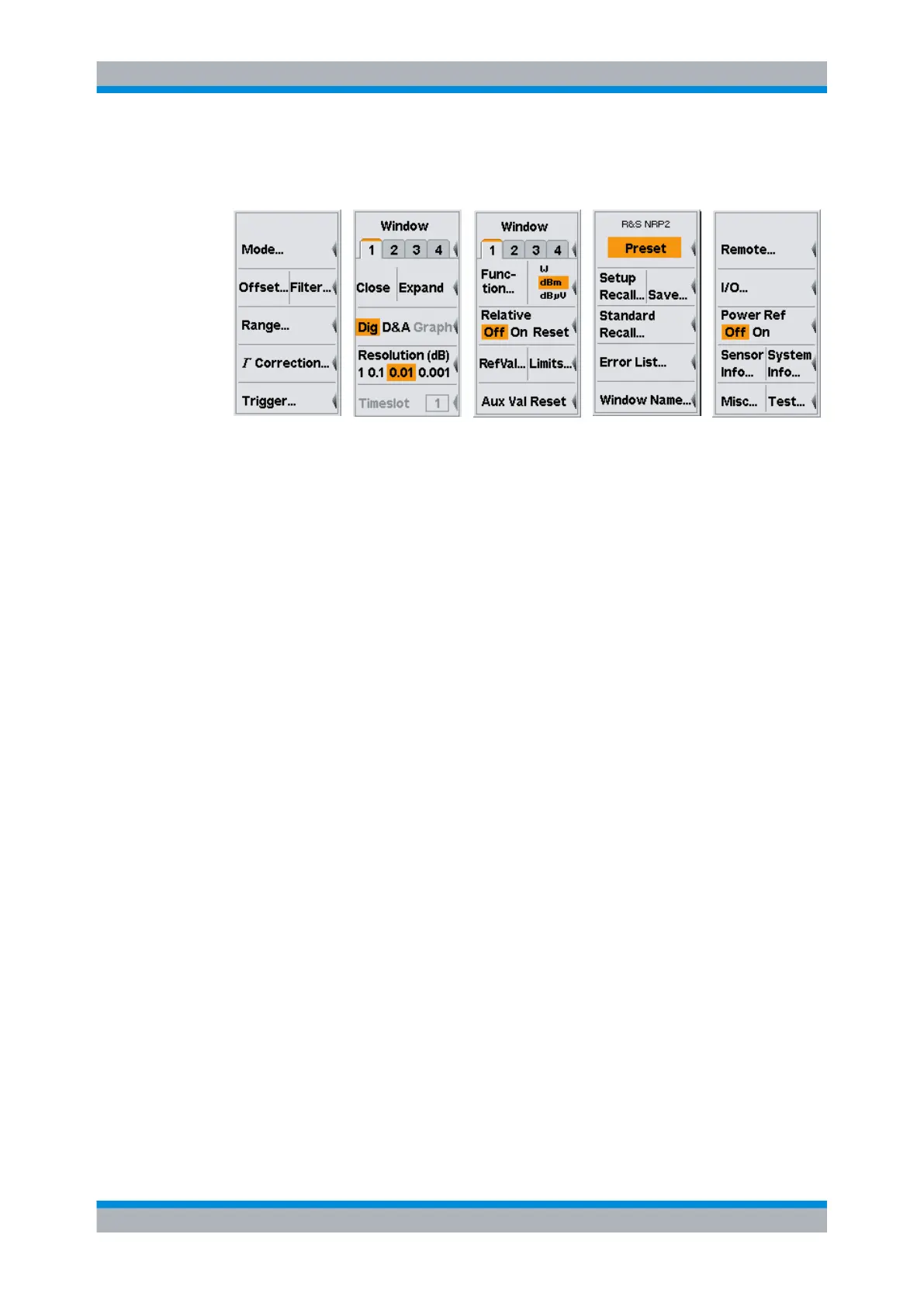
Sensor menu Windows menu Measurement
menu
File menu System menu
Sensor menu
All sensor settings can be made using the "Sensor" menu. The type and details of data
acquisition can be specified with this menu.
See chapter 4.2, "Data acquisition and parameters", on page 64 for a detailed descrip-
tion of the "Sensor" menu.
Windows menu
The "Windows" menu is used to configure windows and the result display in the windows.
See chapter 4.3, "Displaying measurement results", on page 90 for a detailed descrip-
tion of the "Windows" menu.
Measurement menu
The details of postprocessing are summarized in the "Measurement" menu.
See chapter 4.4, "Configuring measurements", on page 96 for a detailed description of
the "Measurement" menu.
File menu
The "File" menu is used to handle the setup memories, window names and display infor-
mation about errors.
See chapter 4.6, "Management of settings", on page 139 for a detailed description of the
"File" menu.
System menu
The "System" menu is used to handle general functions that are not specifically used to
perform measurements, i.e. to configure the remote interfaces and I/O sockets, to provide
information about the meter and the connected sensors, and to trigger test measure-
ments.
See chapter 4.7, "System settings", on page 143 for a detailed description.
Menu layout



 To Next Page