40
Creating a Patch
Initializing Patch Settings
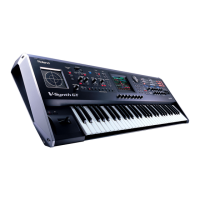
This section explains the basic procedure for creating a patch on the V-Synth from
scratch.
First we will return the settings of the currently selected patch to a standard set of
values.
1
Make sure that the PATCH PLAY screen is displayed.
2
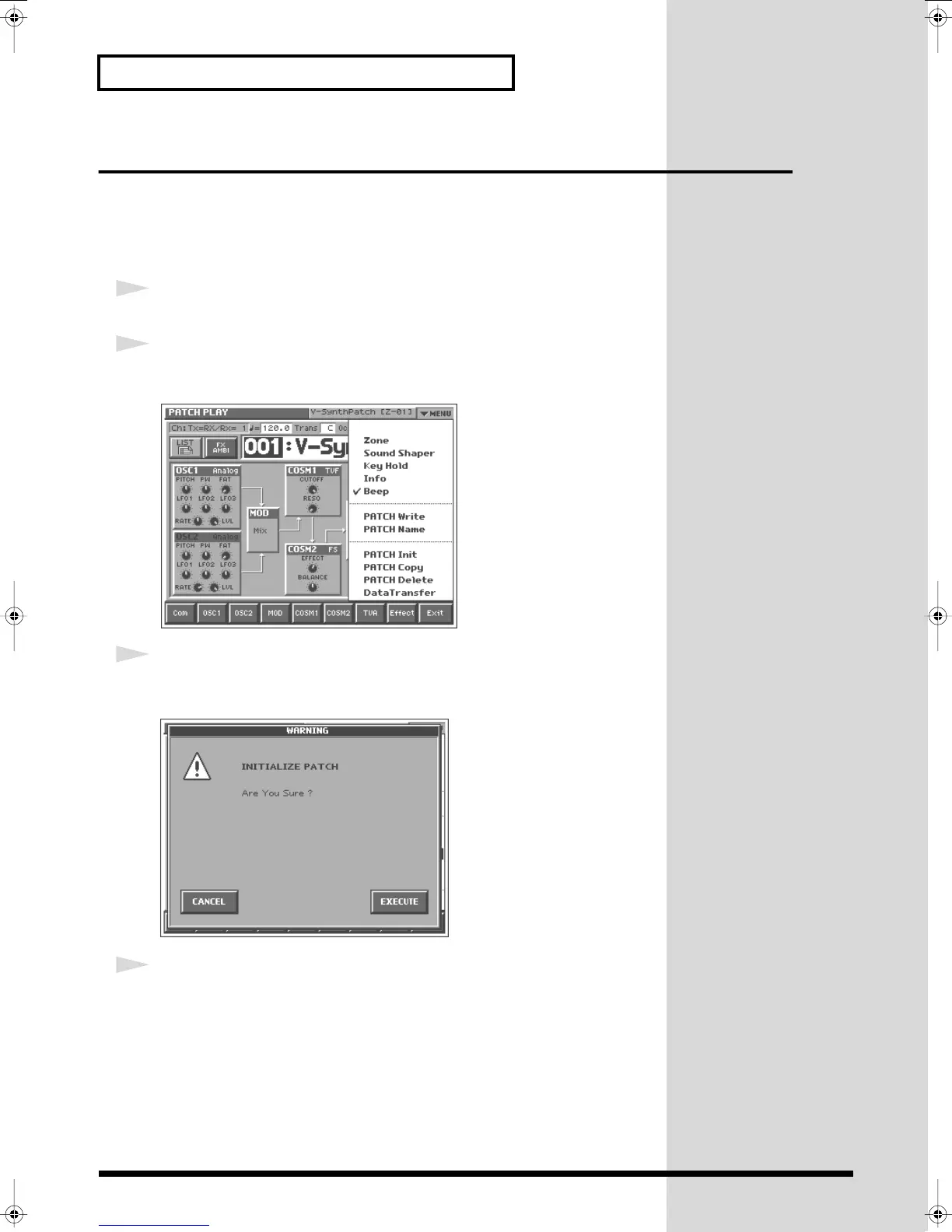
Touch <
▼
MENU> in the upper right of the screen.
A pulldown menu appears.
fig.Q-24_60
3
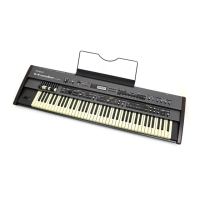
Touch <PATCH Name> in the pulldown menu.
A window like the following appears.
fig.Q-25_60
4
Touch <EXECUTE>.
The initialization will be carried out, and you’ll be returned to the PATCH PLAY
screen.
Reference_e.book 40 ページ 2005年3月10日 木曜日 午後5時6分



 To Next Page