24 •
4.5 Charging rechargeable batteries
Before starting up the device for the first time, the rechargeable batteries for
the monitor and the measuring mat must be fully charged.
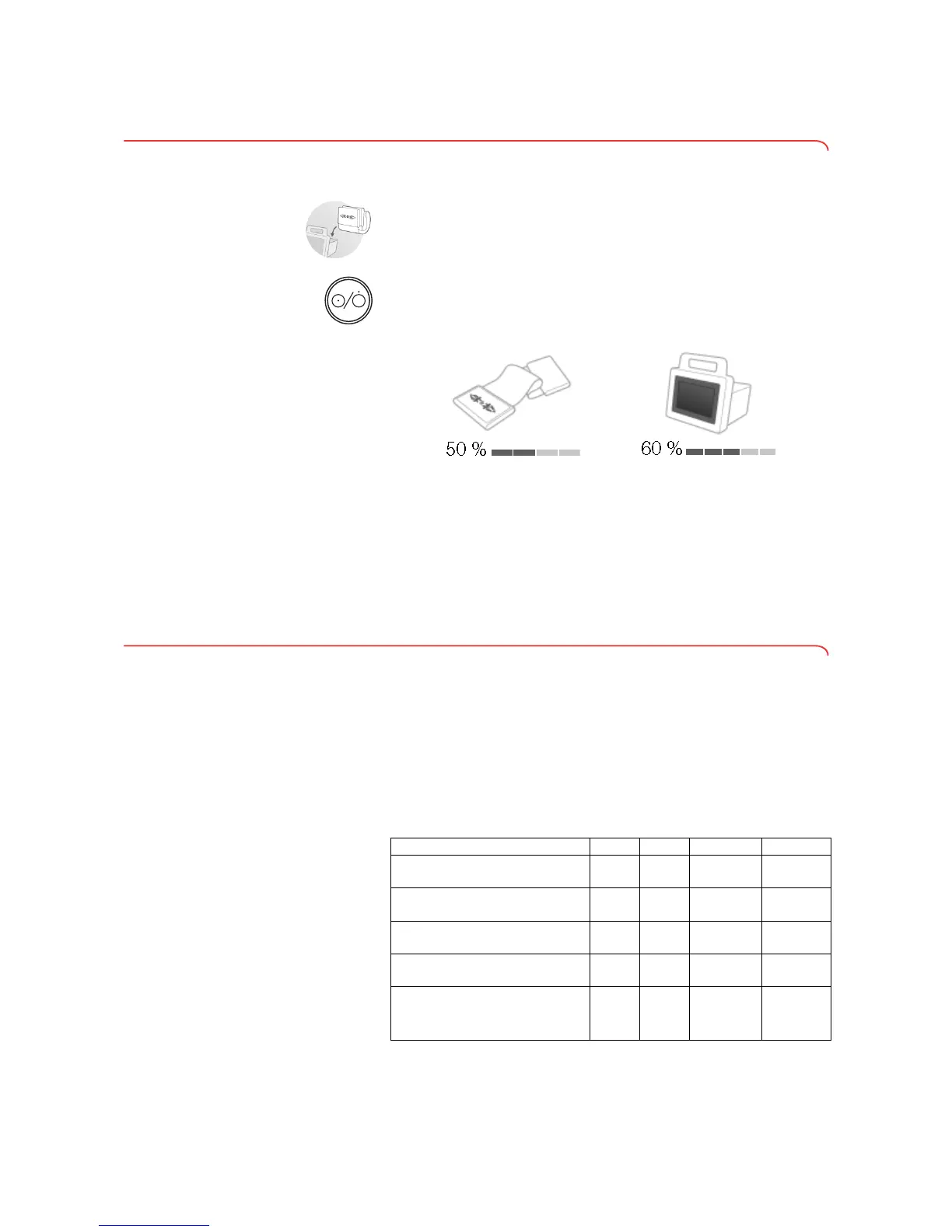
1. Ensure that the measuring mat is correctly suspended in the storage
compartment of the monitor ➔ Suspending measuring mat in storage
compartment.
2. Connect the device to the power supply ➔ Establishing power supply.
3. Press the ON/OFF button of the monitor.
The LED of the ON/OFF button is white.
The charging process starts.
The current charging status is displayed.
After approx. 5 minutes, the device switches to standby, the screen goes
dark, the ON/OFF button LED is green.
When the rechargeable batteries are fully charged, the device switches off
automatically. The LED of the ON/OFF button goes out.
NOTE:
Leave the device connected to the power supply for approx. 4 hours
when starting it up for the first time. This ensures that the recharge-
able batteries for the monitor and the measuring mat are fully charged.
4.6 Configuring the device
NOTE:
This section is for your information. The device can only be configured
by a user with administrator rights.
Network functions • = possible, - = not possible
➔ Network functions
➔ User role model
➔ For administrators: configuring seca 525
Function LAN WiFi seca 360° Infrared
Transmit weight
to monitor
-- • -
Transmit height
to monitor
-- • -
Communication between
monitor and measuring mat
-• - •
Use
seca directprint (function of
the
seca 115 PC software)
•• - -
seca Synchronize seca patient
files and user accounts using
the
seca 115 PC software
•• - -



 To Next Page