72 •
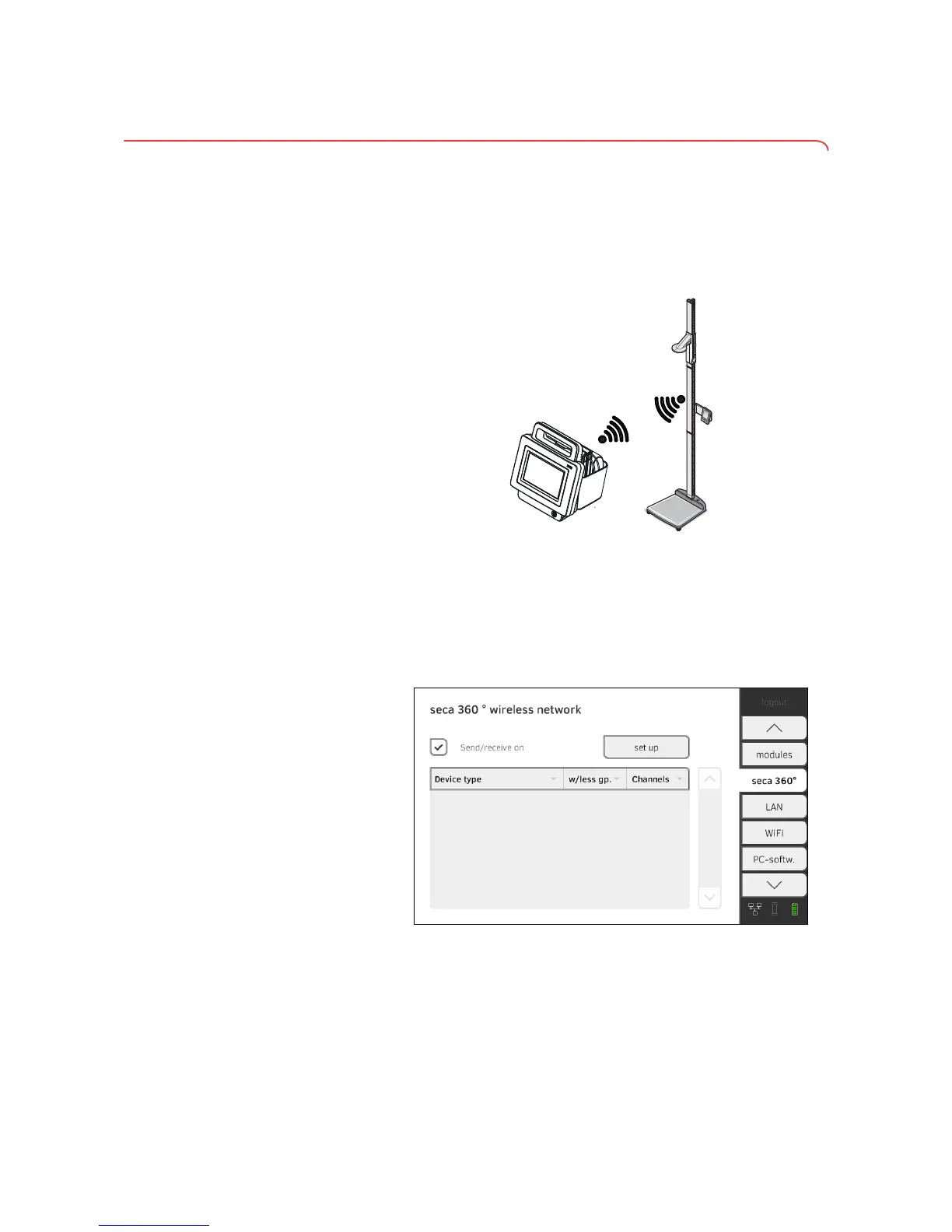
3.4 Setting up the seca 360° wireless network
Introduction If you use devices from the seca 360° wireless system in your institution, e.g.
a measuring station, you can link them to the seca 525. You can transmit the
parameters height and weight directly to the
seca 525 and adopt them in a
seca patient file.
In order to be able to communicate with devices from the seca 360° wireless
system, the seca 360° wireless module of the seca 525 must be activated
and a wireless group set up.
NOTE:
You should also follow the Instructions for Use for the devices from
the
seca 360° wireless system being used.
Activating/deactivating the
seca 360° wireless module
1. Press the seca 360° wireless network tab.
2. Press the
Send/receive on checkbox.
The seca 360° wireless module is activated.
3. To deactivate the
seca 360° wireless module, press the Send/receive on
checkbox again.
➔ Activating/deactivating the seca 360° wireless module
➔ Setting up a seca 360° wireless connection



 To Next Page