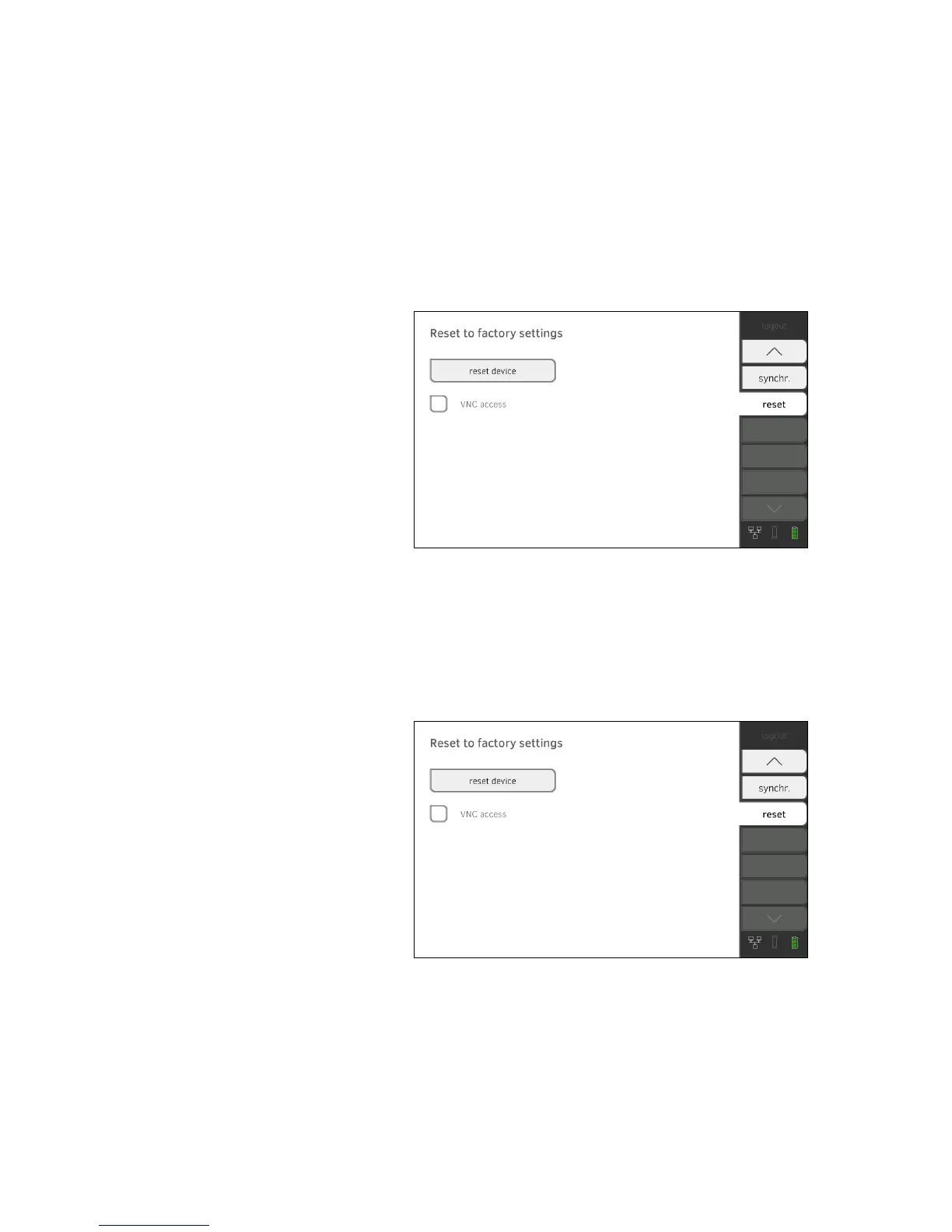
Resetting device ATTENTION!
Loss of data
seca patient files and user accounts will be deleted if you reset the
device to factory settings.
► Export seca patient files and user accounts before resetting
(operate without
seca 115 PC software).
► Synchronize the data
before resetting (operate with seca 115 PC
software).
► If you want to retain the seca patient files and user accounts, simply
reset the GUI ➔ Resetting GUI.
1. Press the
reset tab.
2. Ensure that seca patient files and user accounts have been exported or
synchronized using the seca 115 PC software.
3. Press the reset device button.
The device will be reset to factory settings ➔ Factory settings.
Enabling VNC access With a VNC connection, you can reproduce the user interface of the device
on a PC screen and remotely control the device from the PC. The require-
ment is that a VNC viewer is installed on the PC.
1. Press the
reset tab.
2. Press the
VNC access checkbox.
3. Restart the device.
The VNC service of the device will be started.
4. Set up the VNC connection using the VNC viewer of your PC.



 To Next Page