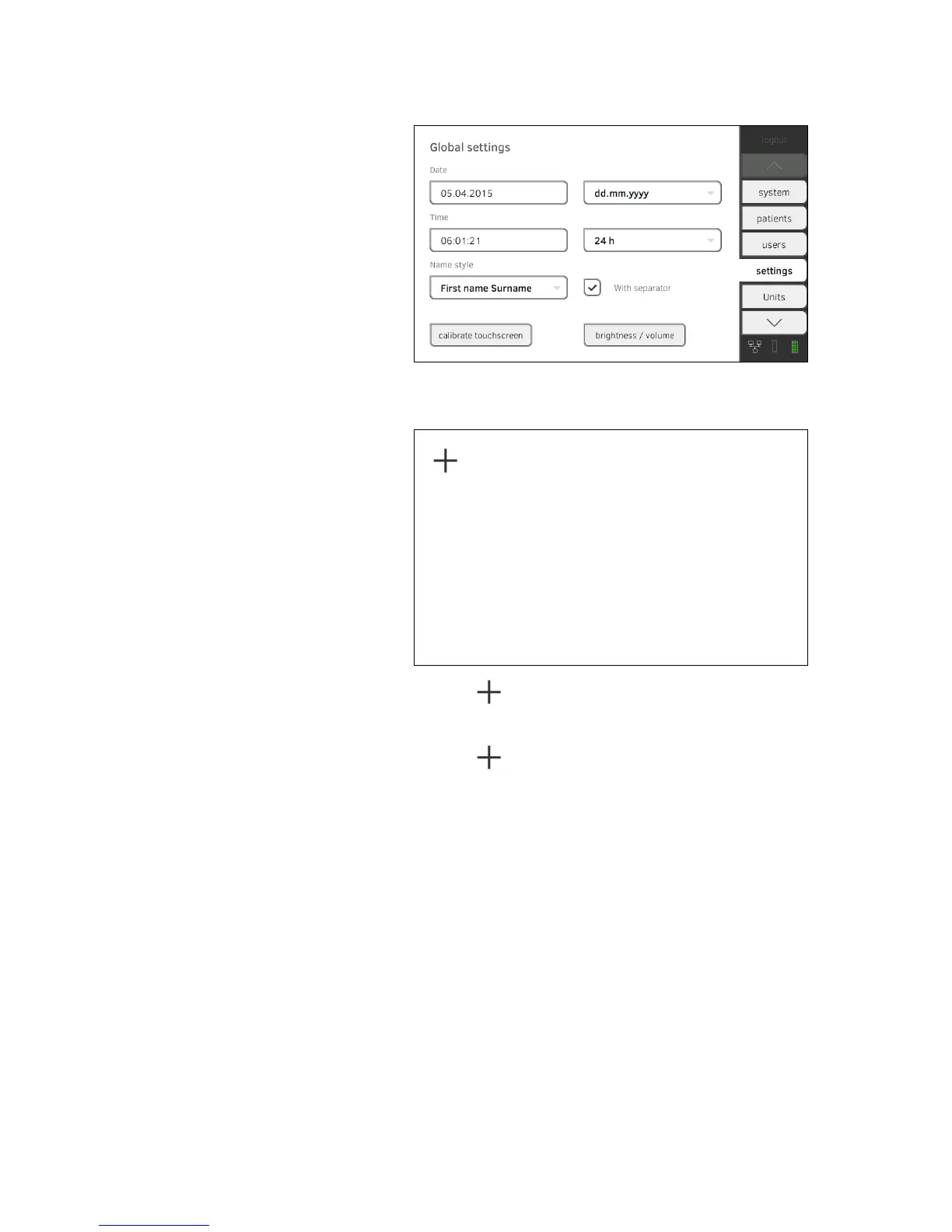
Calibrating touchscreen display 1. Press the settings tab.
2. Press the
calibrate touchscreen button.
3. Confirm that you wish to proceed.
The calibration display appears.
4. Press the symbol.
The symbol changes position.
5. Press the symbol again.
The symbol changes its position again.
6. Repeat steps 4. and 5. until the
settings tab is displayed again.
The touchscreen display is calibrated.



 To Next Page