40 •
3. Press an evaluation parameter.
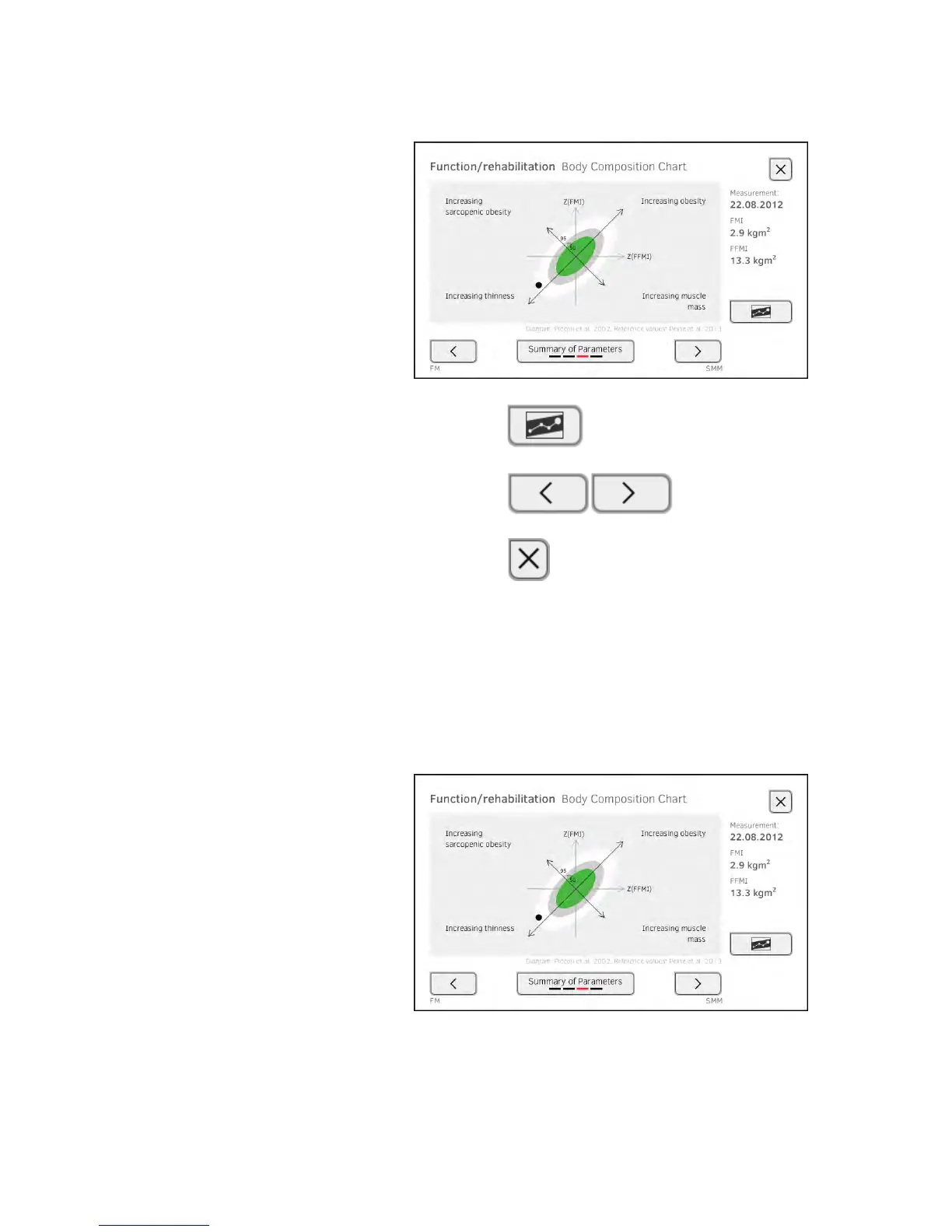
The detail view is displayed, in this case: Body Composition Chart.
You have the following navigation options.
► Press the button to view the history of this evaluation
parameter ➔ Viewing the history of an evaluation parameter
► Press the buttons: view other evalua-
tion parameters
► Press the button: return to parameter summary
NOTE:
This section is restricted to navigation in the evaluation tab. For
details about evaluation parameters and modules, see the section
entitled ➔ Bioimpedance measurement.
Viewing the history of an evaluation
parameter
After every measurement, you can view the history of an evaluation parameter
in the evaluation tab. A maximum of five measurements can be selected.
The latest measurement is highlighted automatically.
1. In the evaluation tab, select an evaluation parameter ➔ Evaluating the
measurement.



 To Next Page