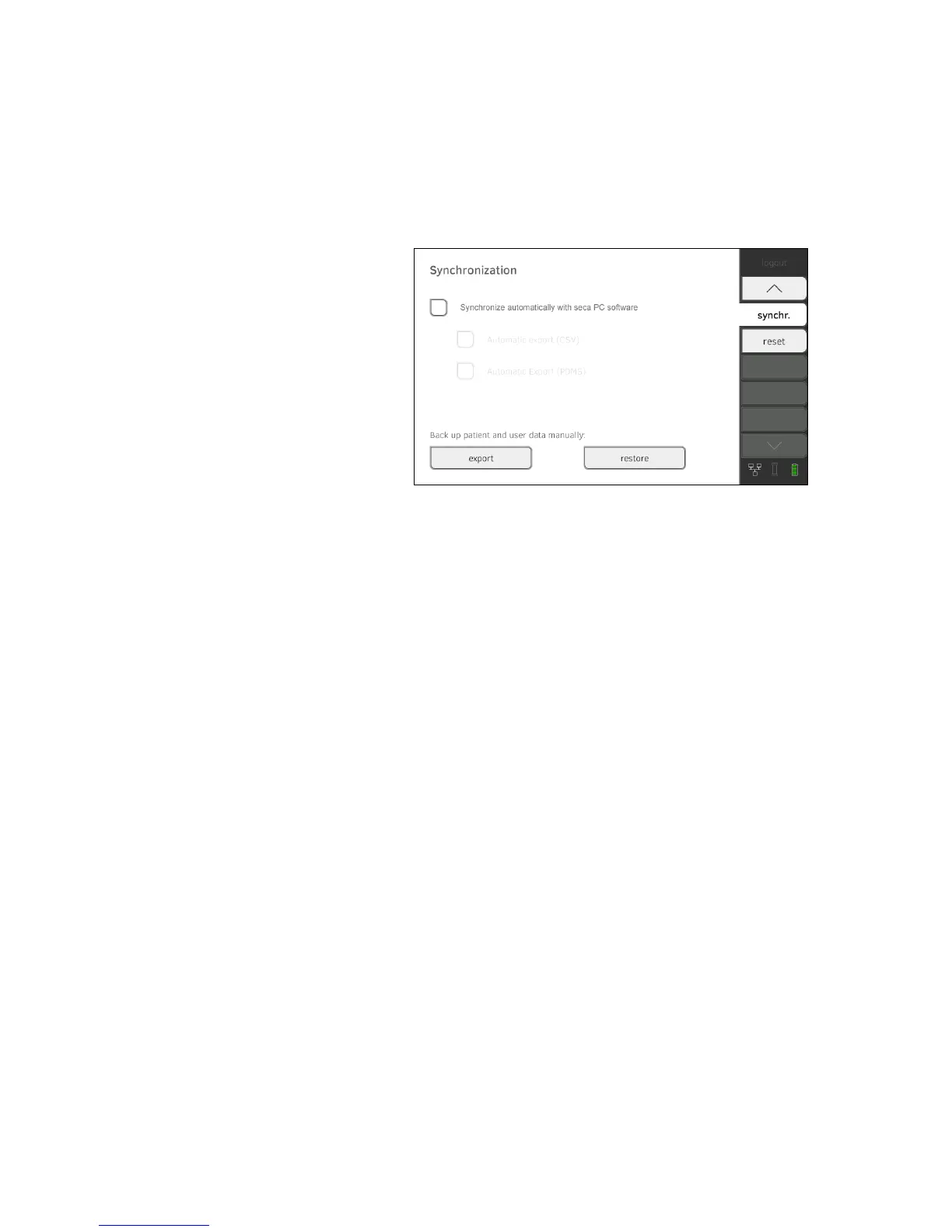
Setting up automatic export This function allows you to transmit measured results to a practice or hospital
information system automatically. The export takes place as soon as data are
generated or amended on the device. To be able to use this function, an
interface to the
seca 115 PC software must be set up in your practice or hos-
pital information system.
1. Establish which data format your practice or hospital information system
accepts.
2. Press the
synchr. tab.
3. Ensure that the
Synchronize automatically with seca PC software check-
box is activated.
4. Press the desired export format.
•
Automatic export CSV
• Automatic export PDMS
5. Set up an interface to the seca 115 PC software in your practice or hospi-
tal information system.
NOTE:
• Settings you make in this dialog window are transmitted to the
seca 115 PC software ➔ Activating automatic synchronization.
• Note the user documentation for the practice or hospital information
system used.
• seca service would be pleased to help you if you have any questions
relating to "interface configuration".



 To Next Page