2. MEASURING MODE
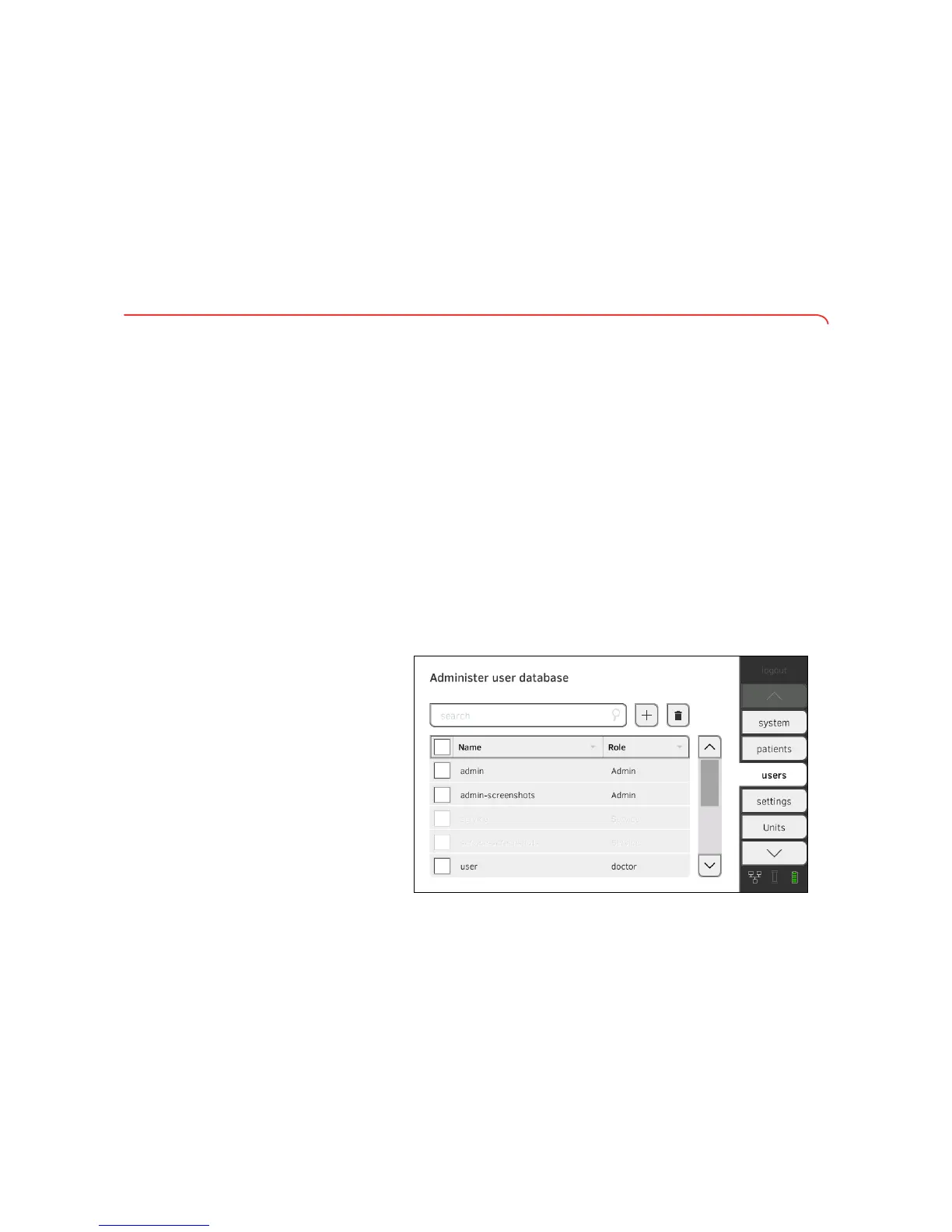
2.1 Administering the user database
Setting up a user account ATTENTION!
Inconsistent measured results
If you create user accounts several times, this can lead to incorrect
assignment of measured results and falsify the evaluation.
► If there is no user account for a user on the device, check whether
there is already a user account in the
seca 115 PC software.
► If a user account for the user exists in the seca 115 PC software,
check the synchronization settings on the device to allow you to
adopt the user account from the seca 115 PC software➔ Activating
automatic synchronization.
► Only create a new user account directly on the device if you are sure
that there is no user account for this user in the
seca 115 PC soft-
ware.
1. Press the
users tab.
➔ Administering the user database
➔ Administering the seca patient database
➔ Deactivating evaluation modules
➔ Modifying default settings
➔ Setting units of measurement
➔ Setting up a user account
➔ Editing a user account
➔ Deleting a user account



 To Next Page