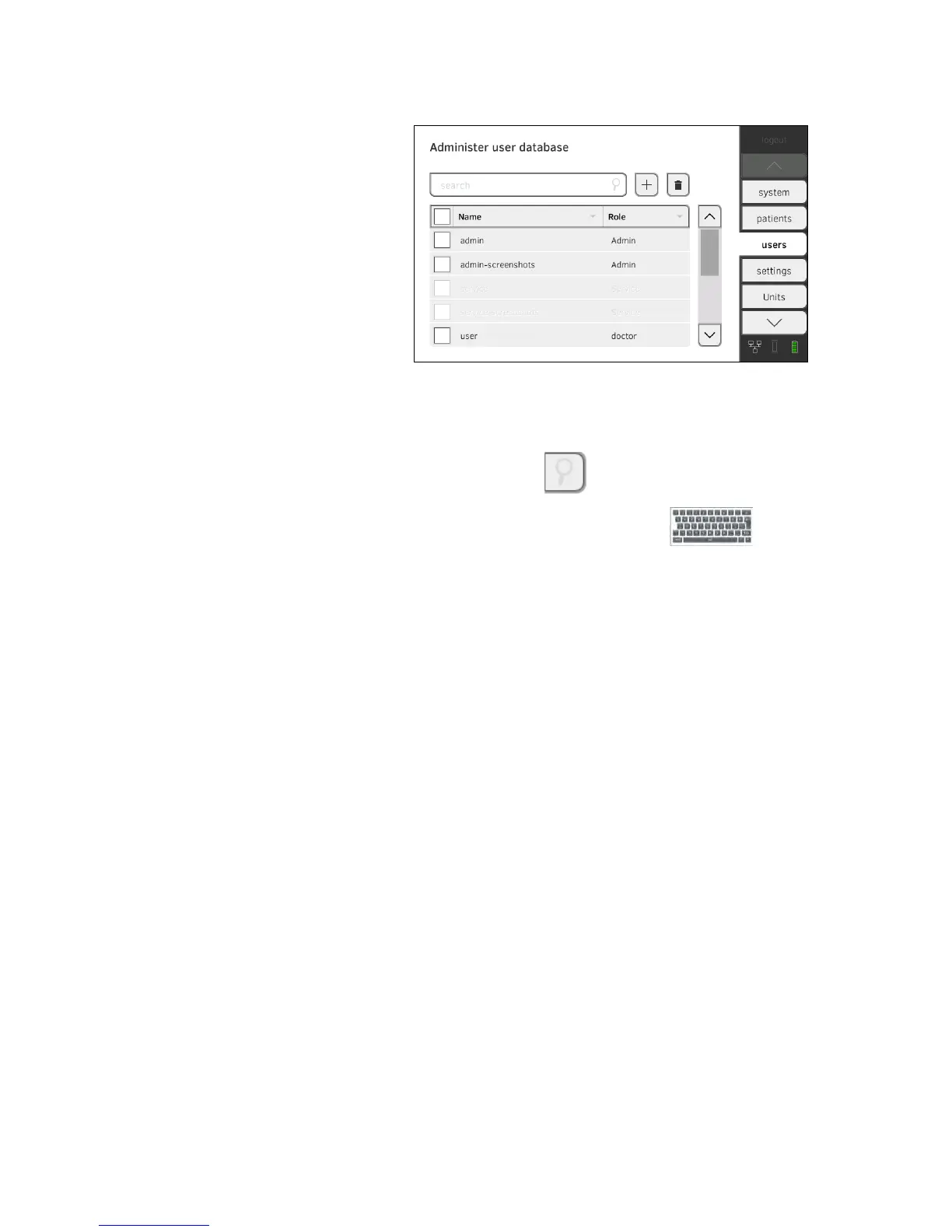
Editing a user account 1. Press the users tab.
You have the following navigation options.
► Desired entry visible: continue at Step 3.
► Desired entry not visible: continue at Step 2.
2. Search for the desired user account in the list:
a) Press input field .
b) Enter the user name using the keypad .
A hit list is displayed.
3. Press the desired entry.
The selected user account is displayed.
4. Edit the user account to the extent necessary.
NOTE:
• If automatic synchronization is activated, changes which you make
to user accounts are automatically adopted into the
seca 115 PC
software ➔ Activating automatic synchronization.
• The user name cannot be changed. If you want to change the user
name, first set up a user account with the new user name and then
delete the original user account ➔ Deleting a user account.



 To Next Page