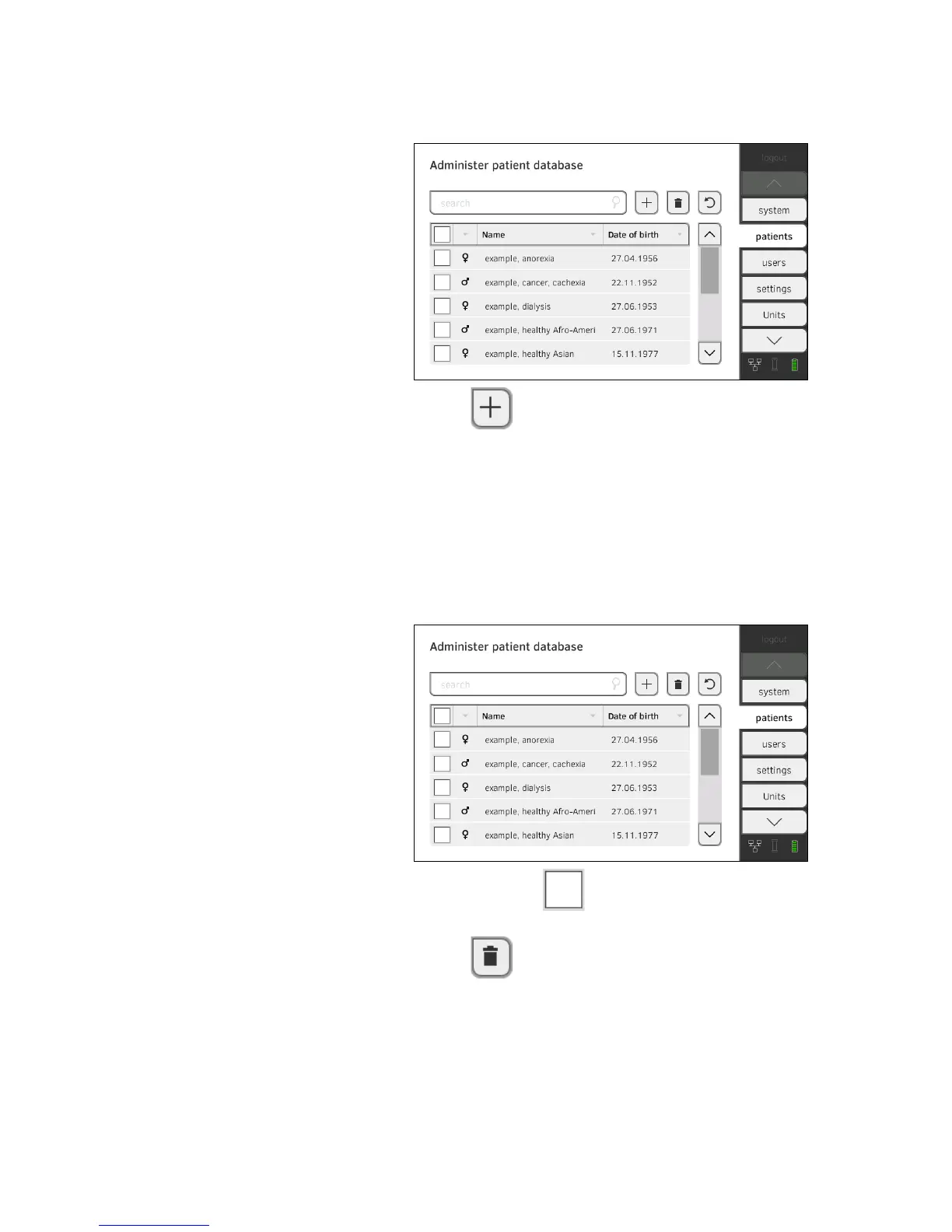
Creating a seca patient file 1. Press the patients tab.
2. Press the button.
3. Create a seca patient file as described in the relevant section of the
Instructions for Use ➔ Creating a seca patient file.
Editing a seca patient file 1. Call up a seca patient file as described in the relevant section of the
Instructions for Use ➔ Editing a seca patient file.
2. Edit the seca patient file.
3. Press the
save button.
The changes will be saved.
Deleting a seca patient file 1. Press the patients tab.
2. Press the checkboxes of all seca patient files you would like to
delete.
3. Press the button.
The marked seca patient files will be deleted.



 To Next Page