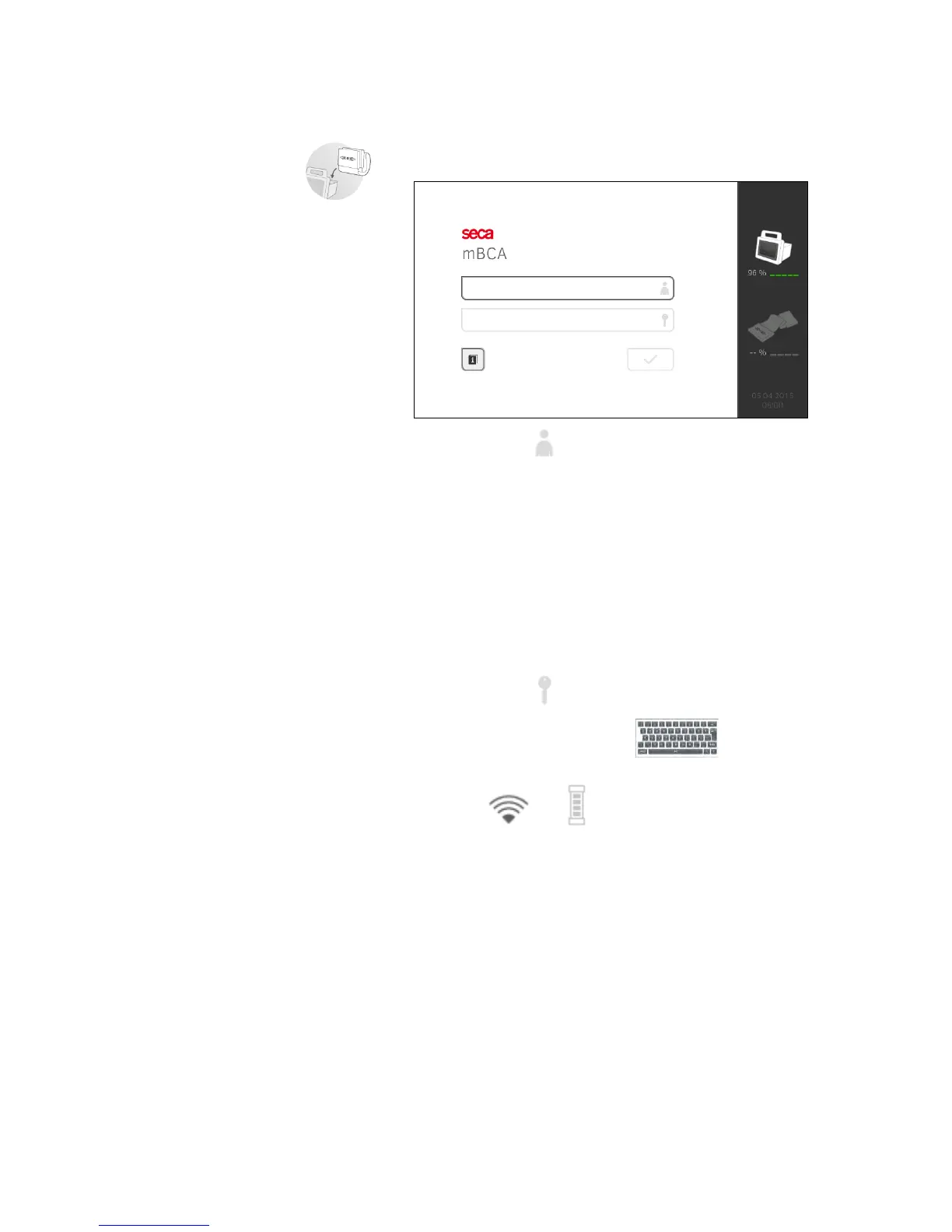
Logging in
When you have switched on the system, you have to log in on the monitor in
order to be able to operate the device.
1. Press the input field .
The list of user accounts is displayed.
The following user accounts are available when you first start up the
device:
• Administrator: admin
•User: demouser1
NOTE:
"demouser1" is an example user account for training purposes. If you
log in as "demouser1", you can select example patient files, view
existing measured results and perform training measurements.
2. Press your user account.
Your user account is displayed in the input field.
3. Press the input field .
4. Enter your password using the keypad (admin: "1357",
demouser1: "1234").
The symbols and are displayed on the monitor.
The system is ready for operation.
5. Continue depending on your login.
► Logged in as a user: the patient tab is displayed. Continue with
➔ Preparing seca patient file
► Logged in as administrator: the administrator area is displayed.
Continue with ➔ For administrators: configuring seca 525



 To Next Page