78 •
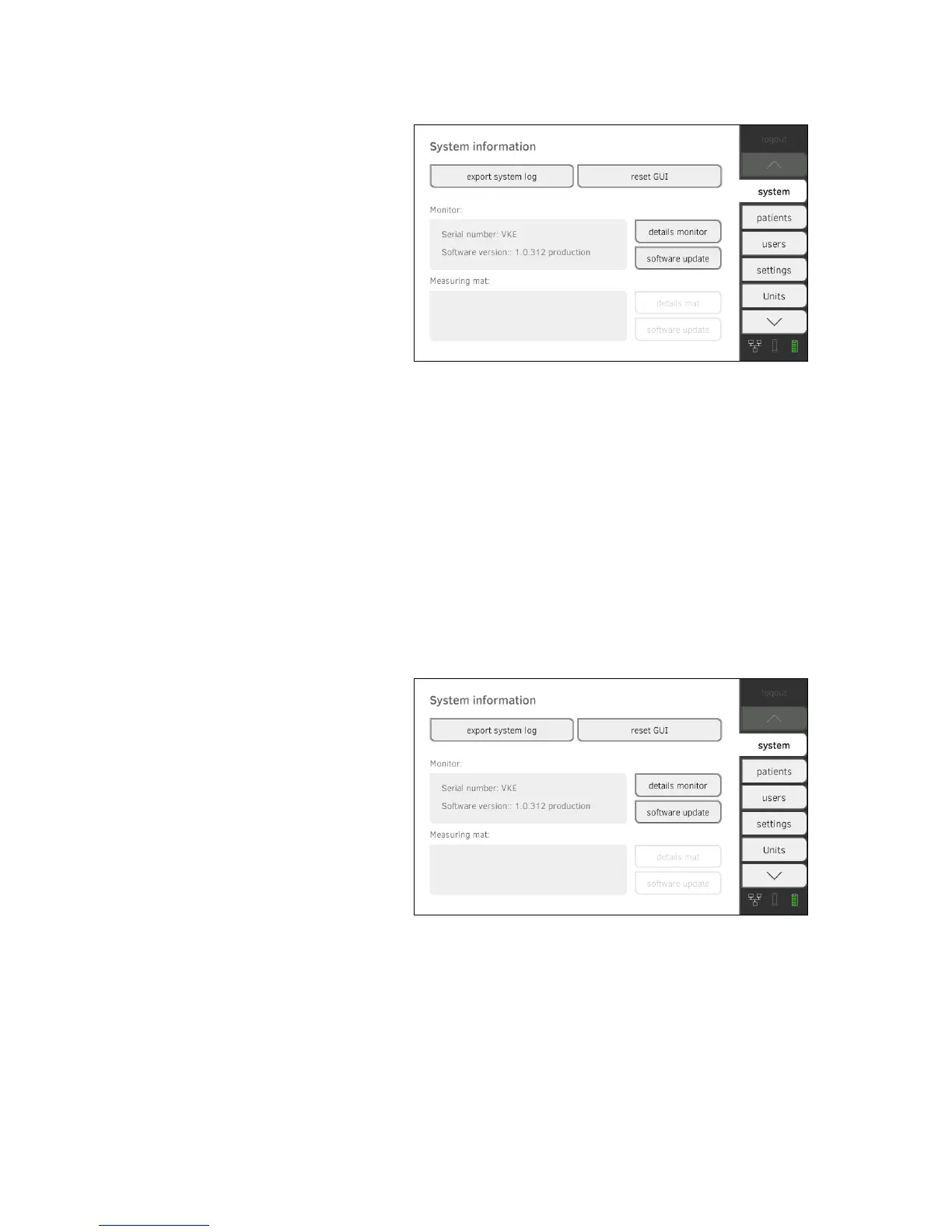
1. Press the system tab.
2. Press the
software update button.
3. Select the source for the software update.
► USB memory stick: continue with Step 4.
► Network: continue with Step 5.
4. Connect the USB memory stick to the monitor.
5. Press the
start software update button.
The software package will be loaded.
If the software package includes an update for the measuring mat, the
update mat button will be active.
6. Follow the on-screen instructions.
7. Press the
update mat button.
8. Follow the on-screen instructions.
Exporting the system log This function allows you to export the system log and make it available to
seca service for support purposes, for example.
1. Press the
system tab.
2. Press the
export system log button.
3. Select the export destination.
► USB memory stick: continue with Step 4.
► Network: continue with Step 5.
4. Connect a USB memory stick to the monitor.
5. Press the
start export button.
The system log will be exported.



 To Next Page