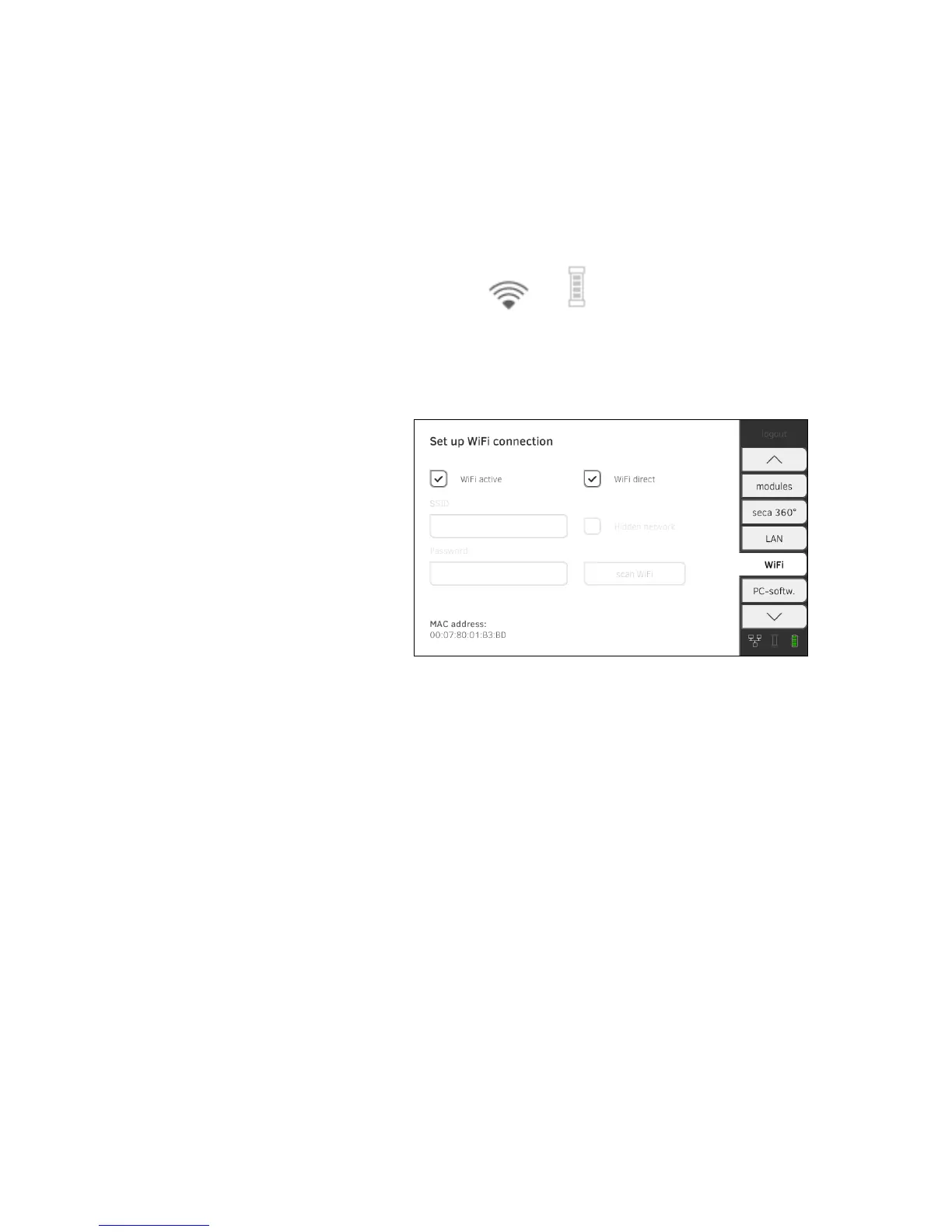
4. Make the applicable setting for your WiFi network.
► Visible network: press the
scan WiFi button.
► Hidden network: press the
Hidden Network button
5. Enter the SSID for your network.
► Visible network: select SSID from dropdown menu
► Hidden network: enter SSID manually
6. Enter the password for your network.
The settings will be transmitted to the measuring mat.
The symbols and are displayed on the monitor.
NOTE:
Settings you make in this tab are active directly. You do not need to
save or confirm them.
Deactivating/activating WiFi 1. Press the WiFi tab.
2. Press the WiFi active checkbox.
The WiFi function is deactivated.
The connection data are retained.
3. To reactivate the WiFi function, press the
WiFi active checkbox again.



 To Next Page