34 •
5.3 Measurement
Performing a measurement 1. Switch on the system ➔ Switching system on/off.
2. Ensure that the measuring mat is correctly suspended in the storage
compartment of the monitor ➔ Suspending measuring mat in storage
compartment.
The symbol is displayed on the monitor.
3. Prepare the seca patient file ➔ Preparing seca patient file.
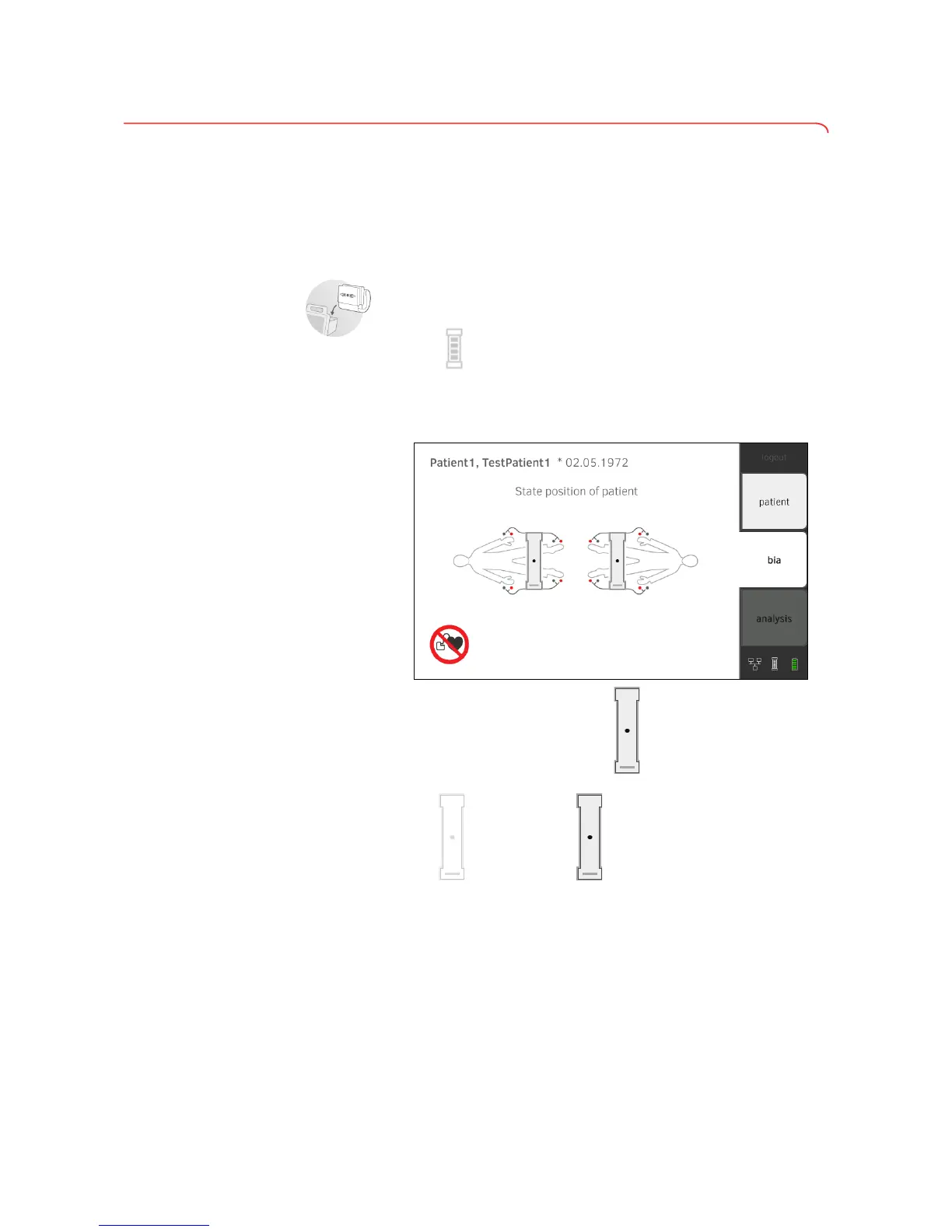
4. Press the bia tab.
The seca patient file is transmitted to the measuring mat.
5. Enter the patient position using the button of the monitor.
The patient position entered is displayed on the monitor.
The button switches to .
The patient position entered has been transmitted to the measuring mat.
NOTE
The patient position entered is saved as long as the measuring mat is
switched on. This enables you to measure several patients without
having to re-enter the patient position.
6. Take the measuring mat out of the storage compartment.
➔ Performing a measurement
➔ Performing offline measurement (WiFi not available)
➔ Connecting the measuring mat
➔ Canceling a measurement



 To Next Page