76 •
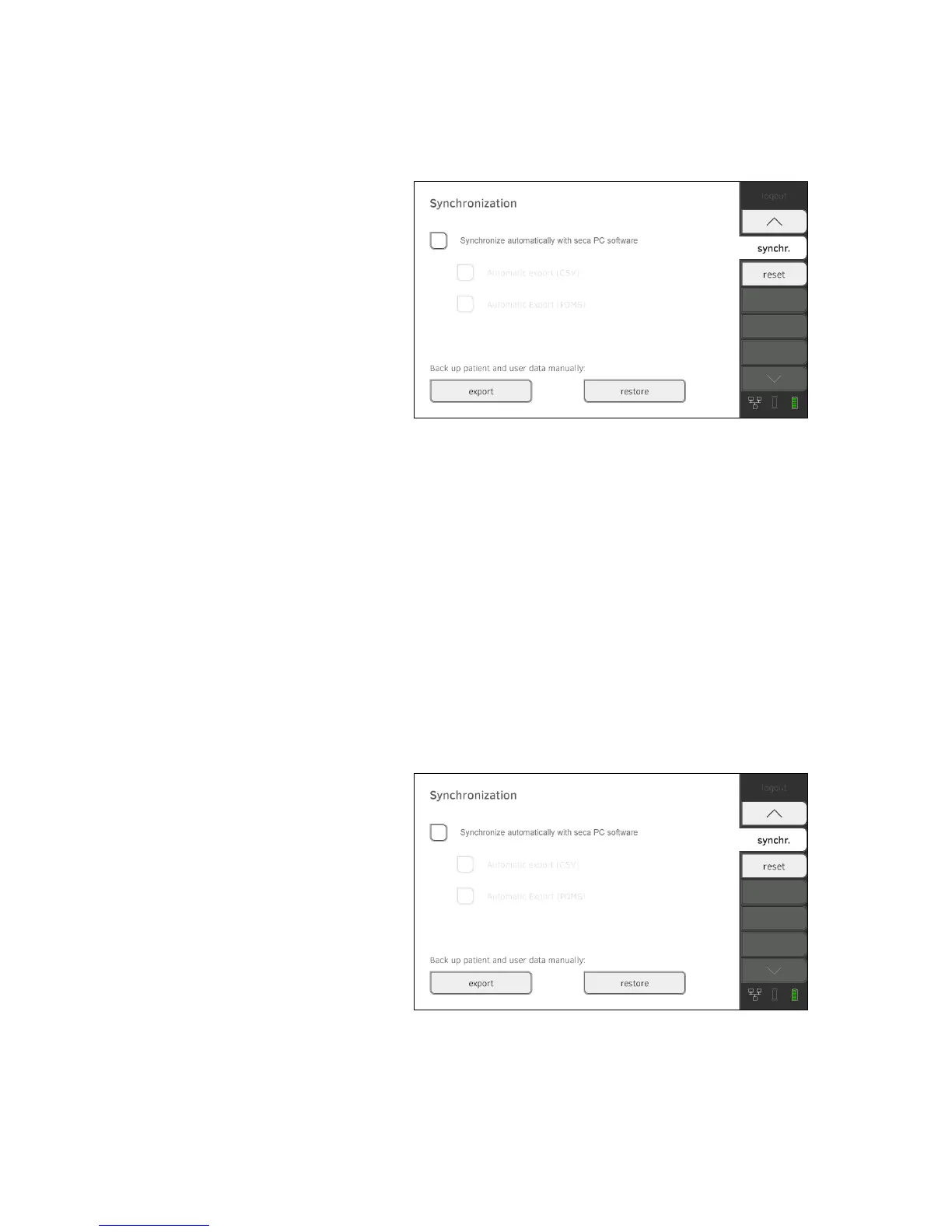
Exporting patient and user data
manually
This function allows you to export seca patient files and user accounts in
order to create a backup copy, for example.
1. Press the
synchr. tab.
2. Connect a USB memory stick to the monitor.
3. Press the
export button.
The data are exported to the USB memory stick.
4. Archive the data in line with your institution's policy.
Restoring patient and user data
manually
This function allows you to restore externally backed-up seca patient files and
user accounts.
ATTENTION!
Loss of data
When you restore externally backed-up data, the current data on the
device will be overwritten.
► Export seca patient files and user accounts manually
before restor-
ing older data manually (operate without
seca 115 PC software).
►
Before restoring manually, ensure that all the data on the device
have been synchronized with the
seca 115 PC software (operate
with
seca 115 PC software).
1. Load the archived seca patient files and user accounts onto a USB
memory stick.
2. Press the
synchr. tab.
3. Connect the USB memory stick to the monitor.
4. Press the
restore button.
The data will be imported.



 To Next Page