5.2 Preparing seca patient file
Introduction Before every measurement, you have to prepare a seca patient file in the
patient tab. The prepared seca patient file is transmitted to the measuring
mat.
Preparation of the seca patient file includes the following items:
• seca call up or create patient file ➔ Calling up seca patient file or ➔ Cre-
ating a seca patient file
• enter weight, height, waist circumference and Physical Activity Level ➔
Entering basic parameters
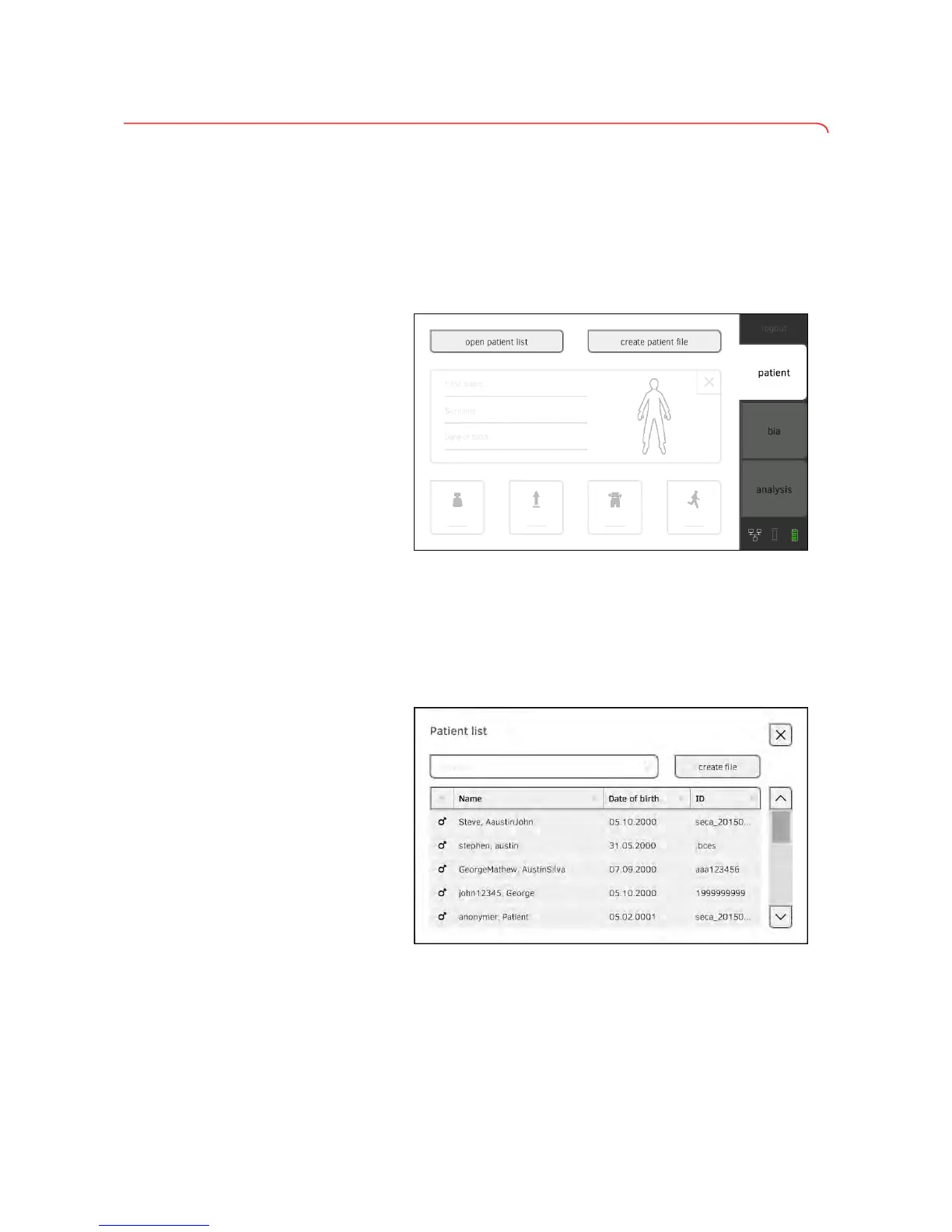
Calling up seca patient file 1. Press the patient tab.
2. Press the open patient list button.
3. Select a seca patient file:
► Desired entry not visible: continue at Step 4.
► Desired entry visible: continue at Step 5.
➔ Introduction
➔ Calling up seca patient file
➔ Creating a seca patient file
➔ Entering basic parameters



 To Next Page