ATTENTION!
Restricted function
If you press the Anonymous Patient field, the first input screen is
skipped and an anonymous patient file is created. It is not possible to
display any measured value graphs (histories) in anonymous patient
files.
► Always fill in both input screens in order to be able to show mea-
sured value graphs (histories).
4. Enter the first name and surname of the patient.
a) Press input field
b) Enter text using the keypad
c) Confirm your entry by pressing the button
5. Enter the attending physician (optional):
a) Press input field
b) Press the attending physician in the dropdown menu
NOTE:
You only need to assign a patient ID if this has to follow a specific
structure in your institution. If you leave the Patient ID input field
empty, the device will automatically assign an ID when the data are
saved.
6. Press the button.
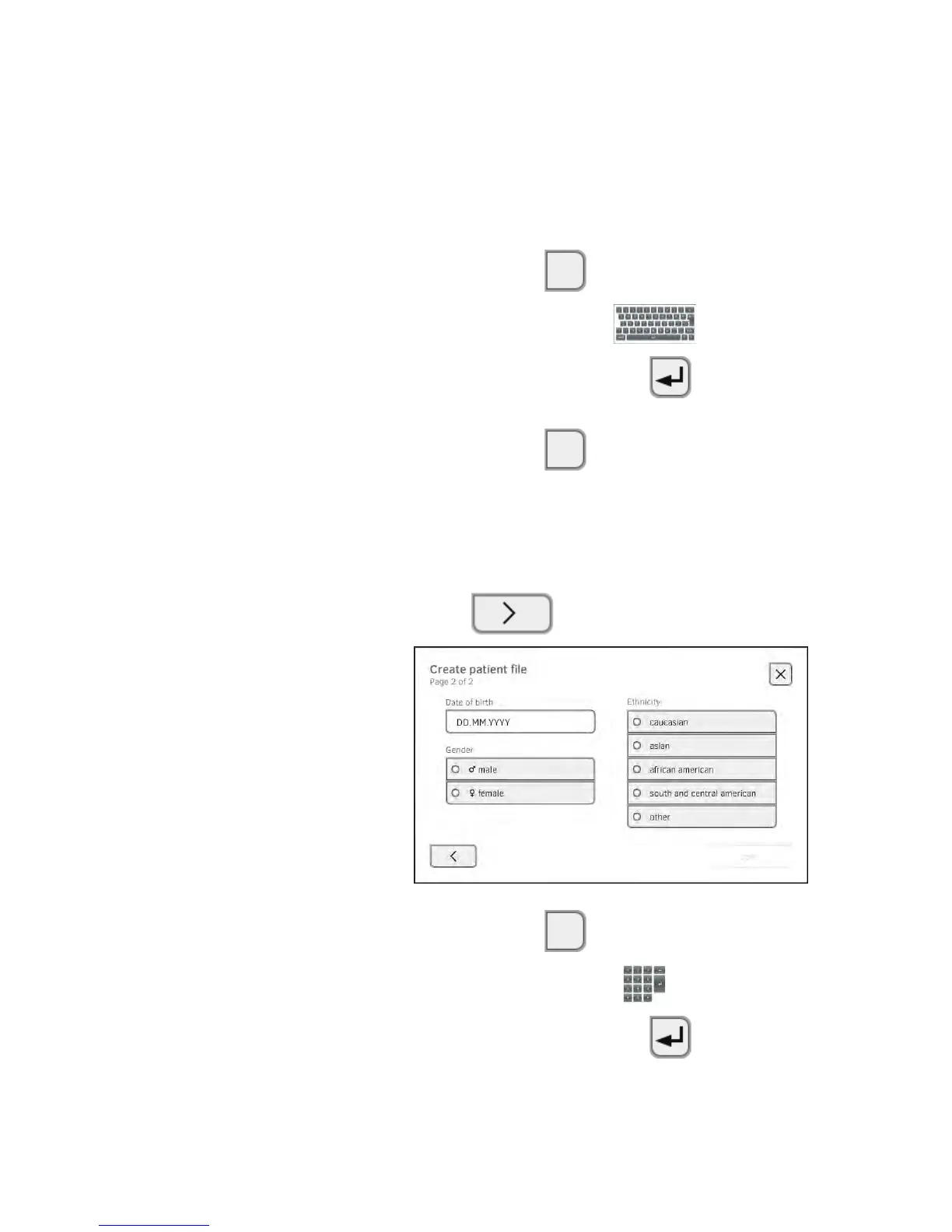
7. Enter the date of birth:
a) Press input field
b) Enter dates using the keypad .
c) Confirm your entry by pressing the button
8. Press the appropriate gender.



 To Next Page