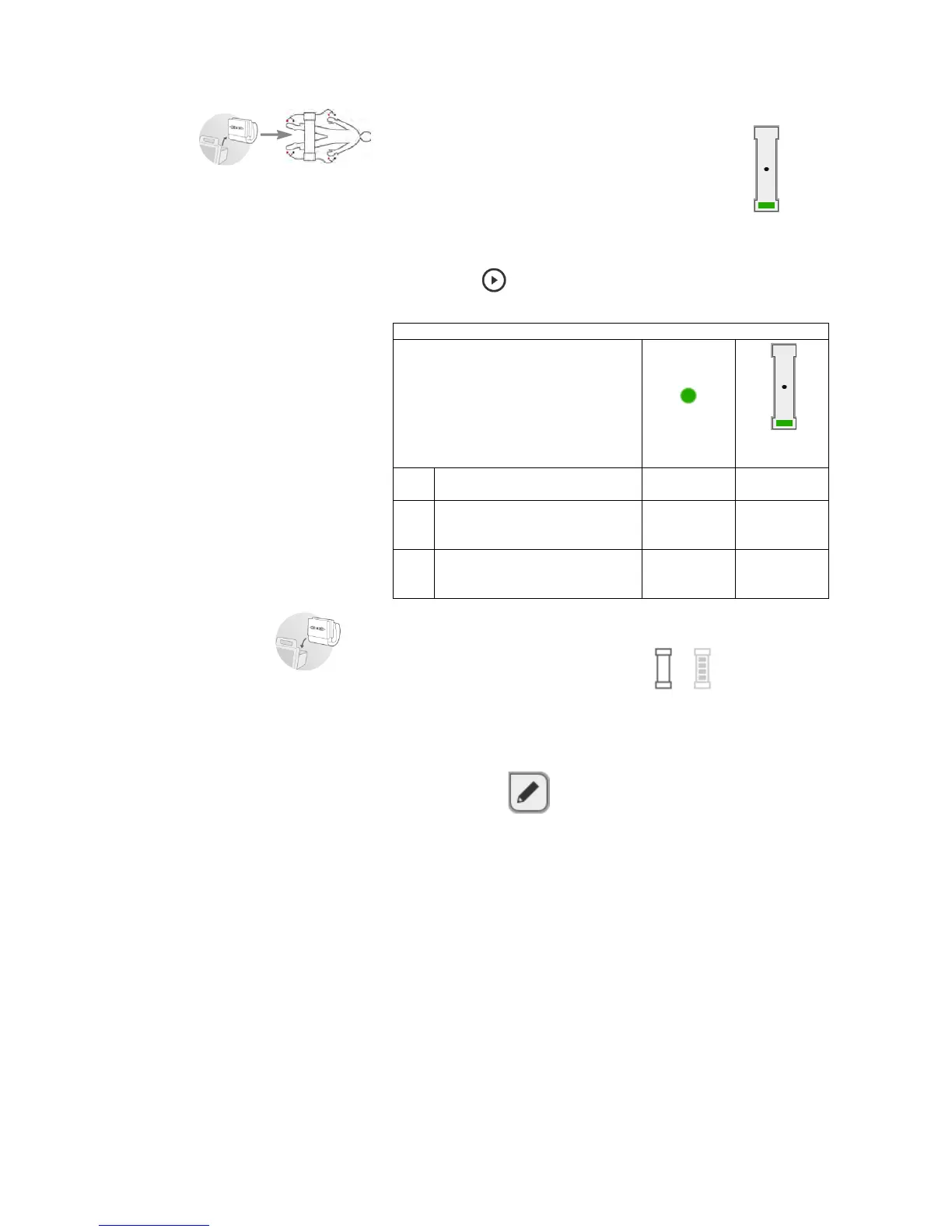
7. Connect the measuring mat ➔ Connecting the measuring mat.
8. Correct the patient position displayed if necessary, using the buttons
of the measuring mat.
The LED of the patient position entered is green.
9. Press the button of the measuring mat.
The measuring process starts:
10. Remove the electrode cables from the electrodes.
11. Suspend the measuring mat in the storage compartment of the monitor.
The measuring mat symbol switches from to .
The updated seca patient file is transmitted to the monitor.
The measuring process is complete.
You can now continue as outlined below.
► Press the evaluation tab ➔ Evaluating the measurement.
► Press the button: add a comment.
NOTE:
Just a single comment can be added to each measured result. Exist-
ing comments will be overwritten.
Measuring mat
Process step
Electrodes
Patient
position
1.
Patient position is given
Electrodes being tested
On On
2.
Measurement in progress
seca patient file being updated
on the measuring mat
Flashing On
3.
Updated seca patient file being
transmitted to the monitor
Measuring process complete
Off Flashing



 To Next Page