Kingfisher Plus+ Hardware Manual
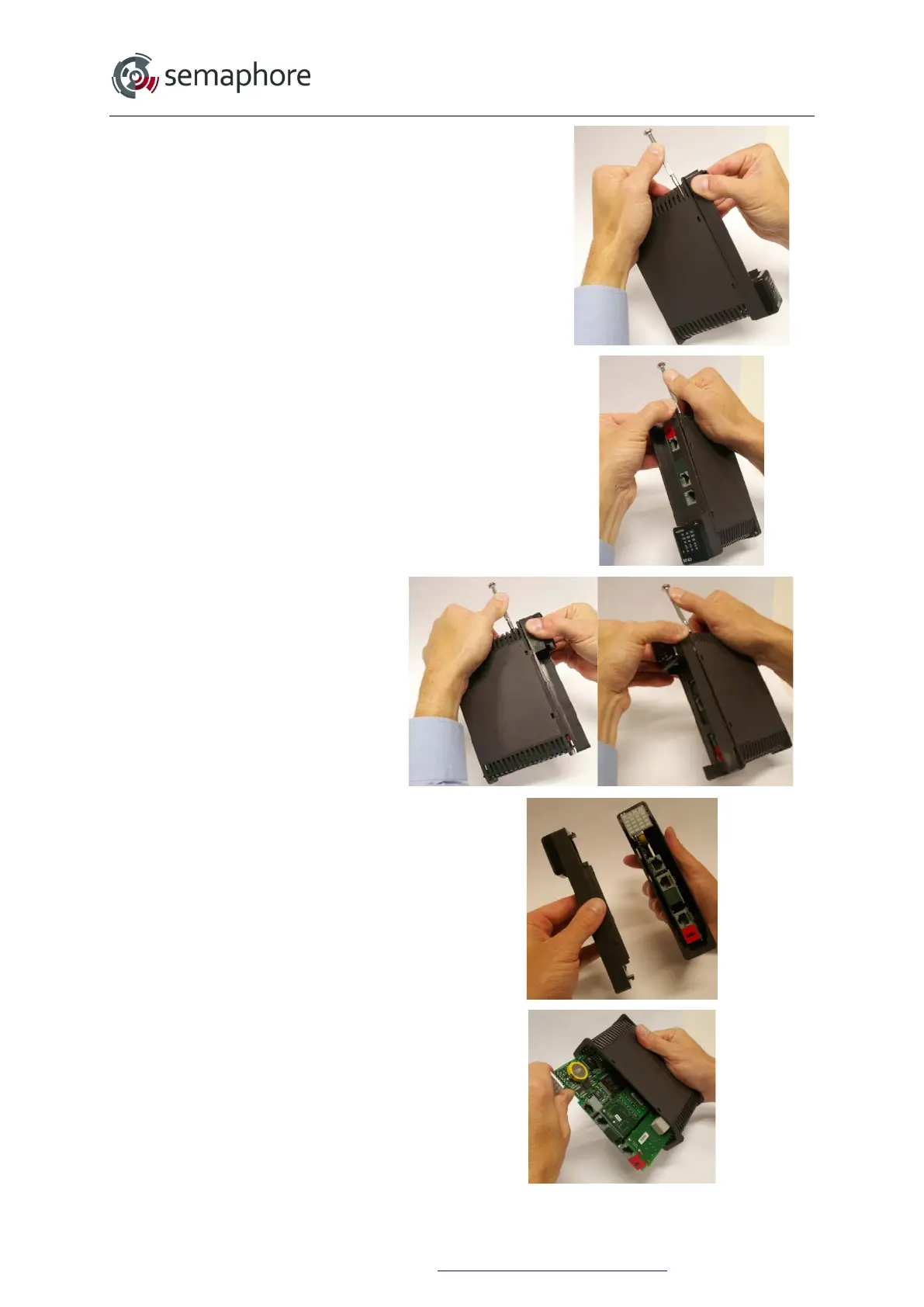
1. Insert a small screwdriver into the second hole at
the bottom of the module case.
Lever the side of the case outwards.
Release the tab by firmly pulling the corner of the
cover.
2. Insert the screwdriver into the second hole on the
other side of the module.
Lever the side of the case outwards.
Release the tab by firmly pulling the corner of the
cover.
3. Repeat steps 1 and 2 above
for the top of the module.
4. Once all 4 tabs have been
released, remove the front cover.
5. Remove the circuit board from the
case by using a ‘toggling’ action
Hardware Manual Version 7.16
http://www.servelec-semaphore.com/
Page 97


 To Next Page