| 4 - Instruction manual
Muting the table stand
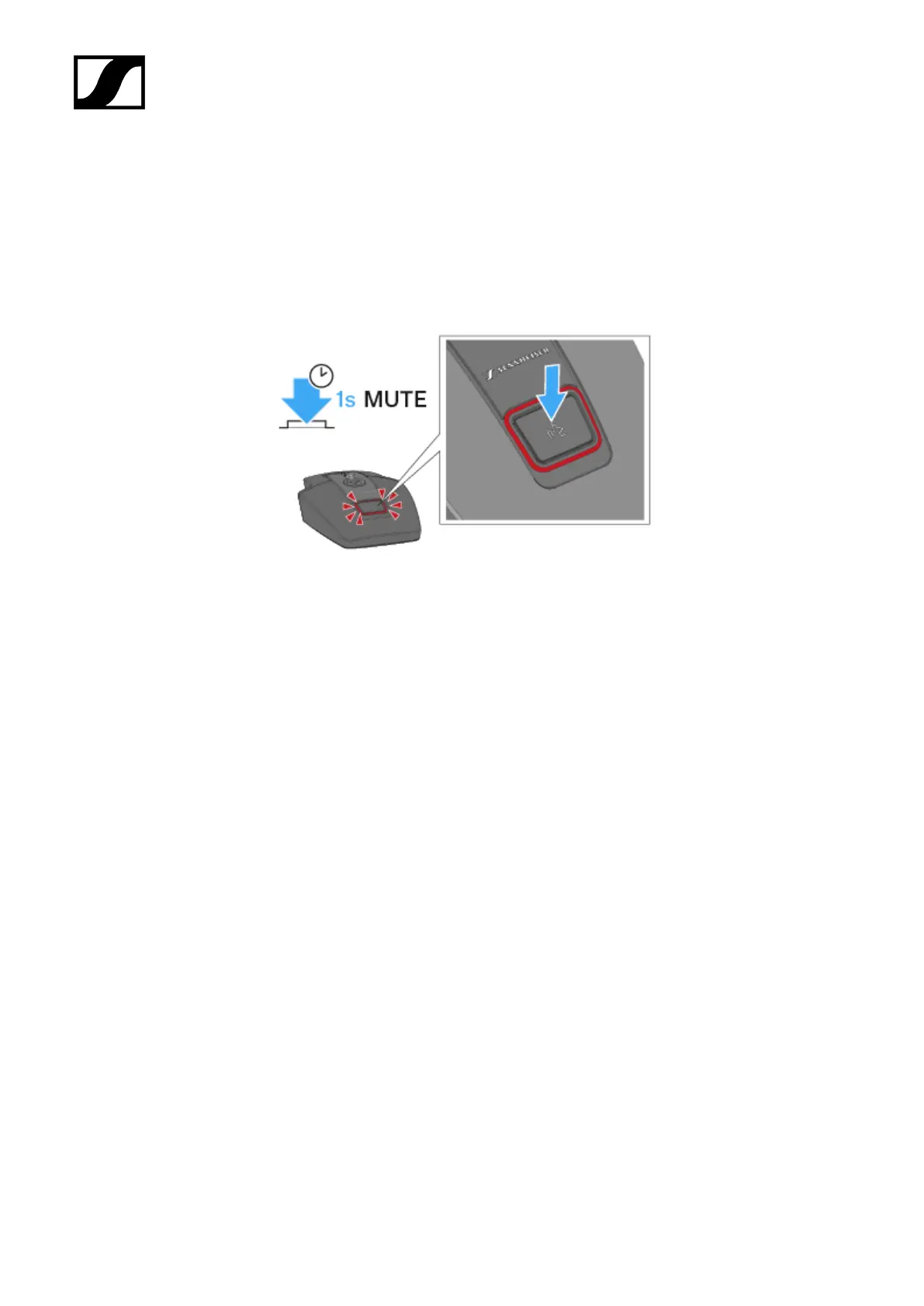
To mute the table stand:
▷ While the table stand is switched on and a goose neck microphone is connected, press
the ON/OFF button for 1 second.
➥ The button lights up red.
• In Push to talk mode, the audio signal is muted by default and is only
activated while the ON/OFF button is pressed.
• In Push to mute mode, the audio signal is active by default and is only
muted while the ON/OFF button is pressed.
• You can set the mute mode in the menu of the SL Rack Receiver DW or
using the Sennheiser Control Cockpit.
160










 To Next Page