| 4 - Instruction manual
Activating power saving mode
In power saving mode, the transmitters are charged only once. The charger also does not
provide any trickle charge.
This function is available in firmware version 2.0.3 and later.
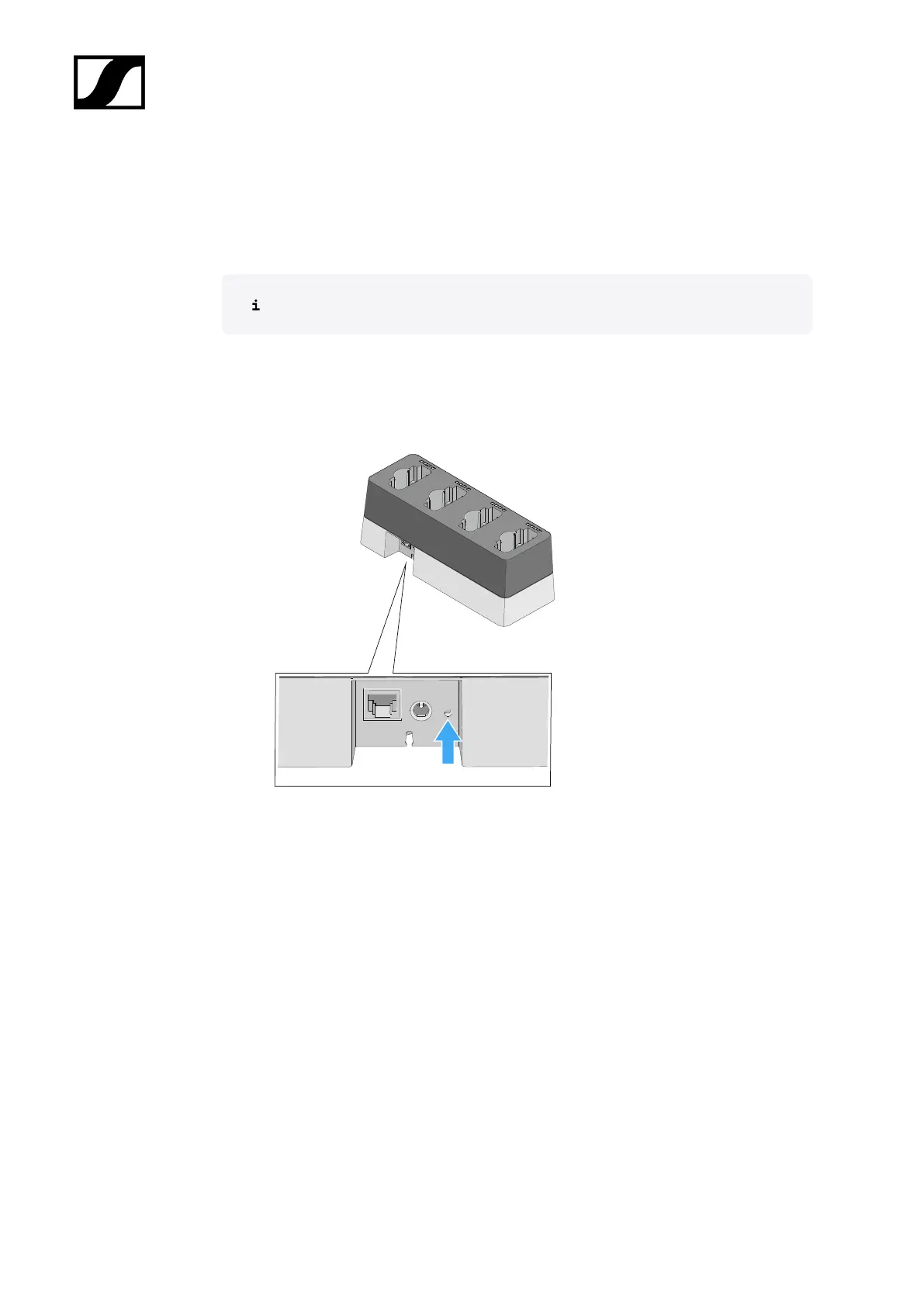
To activate power saving mode:
▷ Hold the network reset button for 10 seconds.
➥ All LEDs will light up once and power saving mode will be activated.
All LEDs remain off while power saving mode is activated. They do not light up
even during the one-time charging process.
To deactivate power saving mode:
▷ Disconnect the charger from the power supply system.
▷ Then reconnect it to the power supply system.
➥ The charger will start up in the configuration that was set before you activated
power saving mode.
241










 To Next Page