| 4 - Instruction manual
Controlling and monitoring the receiver via the network
You can connect several receivers in a network using a router or a switch. This allows you
to control and monitor a larger SpeechLine Digital Wireless system using the Sennheiser
Control Cockpit software.
For more information on controlling a system in the network using the Sennheiser Control
Cockpit software, refer to the instruction manual of the software.
Please note that the host PC on which the Sennheiser Control Cockpit Service is installed
must be in the same network as the devices that are to be monitored and controlled.
Connecting receivers in a network
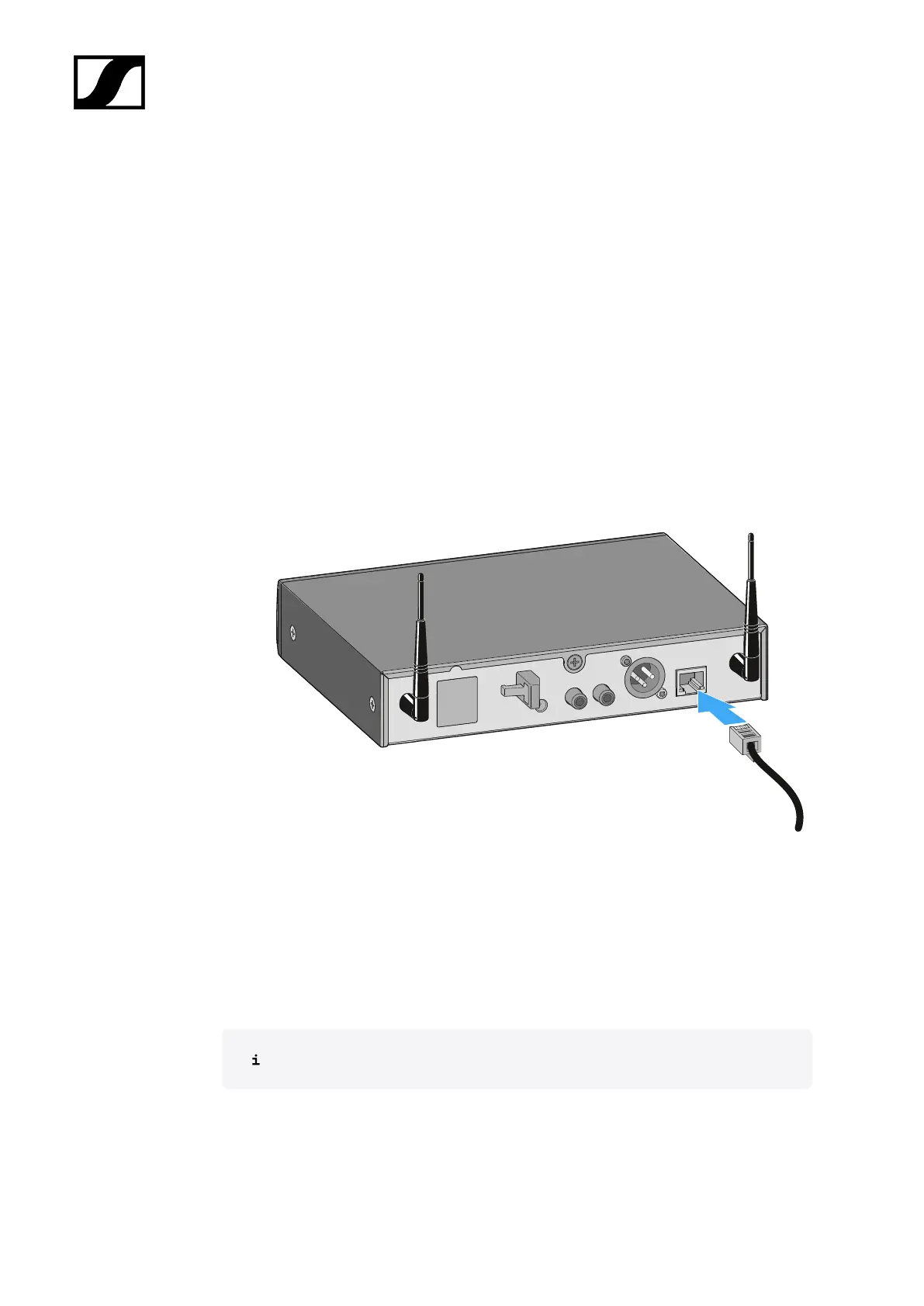
▷ Connect a standard network cable (at least Cat 5) to the Ethernet socket LAN of your
receiver.
▷ Connect the other end of the network cable to a router or a switch.
➥ The yellow LED next to the LAN Ethernet socket of the receiver indicates the
connection status:
◦ On -> The receiver is connected to the network
◦ Off -> The receiver is not connected to the network
Integrating the receiver into a network with DHCP
The receiver obtains the IP address from the DHCP server.
▷ You can see this address in the Network Settings menu on the receiver (see Using
the operating menu of the receiver).
▷ Add the receiver in the Sennheiser Control Cockpit.
81










 To Next Page