| 4 - Instruction manual
Related information
Product overview and operating elements – front panel
Product overview and connections – rear panel
Meaning of the Status LED
Connecting the receiver
Controlling and monitoring the receiver via the network
Updating the firmware
Setting up the receiver
Installing receivers in a rack
Switching the receiver on and off
Displays on the receiver’s display panel
Using the operating menu of the receiver
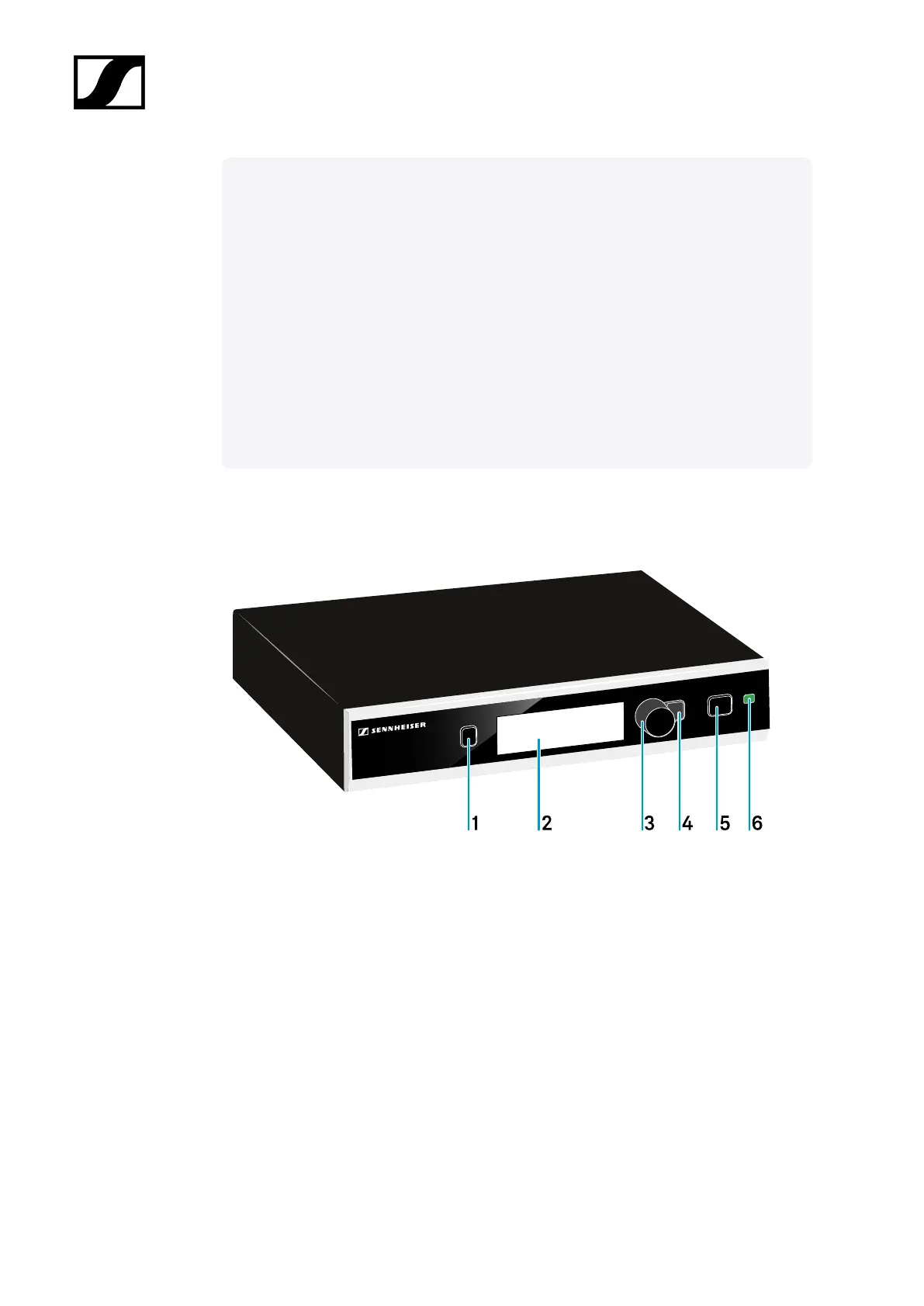
Product overview and operating elements – front panel
1 PAIR button
• Short-press to identify the paired transmitter.
• Long-press to pair with a different transmitter.
• see Pairing
2 Display panel
• see Displays on the receiver’s display panel
71










 To Next Page