| 4 - Instruction manual
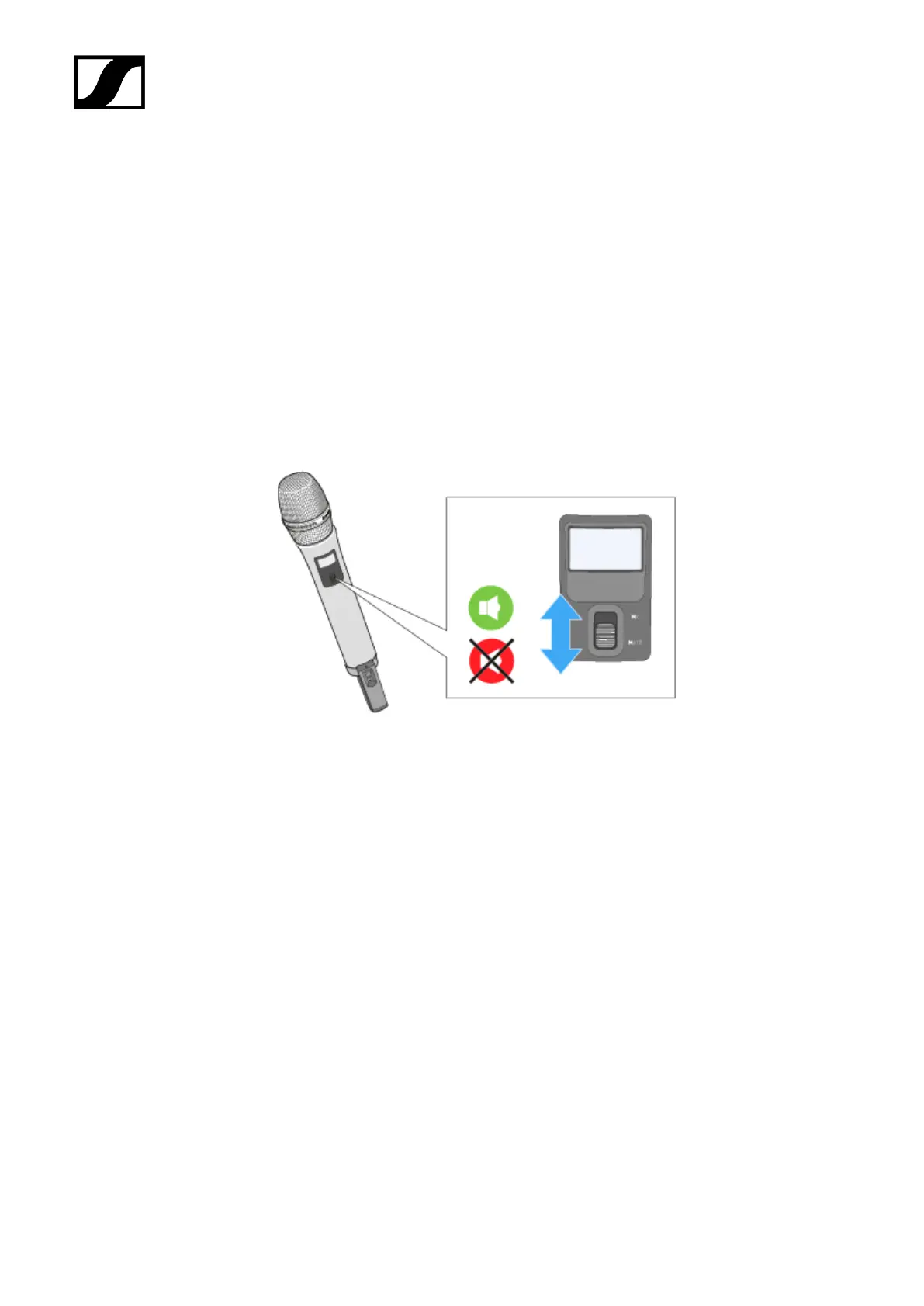
MUTE switch
The handheld transmitter can be muted with the MUTE switch. This only mutes the audio
signal. The radio link remains active and the transmitter remains operational.
The MUTE switch can be deactivated in the System Settings menu of the receiver. With the
MUTE switch deactivated, the handheld transmitter cannot be muted.
To mute the handheld transmitter:
▷ Slide the MUTE switch to the position MUTE.
➥ Muted appears on the display panel of the receiver. The status LED on both the
handheld transmitter and the receiver lights up yellow.
To cancel the muting:
▷ Slide the MUTE switch to the position MIC.
135










 To Next Page