| 4 - Instruction manual
Performing a walk test with the SL Rack Receiver DW on the
device
To perform a walk test on the device:
▷ Switch on the transmitter and the receiver of the radio link you want to check.
▷ In addition, switch on all other devices that you want to use in the operating
environment.
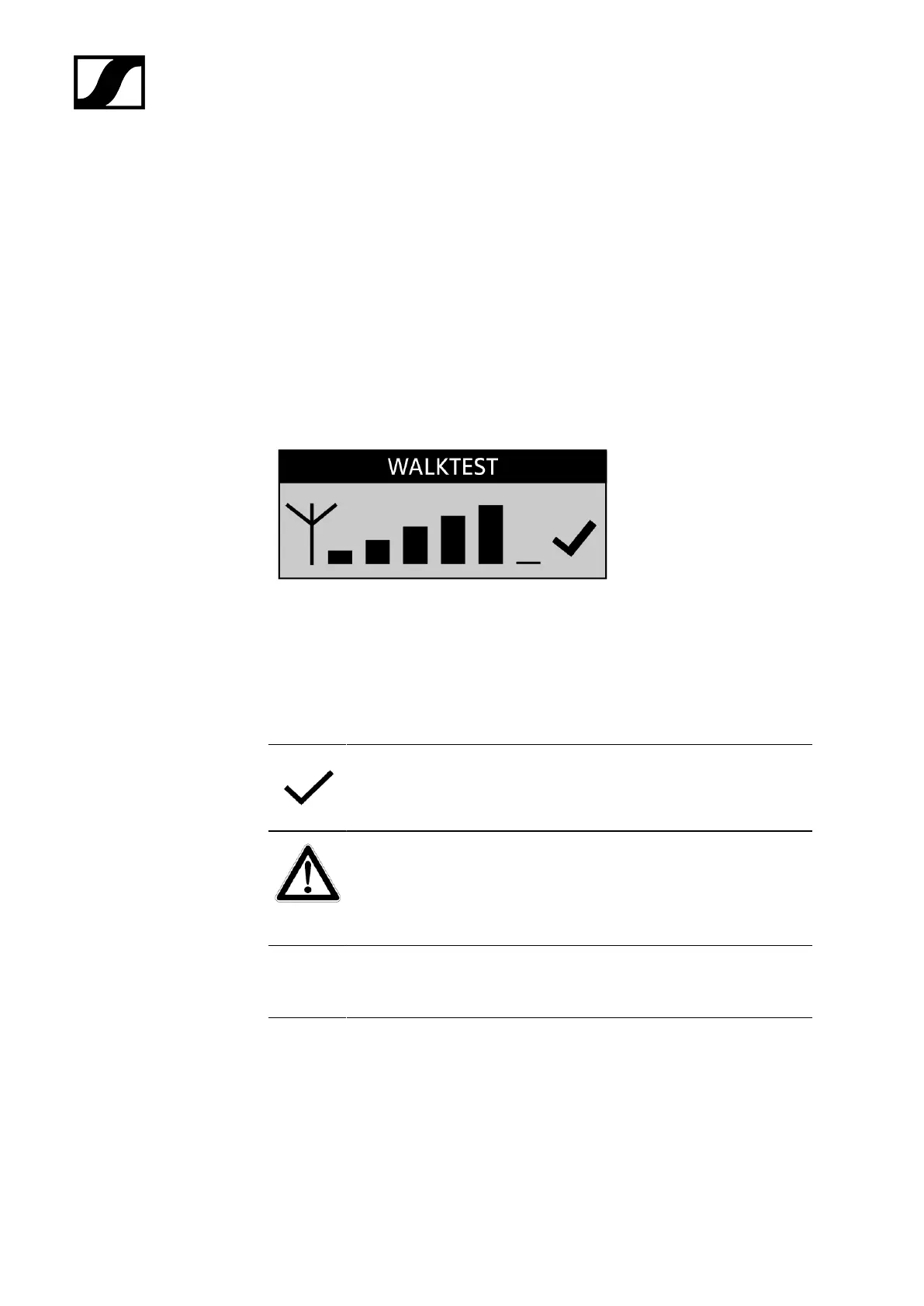
▷ From the receiver's System Settings menu, select the Walk Test menu item.
➥ The RF signal level display appears on the display panel of both the receiver and
the transmitter.
▷ Walk the operating environment with the transmitter.
➥ The RF signal level display on the display panel of both the receiver and the
transmitter is continuously updated.
▷ Check the RF signal level display for more detailed information on the reception
quality:
Good reception quality is indicated by a tick.
If the tick is missing, reception quality is sufficient.
If reception quality is or was compromised at any position, this is
indicated by a warning triangle.
The warning triangle remains displayed on the display panel even if
reception quality improves afterwards.
NO LINK If the radio link breaks down completely, the background of the display
panel changes back and forth between light and dark and No Link
appears on the display panel.
▷ Press the ESC button on the receiver to end the walk test.
193










 To Next Page