| 4 - Instruction manual
Performing a walk test (reception quality)
The Walk Test menu item allows you to check the reception quality of your radio links within
the operating environment. By performing a walk test, you can verify the range and coverage
of the radio link.
Related information
Performing a walk test with the SL MCR DW in the Control Cockpit
Performing a walk test with the SL Rack Receiver DW in the Control Cockpit
Performing a walk test with the SL Rack Receiver DW on the device
Performing a walk test with the SL MCR DW in the Control
Cockpit
To perform a walk test in the Control Cockpit:
▷ Switch on the transmitter and the receiver of the radio link you want to check.
▷ In addition, switch on all other devices that you want to use in the operating
environment.
▷ Select the device in the Control Cockpit.
▷ Open the RF settings tab.
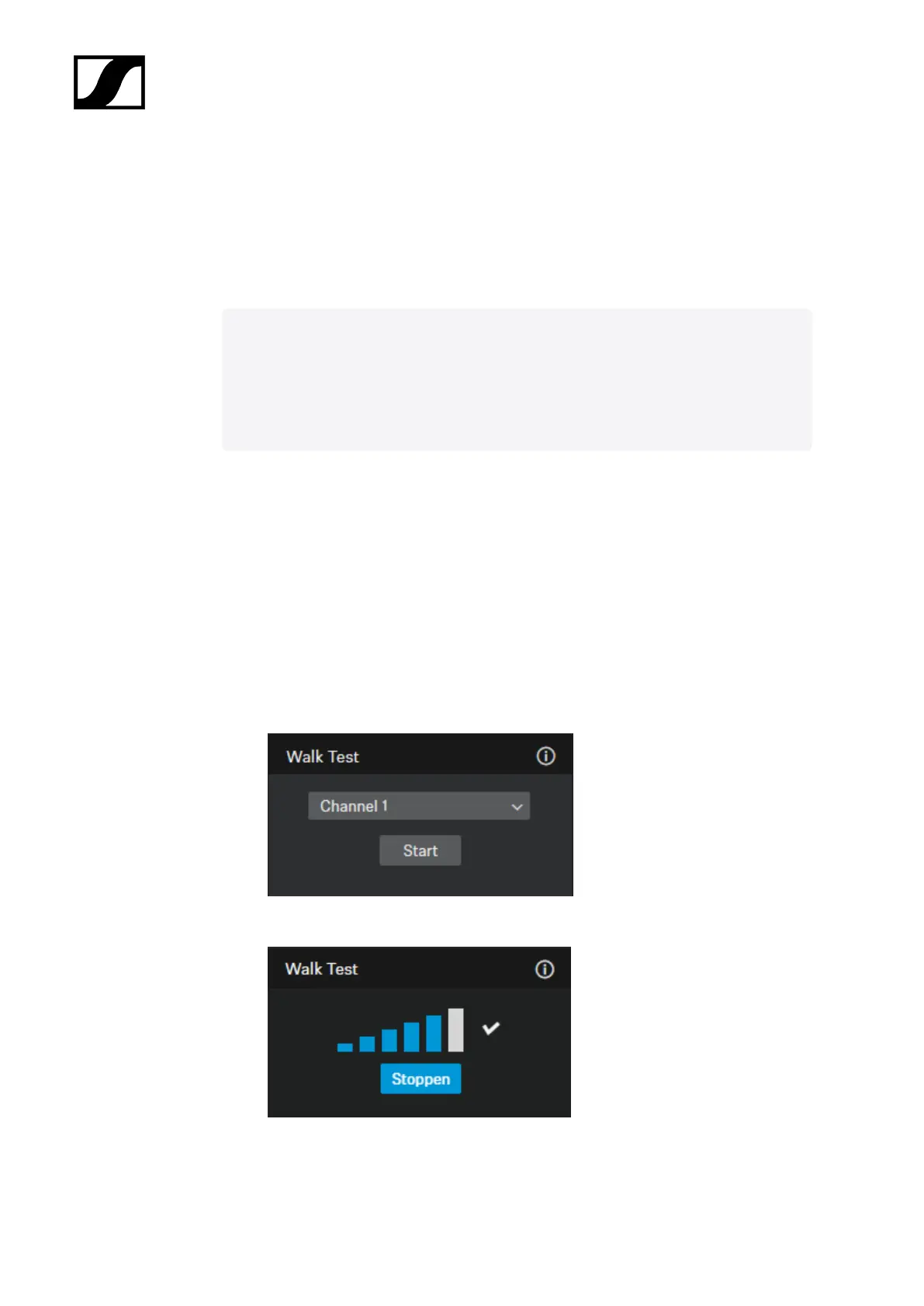
▷ Select the desired channel under Walk Test and click Start.
▷ Walk the operating environment with the transmitter.
190










 To Next Page