| 4 - Instruction manual
SL MCR DW
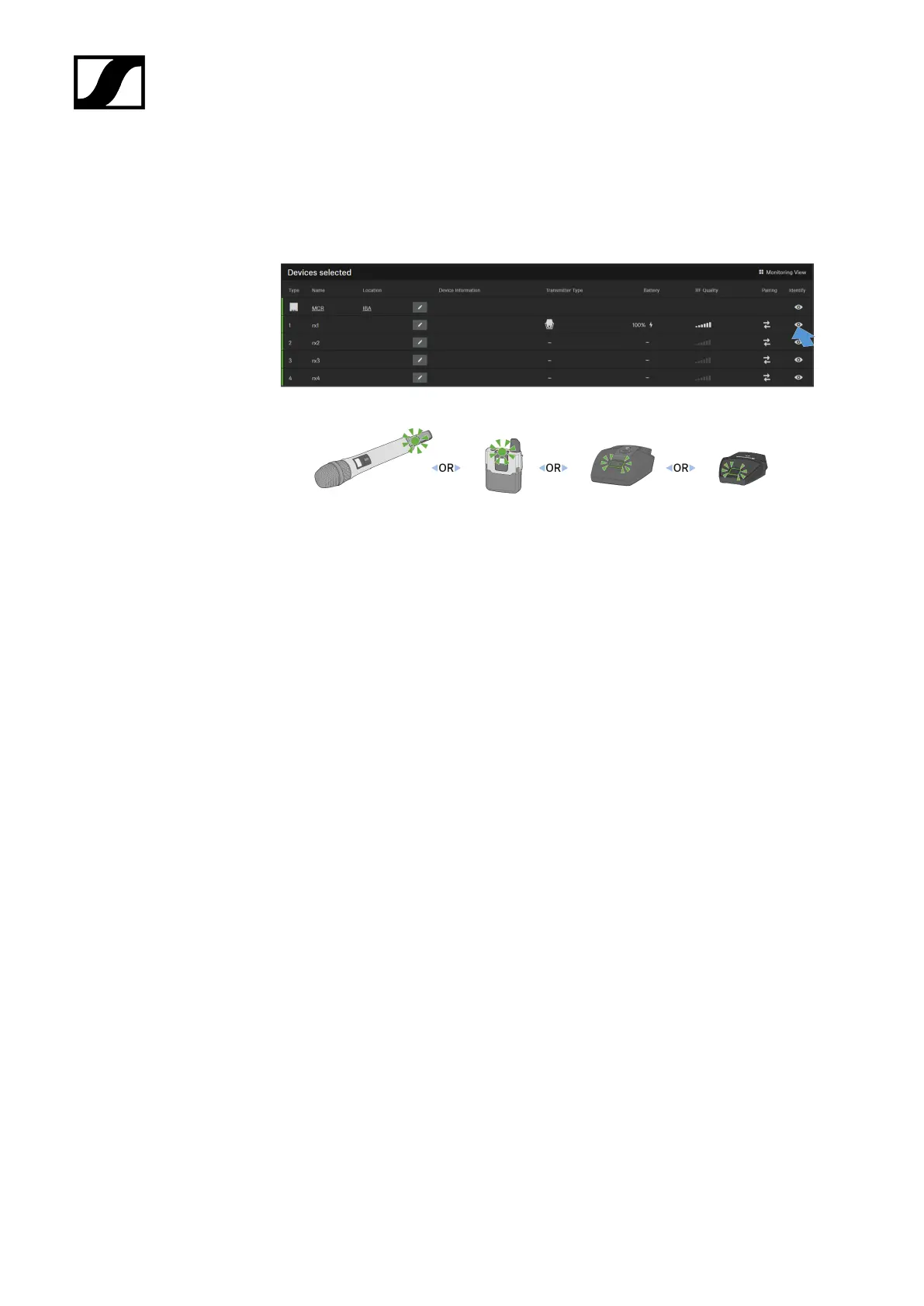
▷ Press the Find button of the desired channel of the desired device from the device list
in the Control Cockpit.
◦ The message This is Name appears on the transmitter's display (only SL
Handheld DW and SL Bodypack DW).
◦ The status LEDs for the relevant channel will flash green for 10 seconds on the
SL MCR DW and the paired transmitter.
◦ The device's icon in the Control Cockpit flashes for 10 seconds.
185










 To Next Page