| 4 - Instruction manual
Connecting the charger to the network
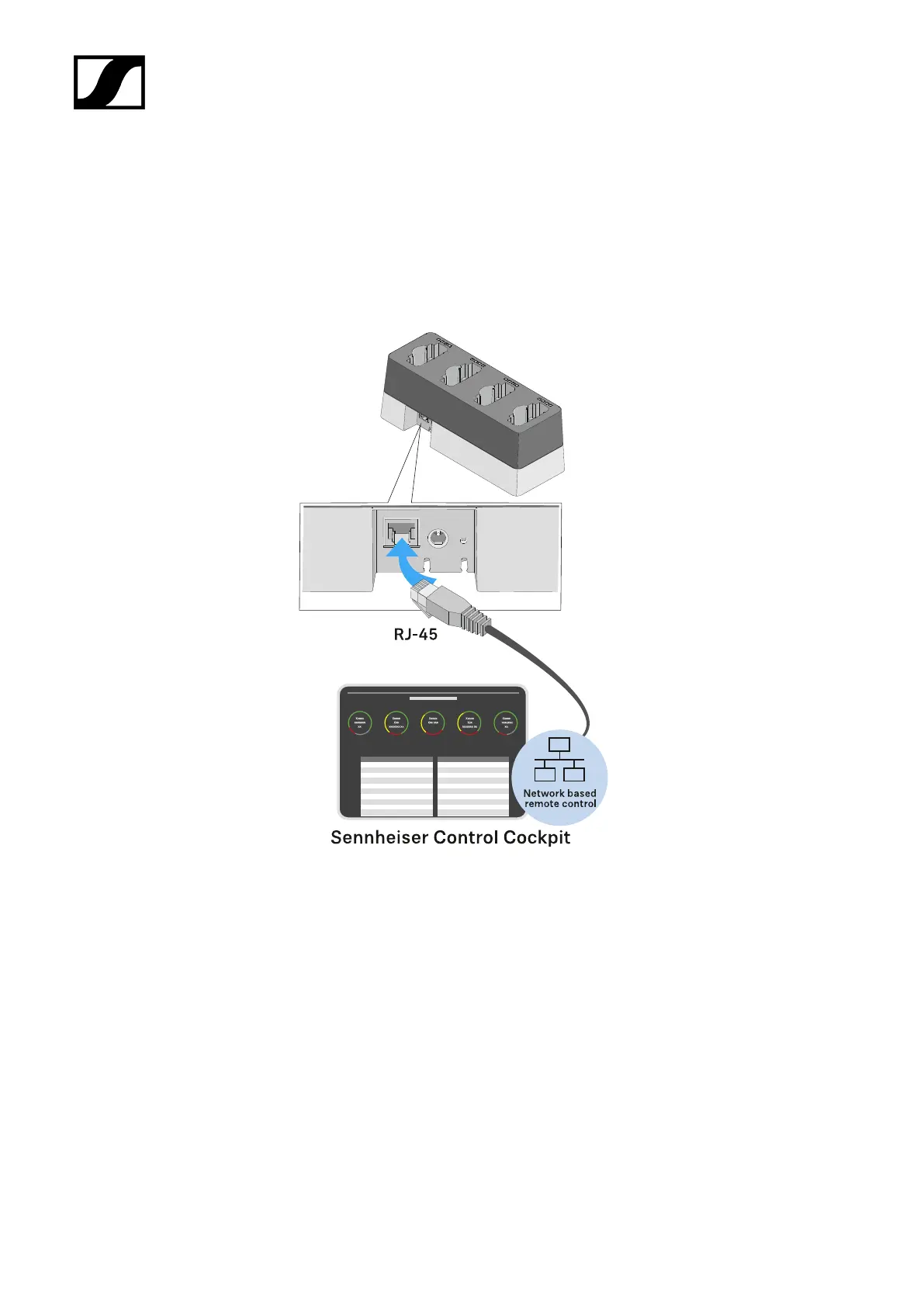
To connect the charger using the Sennheiser Control Cockpit app:
▷ Connect a standard network cable (at least Cat 5) to the Ethernet socket of the
charger.
▷ Connect the other end of the network cable to the network, e.g. to a switch or router,
or directly to a PC to make initial configuration easier.
➥ The yellow LED next to the CHG 4N charger’s Ethernet socket indicates the
connection status:
◦ On -> The charger is connected to the network
◦ Off -> The charger is not connected to the network
235










 To Next Page