FUNC + F2 - FTS Scale Editor
There is a second function for the “FTS” soft-key on play page 1.
It is also used to access the FTS Scale Edit page:
• hold the FUNC key
• press the “FTS” soft-key, F2
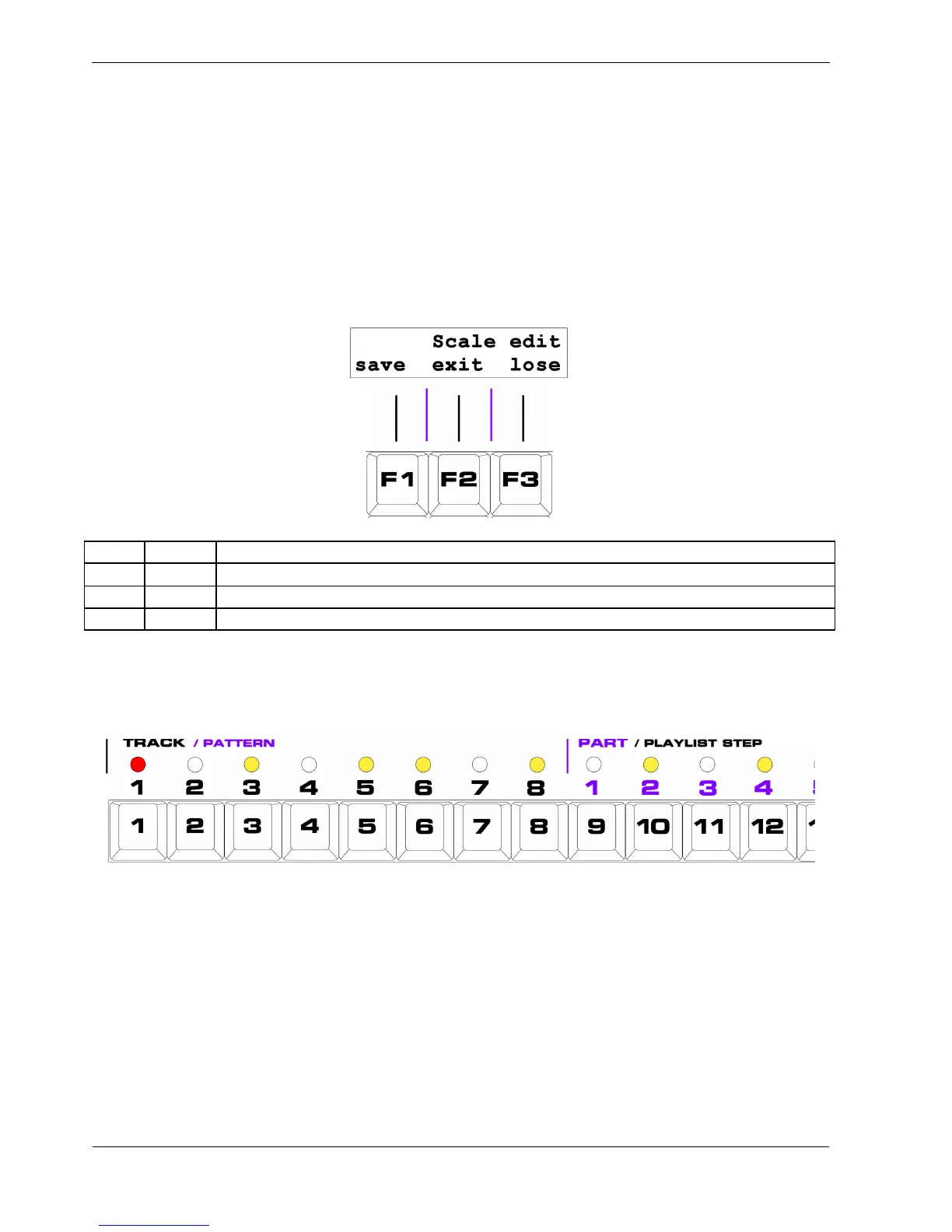
The FTS Scale Edit page looks like this:
Key Label Function
F1 save Save the modified scale and return to play mode
F2 exit Return to play mode, with the modified scale active, but not saved
F3 lose Restore the previous scale
In FTS Scale Edit, the step LEDs will show the notes in the scale.
For example, the Major scale will look like this:
The root note, on step 1, is red because it cannot be turned off.
The other step LEDs from 2 to 12 will be amber to indicate if that note is enabled in the scale.
Each note can be turned on or off using the step keys.
The actual notes on each step key vary depending on the FTS root note selected – step key 1 is always
the root.



 To Next Page