GB SGM Technology for lighting
User’s Manual 1.00 Pi
lot 3000
- 82 -
The Wait and Fade OUT timings
Whenever they will be used, is important to remember that, both the Wait and Fade OUT timings, will
affect only the Dimmer Attributes, of the selected Cue, in which are intended to go to level zero. All the
other Attributes different from the Dimmer ones, will be controlled by the Delay and Fade IN timings.
Every time a new Cue is created, Pilot 3000 will not assigns any value to the Wait and Fade OUT by
default, in that case all the Dimmer Attributes will be controlled by the Delay and Fade IN timings.
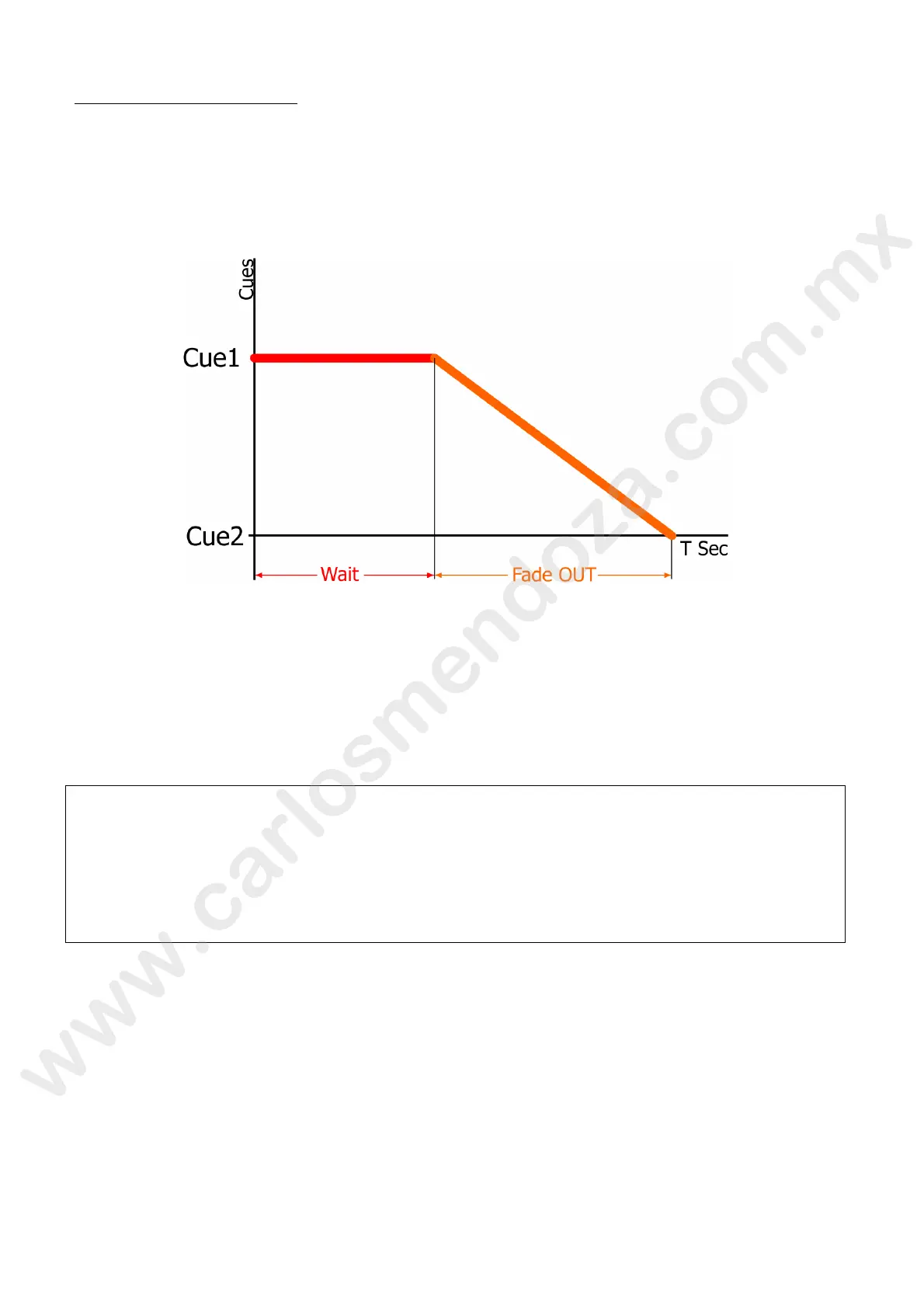
WAIT TIME
The Wait time will affect all the Dimmer Attributes which are intended to go to level zero, by placing them
into a stand-by state before the Fade OUT time will take over to the Wait time.
FADE OUT
The Fade OUT time affects all those Dimm r Attributes within a Cue and having a value equal to zero or
for those Dimmer channels activated by th previous Cues but without any value stored into the current
Cue (Empty condition)
ATTENTION!!
When enabling a Cue , the Delay-Fade In timings and the Wait–Fade OUT timings, they all run
simultaneously and af ect the Attributes in a different way according to the Attribute’s type
(Dimmer and not Dimmer ones).
That means that the De ay and then the Fade In timings will take control on all the Attributes of
the Cue, and at the same time the Wait and Fade OUT timings will take control only on the
Dimmer Attributes hich go to zero, so the result of the Cue playback action might be different
than expected.



 To Next Page